Why is my Mac slow after a macOS update?
Updated 7 October 2026
After an update, macOS catches up in the background: Spotlight re-indexes your files, Photos re-analyses your library, iCloud checks everything is in sync, and apps rebuild their caches. It usually takes a few hours to a day, works best with the Mac plugged in and left awake, and then settles. If it's still slow after that, look for an app that's misbehaving.
What's busy, and for how long
| Process | What it's doing | Usually |
|---|---|---|
| mds_stores, mdworker_shared | Rebuilding Spotlight's index | An hour to a few hours |
| photoanalysisd, mediaanalysisd | Analysing photos with new features | Overnight, while idle |
| bird, cloudd | Checking iCloud is in sync | Minutes to hours |
| nsurlsessiond | Downloading in the background | Until the downloads finish |
Speed it up
- Plug the Mac in and leave it awake and idle for a few hours, or overnight.
- Restart once after the update finishes.
- Update your apps: some need an update to work well on a new macOS.
Still slow after a day?
- Open Activity Monitor, sort the CPU and Memory tabs, and look for an app (not a macOS process) at the top.
- Check for app updates, especially menu bar apps, security software and anything that hooks into the system.
- Make sure the disk isn't nearly full (what's taking up space).
- If a macOS process stays busy for days, restart, then check for a further macOS update.
Background work, told apart from problems
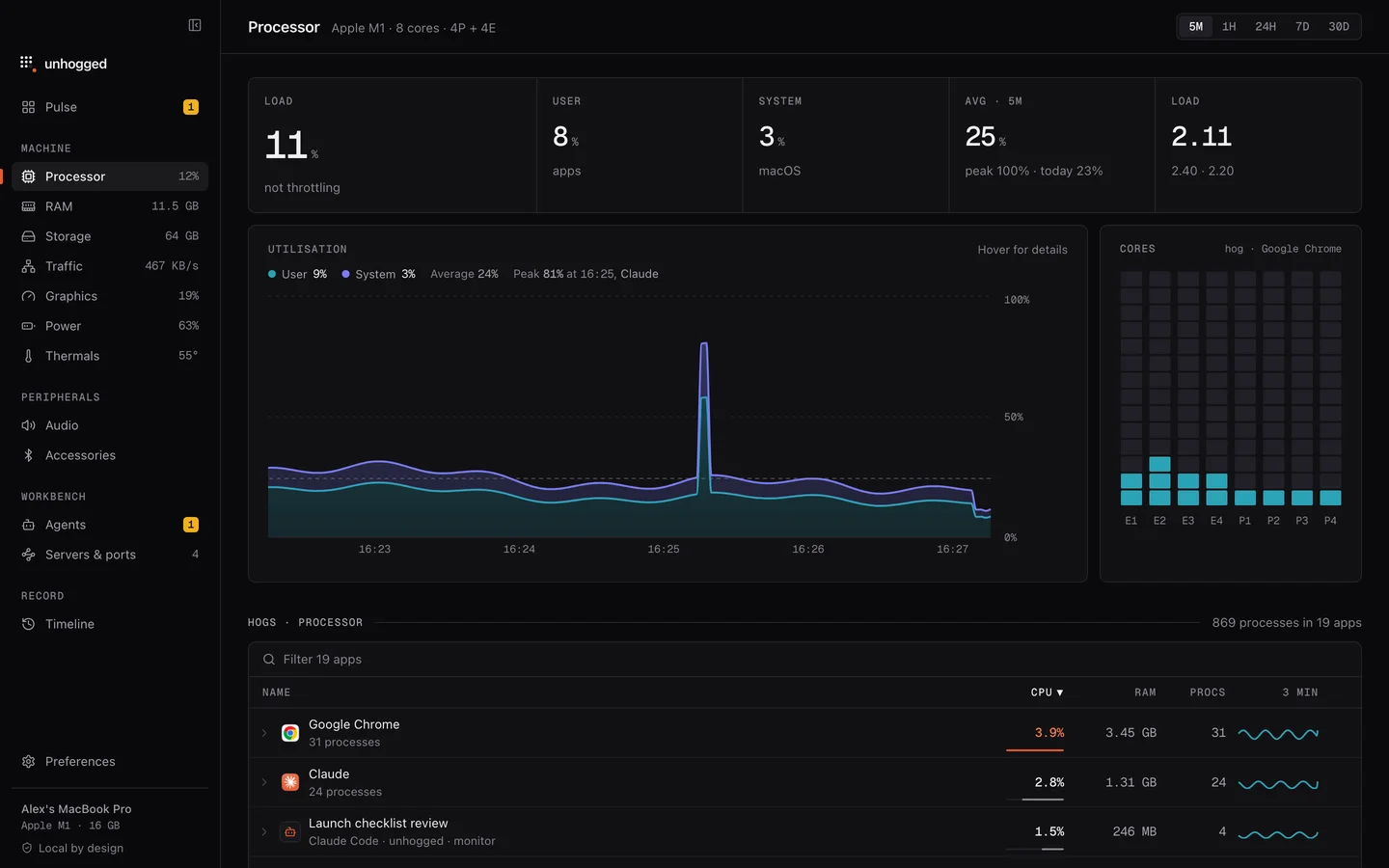
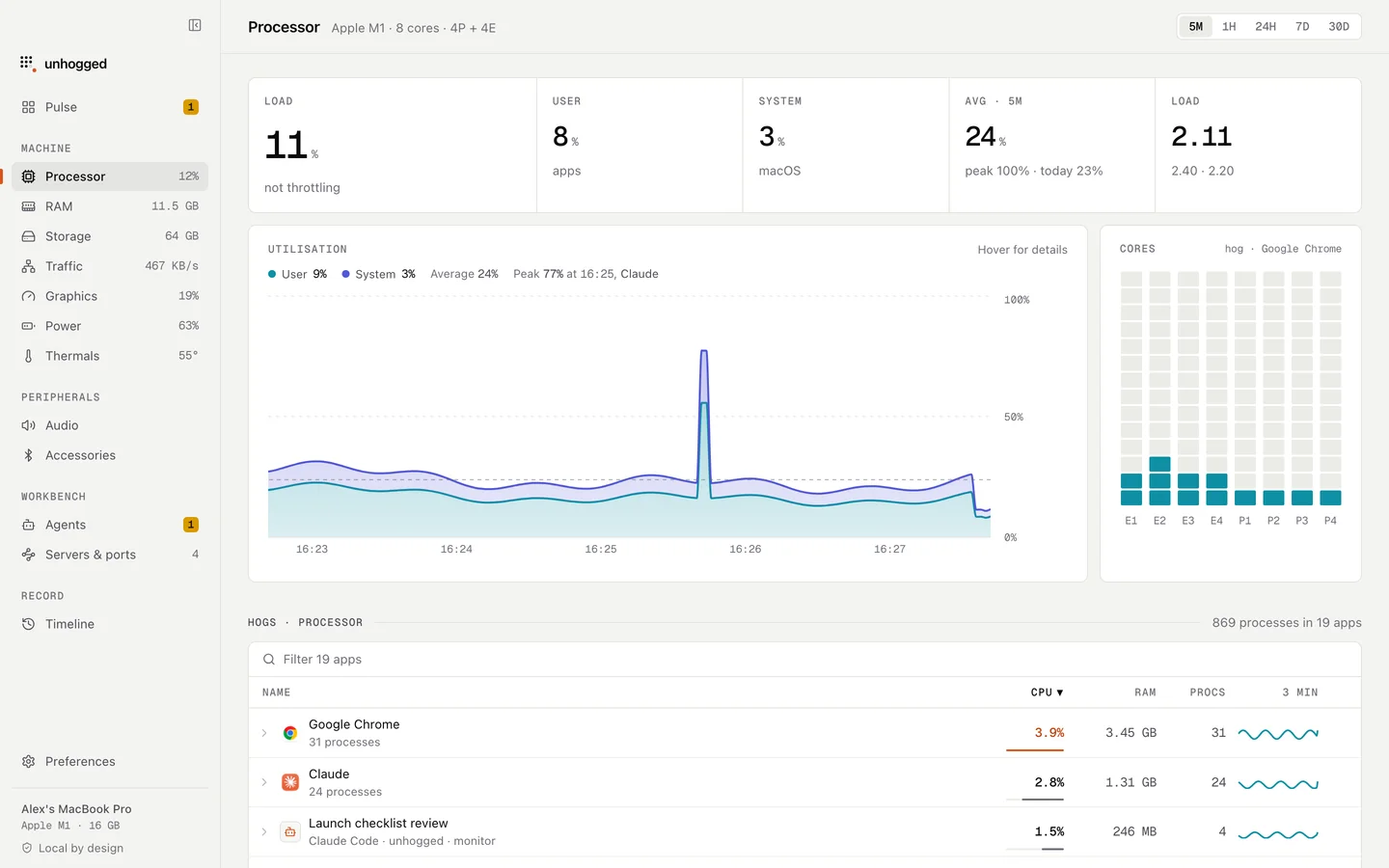
Unhogged shows macOS's background work separately from your apps, explains each process in a sentence, and keeps 30 days of history per app, so you can see whether the slowdown is catching up after the update or one app that started misbehaving.
One payment, 3 Macs. macOS 13 Ventura or later on Apple silicon.
Questions
How long does a Mac take to settle after an update?
Usually a few hours, up to a day for large photo libraries or many files. Plugged in and left awake overnight is fastest.
Should I reinstall macOS if it's slow after an update?
Almost never needed. Give it a day, update your apps, and find the app that's busy in Activity Monitor first.
Related
- mds_storesSpotlight indexing your files. Busy after big changes; it settles on its own.
- photoanalysisdPhotos analysing your library for people and search. Runs while the Mac is idle.
- Why is my Mac slow?A Mac slows down for five reasons: memory, one busy app, heat, a full disk or background work. How to tell…
- birdiCloud Drive syncing.