What is bird on my Mac, and why is it so busy?
bird is the part of macOS that syncs iCloud Drive. It's busy while files upload or download: after you add a lot to iCloud Drive, turn on Desktop & Documents syncing, or set up a new Mac. With Optimize Mac Storage on, it also downloads files when you open them. It works with cloudd, which handles iCloud in general.
Why bird gets busy
bird works hardest when a lot changes in iCloud Drive:
- Large uploads: new folders, photos and videos saved into iCloud Drive.
- Desktop & Documents syncing, which puts everything in those folders into iCloud.
- Folders that never stop changing. Code projects,
node_modules, build output and virtual machines inside Desktop or Documents change constantly, so iCloud is always syncing them.
How to check what it's doing
- In Finder, iCloud Drive in the sidebar shows a progress circle while it syncs.
- In Activity Monitor, bird and cloudd use network and disk while syncing.
What to do
- Let it finish with the Mac awake and online.
- Keep code projects, virtual machines and other constantly changing folders out of Desktop, Documents and iCloud Drive; a folder like
~/Developerisn't synced. - If syncing seems stuck for days, restart. As a last resort, sign out of iCloud and back in, which re-syncs everything.
See what's slowing your Mac, in one sentence
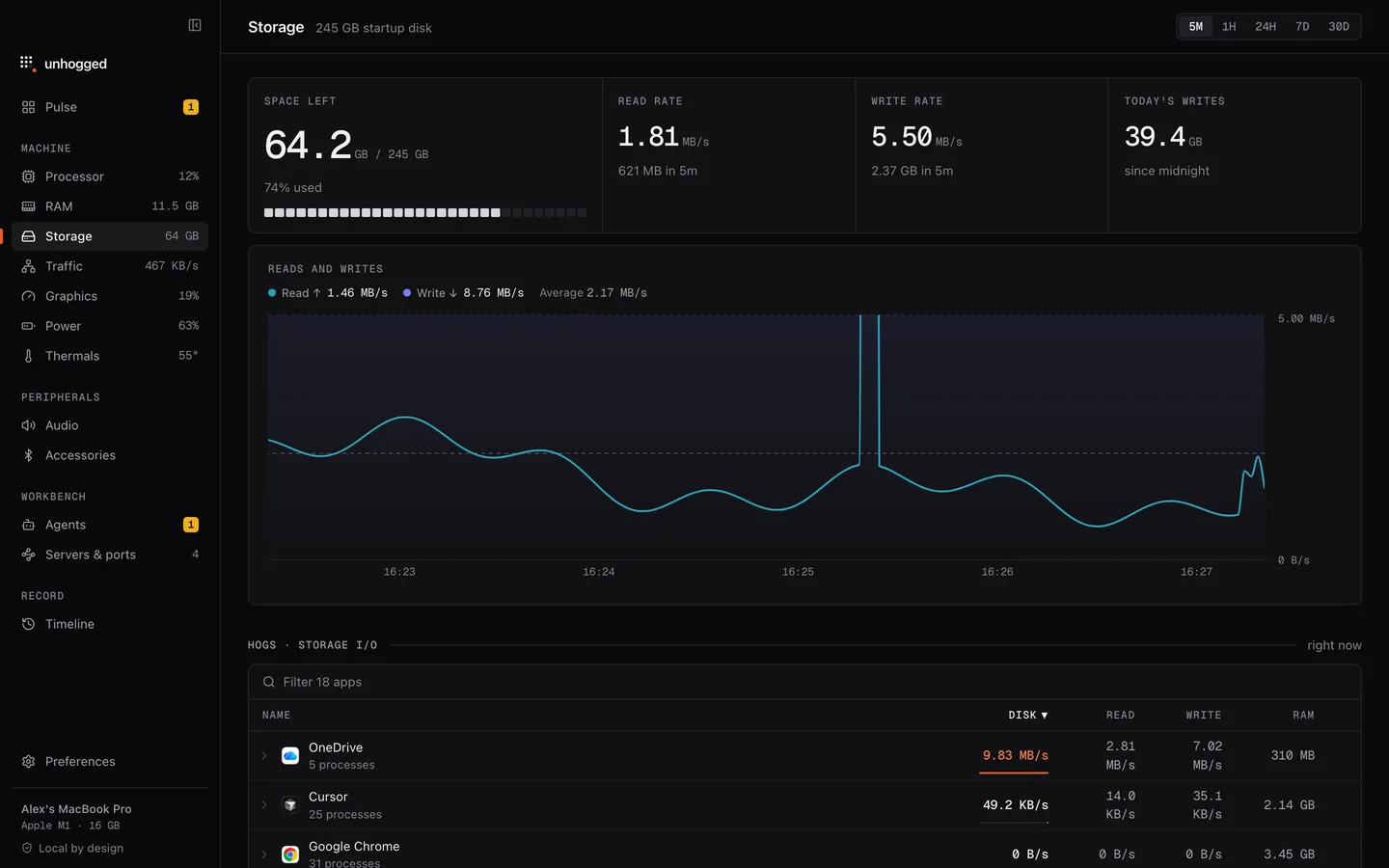
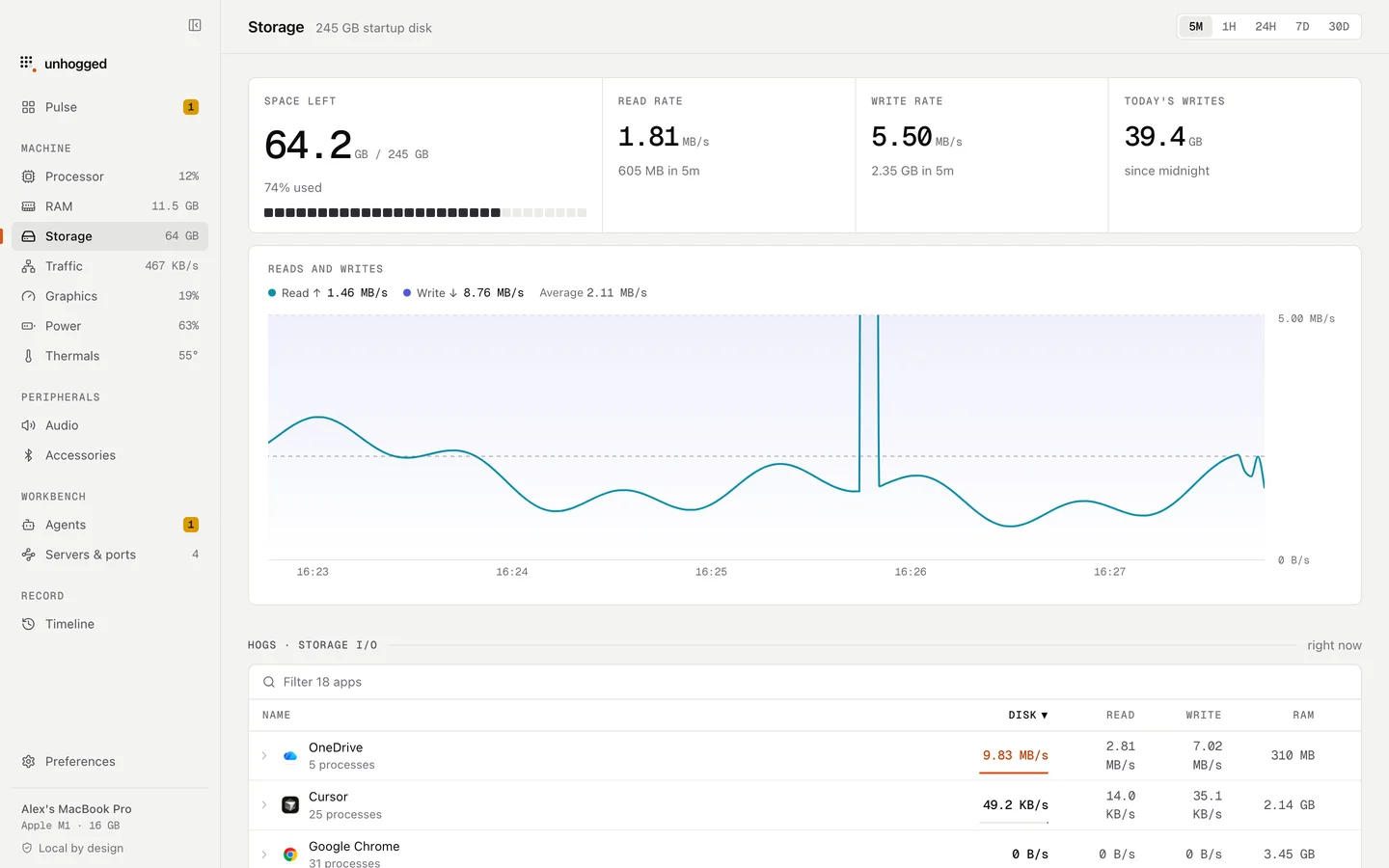
Unhogged warns when an app floods your disk with writes, and its Storage and Network screens show which apps are reading, writing and transferring over time.
One payment, three Macs. macOS 13 Ventura or later on Apple silicon.
Questions
Can I quit bird?
macOS restarts it straight away. To stop syncing, turn off iCloud Drive in System Settings › your name › iCloud.
Why is iCloud always syncing my projects?
Development folders contain thousands of files that change with every build or install. Keep them outside Desktop, Documents and iCloud Drive.
Related
- fileproviderdSyncs cloud folders (iCloud Drive, Dropbox, OneDrive) into Finder.
- nsurlsessiondDownloads and uploads in the background for apps and macOS.
- mds_storesSpotlight indexing your files. Busy after big changes; it settles on its own.
- clouddiCloud syncing for apps: Notes, Messages, Safari and others.