What is nsurlsessiond, and why is it using so much network?
Part of macOS · harmless
nsurlsessiond handles downloads and uploads that happen in the background, for macOS and for apps: iCloud Drive and Photos syncing, App Store and macOS updates, podcasts and apps' own background transfers. Heavy network use means something is syncing or downloading, and it stops when the transfer is done.
Why nsurlsessiond gets busy
nsurlsessiond carries transfers for others, so its traffic comes from:
- iCloud Photos and iCloud Drive uploading or downloading.
- Software updates for macOS and apps downloading in the background.
- Apps' background transfers, such as podcast and video apps downloading episodes.
How to check what it's doing
- In Activity Monitor › Network, nsurlsessiond shows the bytes moving.
- Check Photos (its library status), iCloud Drive in Finder and System Settings › General › Software Update for something in progress.
What to do
- Let the transfer finish.
- On a slow or metered connection, pause iCloud Photos syncing in Photos' settings or wait for updates until you're on a better network.
With Unhogged
See what's slowing your Mac, in one sentence
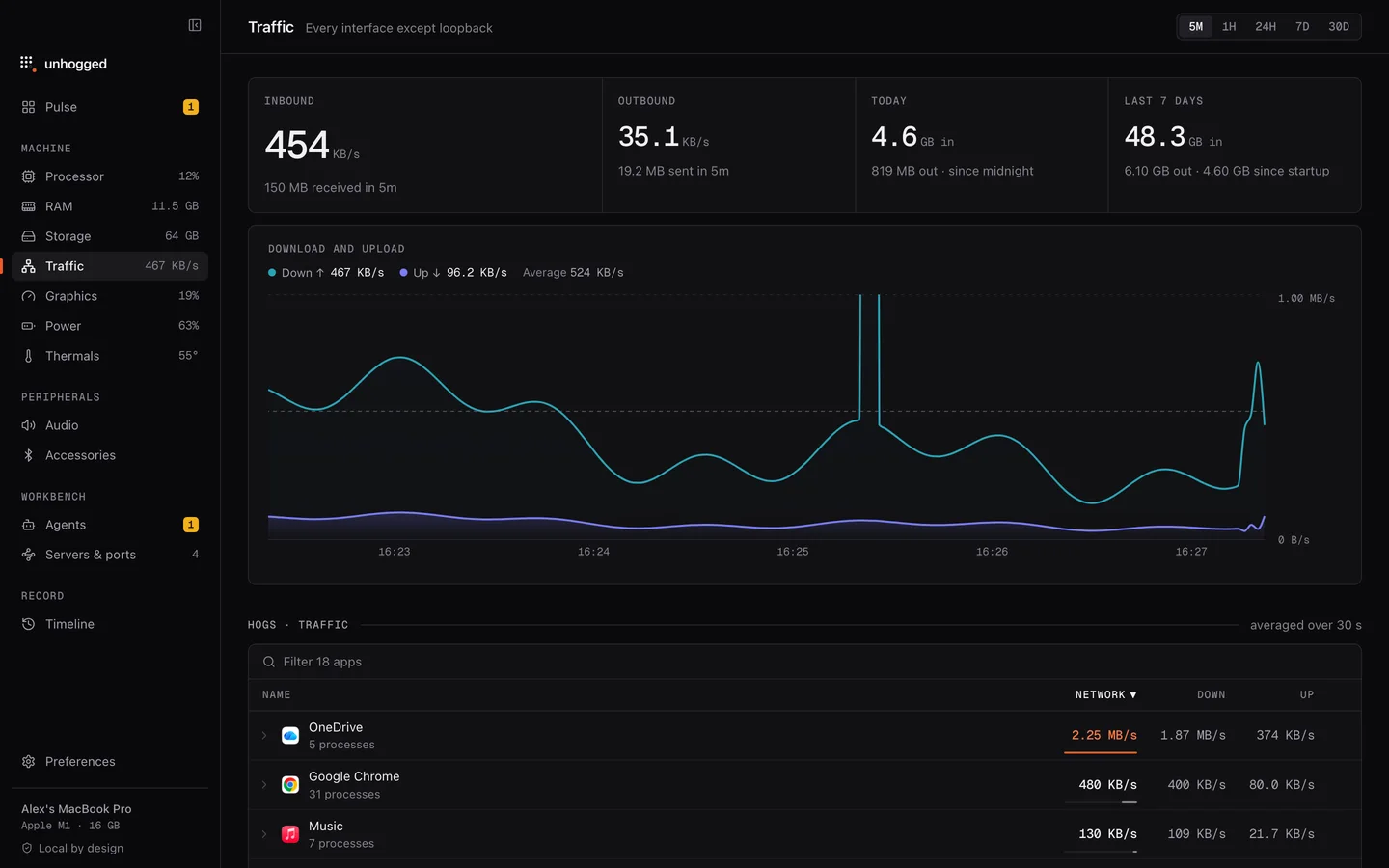
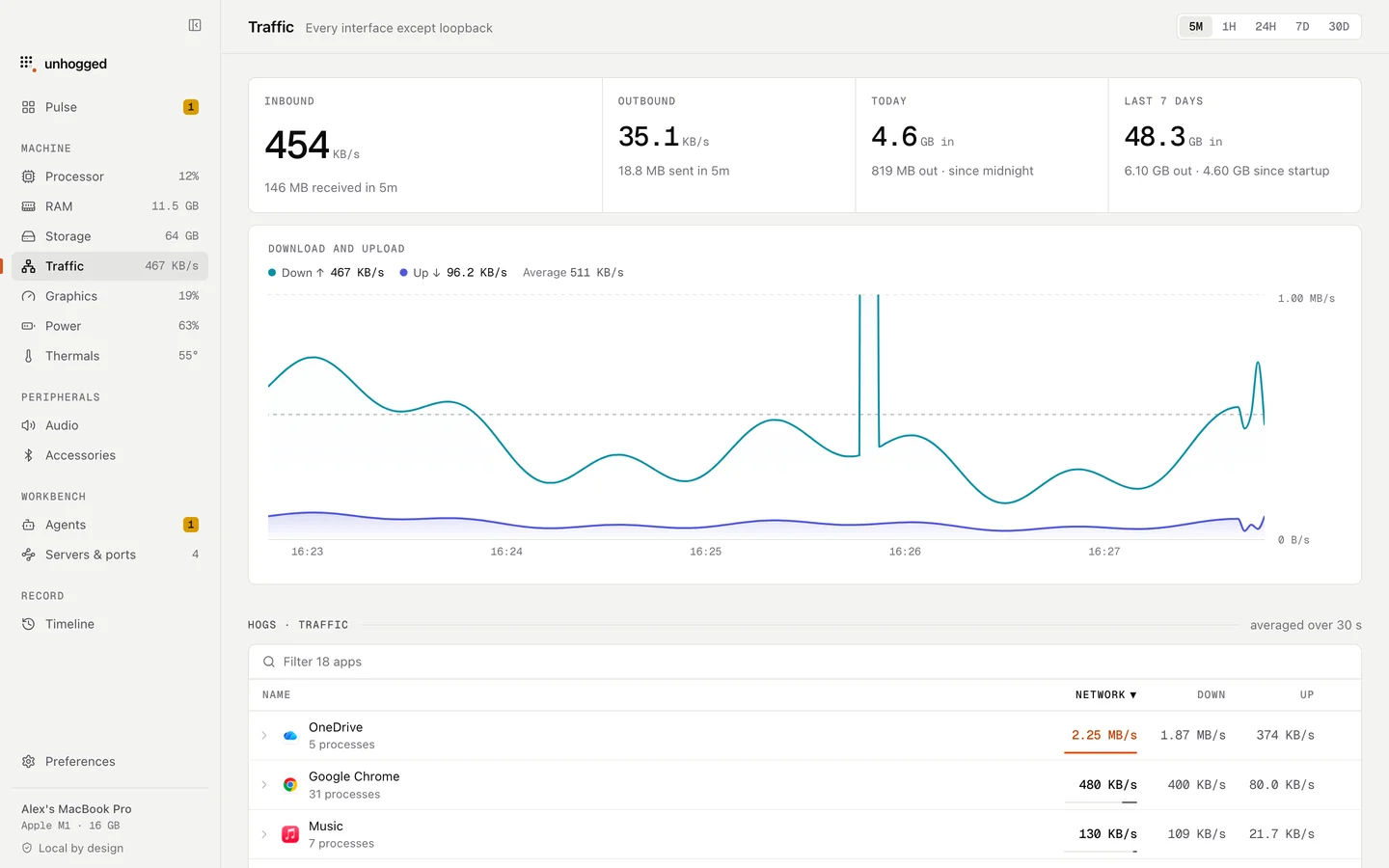
Unhogged's Traffic screen shows download and upload over time with the app using the most at each moment, and today's and the week's totals.
One payment, three Macs. macOS 13 Ventura or later on Apple silicon.
Questions
Is nsurlsessiond spyware?
No. It's the standard macOS service apps use for background transfers.