What is mds_stores, and why is it using so much CPU?
mds_stores is Spotlight's indexer: it keeps the search index of your files up to date. It gets busy after you add or change many files, connect a new disk, restore from a backup or update macOS, and it settles on its own once the index has caught up, usually within minutes, sometimes a few hours.
Why mds_stores gets busy
Spotlight re-indexes whatever changes, so mds_stores works hardest after:
- Lots of new or changed files: unzipping archives, cloning repositories, installing packages (a single
node_modulesfolder can hold tens of thousands of files), importing photos. - A new or reconnected disk, which Spotlight indexes from scratch.
- A macOS update or a restored backup, after which the whole index may be rebuilt.
- A damaged index, which can make indexing start over and over.
How to check what it's doing
- In Activity Monitor, the Disk tab shows mds_stores and mds reading and writing while they index.
- Open Spotlight (⌘-Space) and search: while a rebuild is under way, results can be incomplete.
- In Terminal,
mdutil -s /shows whether indexing is turned on for your startup disk.
What to do
- Leave the Mac on and plugged in; indexing finishes faster when it's idle.
- Keep Spotlight out of folders you never search: in System Settings, open Spotlight (on older macOS, Siri & Spotlight › Spotlight Privacy) and add build folders, virtual machines,
node_modulesor large archives. - If it has been busy for days, rebuild the index:
sudo mdutil -E /in Terminal. Spotlight will be busy once more while it rebuilds, then quiet.
See what's slowing your Mac, in one sentence
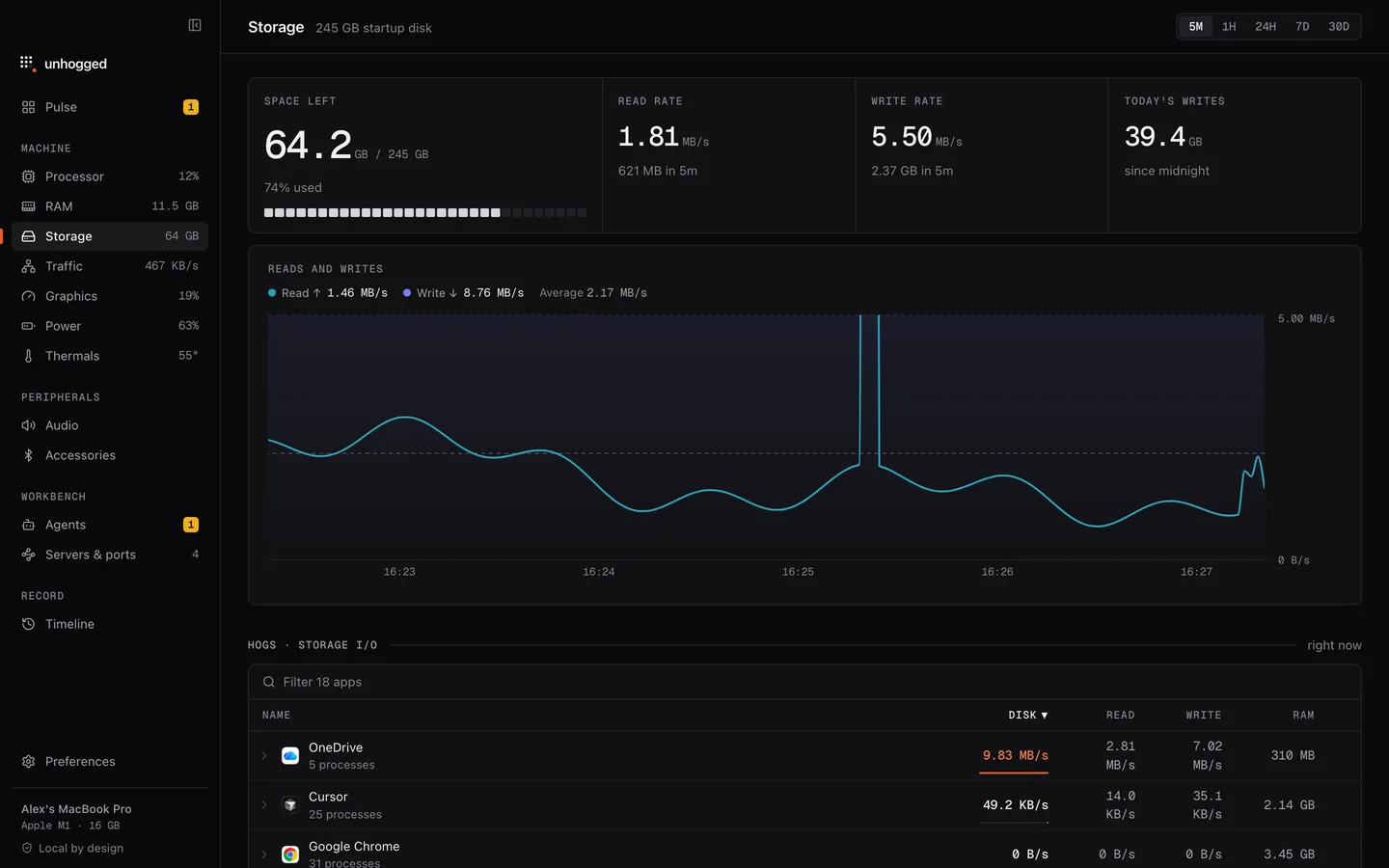
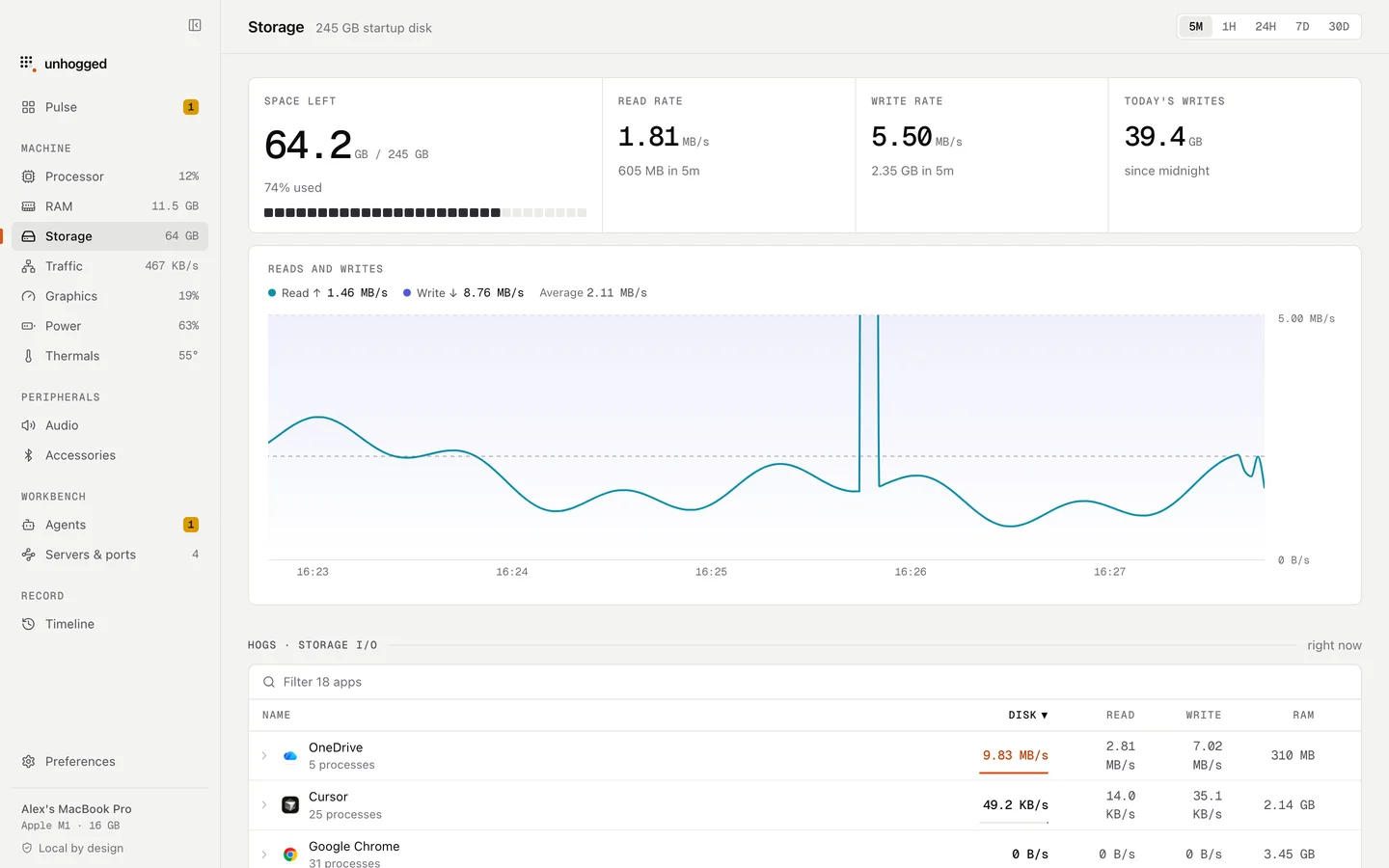
Unhogged's Storage screen shows reads and writes over time and which app is doing them, and it warns when an app floods your disk with writes. When you expand macOS's processes, mds_stores and its helpers each say in a sentence what they are.
One payment, three Macs. macOS 13 Ventura or later on Apple silicon.
Questions
Can I turn off mds_stores?
You can turn indexing off with sudo mdutil -i off /, but Spotlight search, Mail search and many apps' search stop working well. Excluding the folders that cause the churn is the better fix.
What is the difference between mds and mds_stores?
mds manages Spotlight; mds_stores maintains the index files on disk; mdworker processes read your files. All three are Spotlight.
How long does Spotlight indexing take?
Usually minutes after everyday changes, and up to a few hours after a macOS update, a new disk or a full rebuild on a large drive.