What is photoanalysisd, and why is it using so much CPU?
photoanalysisd is Photos analysing your library: it recognises people, pets, objects, scenes and text so that you can search your photos and so that Memories work. It runs mostly while your Mac is idle, and works hardest after you import many photos, turn on iCloud Photos or set up a new Mac. It finishes on its own.
Why photoanalysisd gets busy
The work depends on how much is new to Photos:
- A large import or a new library, where every photo and video has to be analysed once.
- iCloud Photos on a new Mac, which downloads and analyses the library.
- A macOS update, which can bring new recognition features that re-analyse older photos.
How to check what it's doing
- In Activity Monitor, photoanalysisd (and mediaanalysisd, its partner for video and Visual Look Up) will be busy, mostly when you're away from the Mac.
- It eases off when you start using the Mac and picks up again when it's idle.
What to do
- Leave the Mac on, plugged in and awake overnight: analysis finishes fastest while idle.
- Make sure there's free disk space; a nearly full disk slows everything Photos does.
- If it runs for days with no sign of stopping, restart the Mac and update macOS.
See what's slowing your Mac, in one sentence
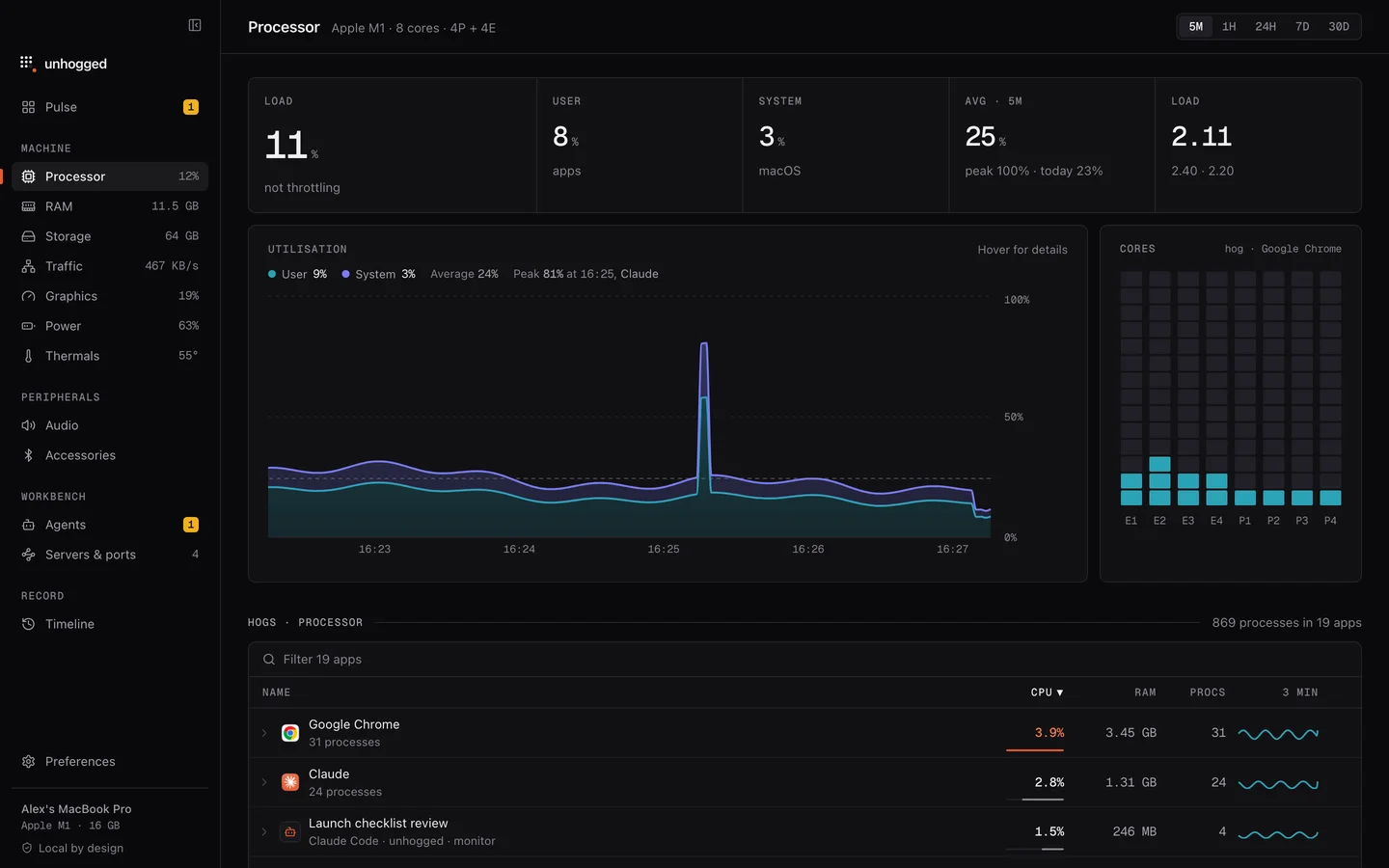
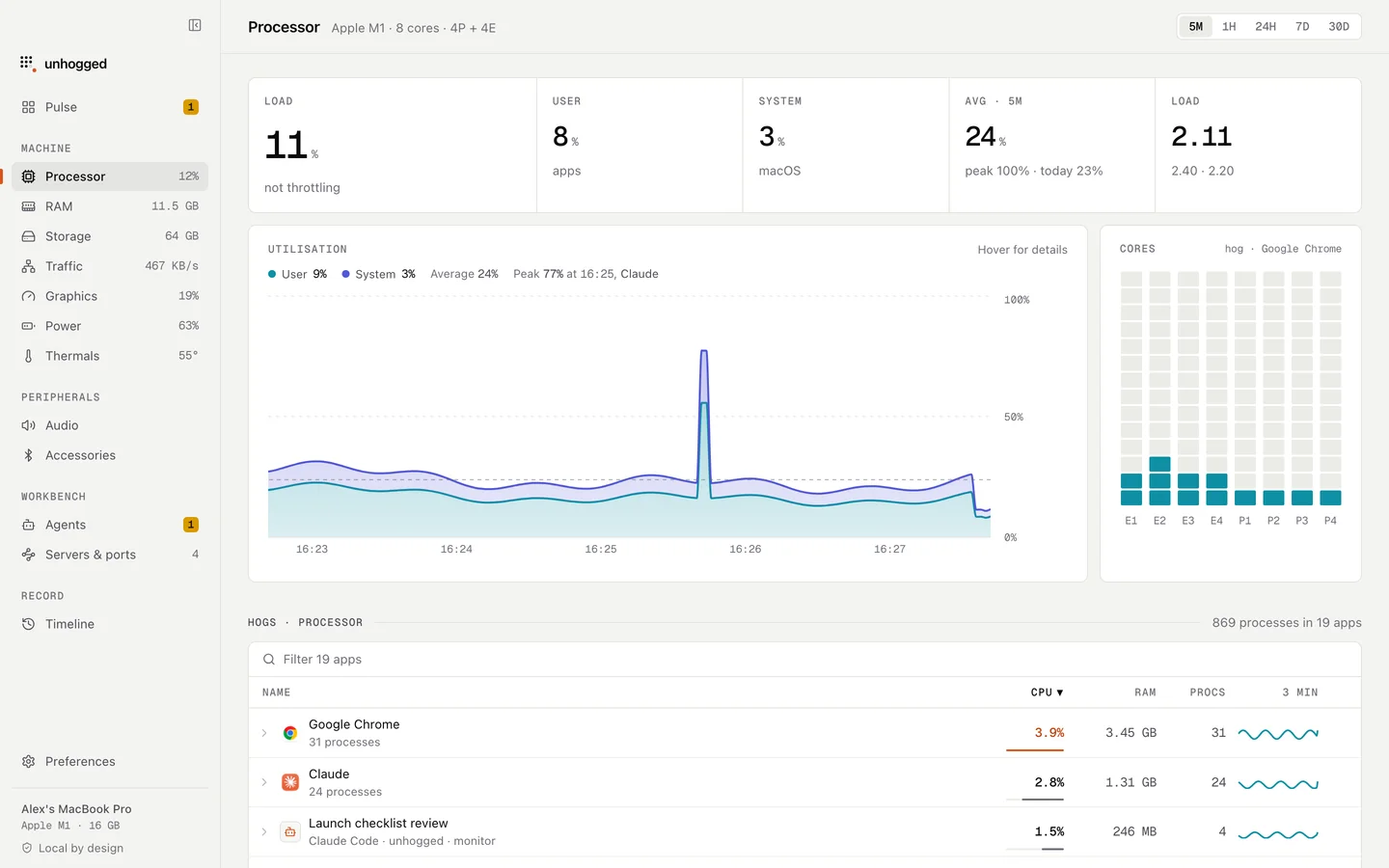
Unhogged shows macOS's background work separately from your apps, says what each process is when you expand it, and its Timeline shows how much processor time each app used today, so you can tell a one-off analysis from something that never stops.
One payment, three Macs. macOS 13 Ventura or later on Apple silicon.
Questions
Can I turn off photoanalysisd?
Not entirely; it's part of Photos. It only works hard while there's new analysis to do, then stays quiet.
Does photoanalysisd send my photos anywhere?
Apple says photo analysis for people, objects and scenes happens on your Mac.