My Mac's storage is full. What's taking up the space?
Updated 7 October 2026
Start with System Settings › General › Storage, which breaks your disk down by category and offers safe clean-ups. The surprises are usually in System Data (caches, Time Machine snapshots, iPhone backups) and, if you write code, in developer caches that grow quietly: Xcode, Docker, node_modules, package caches and local AI models.
Why it matters
With less than about 10% free, macOS has little room for swap, caches and updates, and gets noticeably slower. Updates can fail to install.
The usual suspects
| What | Where | Safe to delete? |
|---|---|---|
| iPhone and iPad backups | Storage › iOS Files | Old ones, yes, after a newer backup exists |
| Time Machine local snapshots | tmutil listlocalsnapshots / | macOS removes them when space is needed |
| Xcode build data | ~/Library/Developer/Xcode/DerivedData | Yes; Xcode rebuilds it |
| iOS simulators | xcrun simctl delete unavailable | Unavailable ones, yes |
| Docker images and volumes | docker system df | Unused ones: docker system prune (volumes need --volumes) |
| node_modules folders | In each project | In projects you're not working on; npm install brings them back |
| Package caches | brew cleanup, npm cache clean --force, pnpm store prune | Yes |
| Local AI models | ollama list, ~/.ollama/models | Models you don't use: ollama rm <model> |
| Downloads folder | ~/Downloads | Usually, after checking |
Find big folders yourself
- In Terminal,
du -sh ~/* 2>/dev/null | sort -hshows the size of each folder in your home folder, largest last. - Repeat inside the biggest one to narrow it down.
- Empty the Trash afterwards; deleted files take space until you do.
Warned before it's a problem
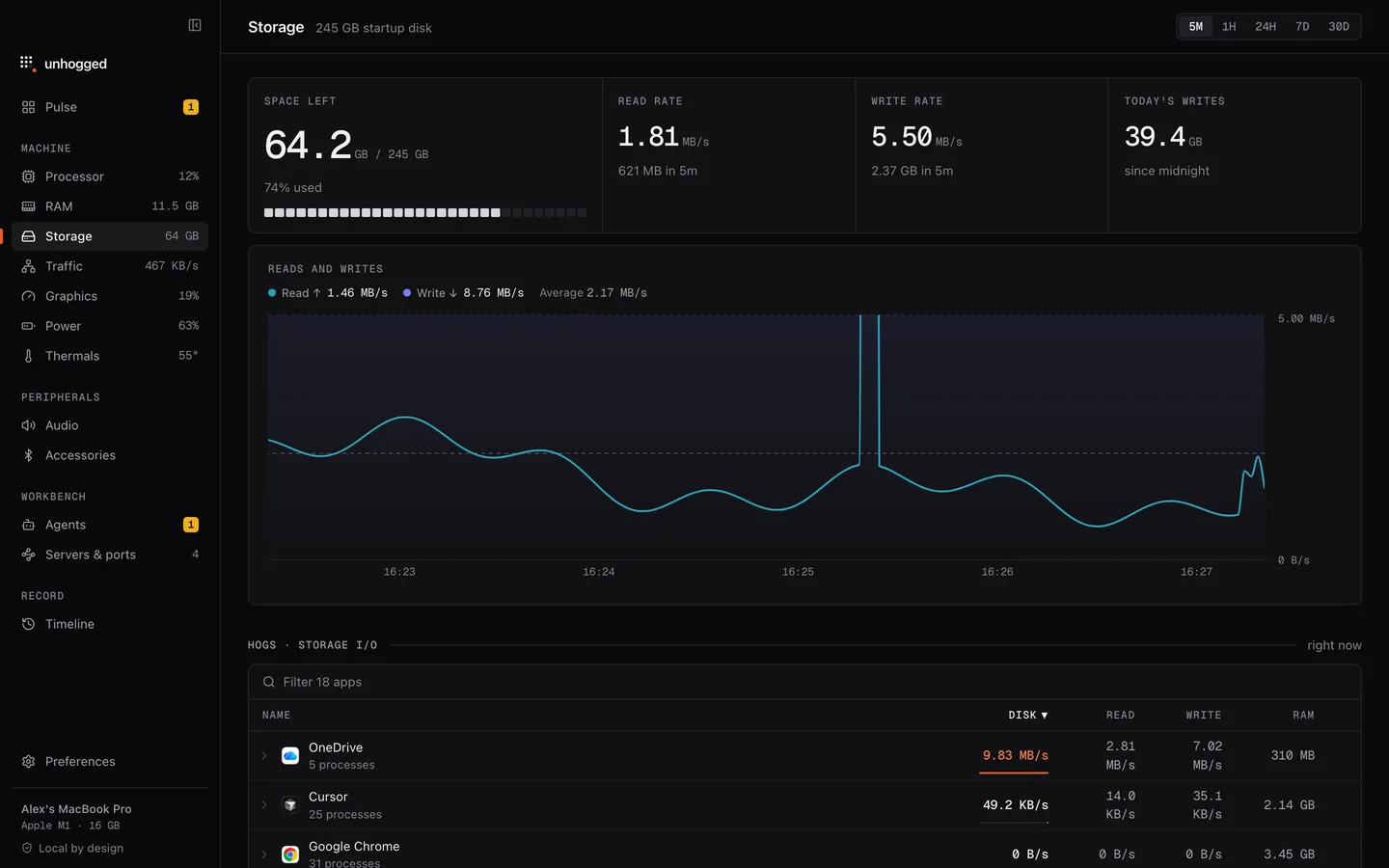
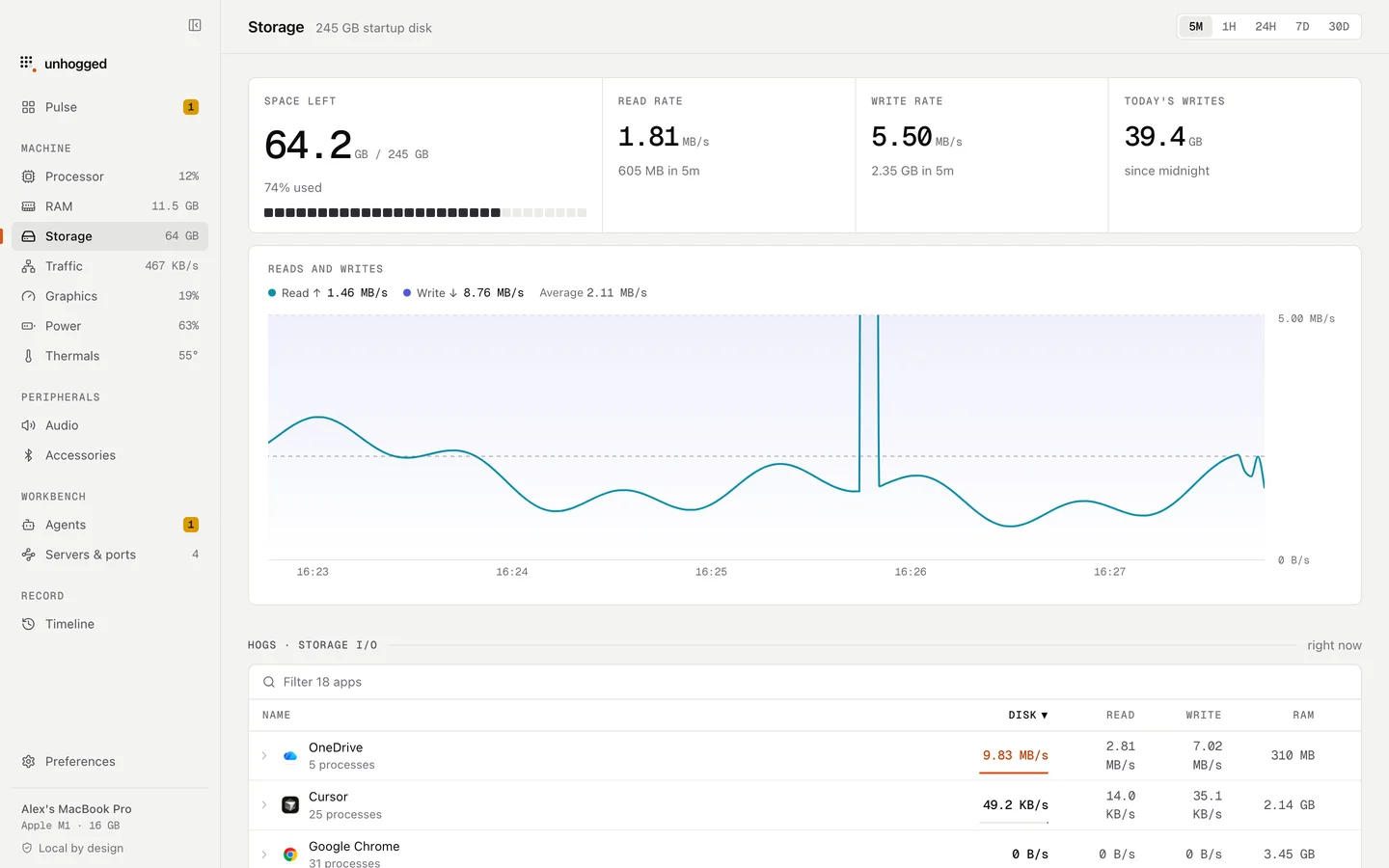
Unhogged shows free space on its Storage screen with reads and writes over time, warns when storage is nearly full with a button to open Storage settings, and names apps that flood your disk with writes. It doesn't delete files for you.
One payment, 3 Macs. macOS 13 Ventura or later on Apple silicon.
Questions
What is System Data on a Mac?
Everything macOS can't put in another category: caches, logs, Time Machine local snapshots, virtual machine and Docker files, and app support data. Some of it shrinks on its own when space runs low.
Is it safe to delete caches?
App caches are rebuilt when needed, so deleting them is safe but the space often comes back. Developer caches (Xcode DerivedData, package caches, old Docker images) are where real space is recovered.