What is the node process, and why is it using so much?
A node process is a program written in JavaScript, running on Node.js: a dev server (Next.js, Vite), a build or watch tool, a language server inside your editor, or an MCP server for an AI tool. The name alone doesn't say which, so the questions are what it's running, which port it holds, and whether you still need it.
Why node gets busy
node processes get heavy or pile up because:
- Forgotten dev servers keep running after you close the terminal tab or switch projects, holding memory and ports like
:3000. - Watchers and bundlers rebuild on every file change and can grow in memory over a long session.
- Editors and AI tools start their own node processes (language servers, MCP servers) and don't always stop them.
How to check what it's doing
- In Activity Monitor, double-click a node process and choose Open Files and Ports to see its folder and ports.
- In Terminal,
ps -o pid,command -p <PID>shows the full command it's running. lsof -iTCP -sTCP:LISTEN -n -P | grep nodelists every port a node process is listening on;lsof -i :3000shows what holds port 3000.
What to do
- Stop a dev server in its terminal with Control-C.
- If its terminal is gone,
kill <PID>; usekill -9 <PID>only if it ignores that. - Restart watchers and your editor's language server when their memory keeps growing.
See what's slowing your Mac, in one sentence
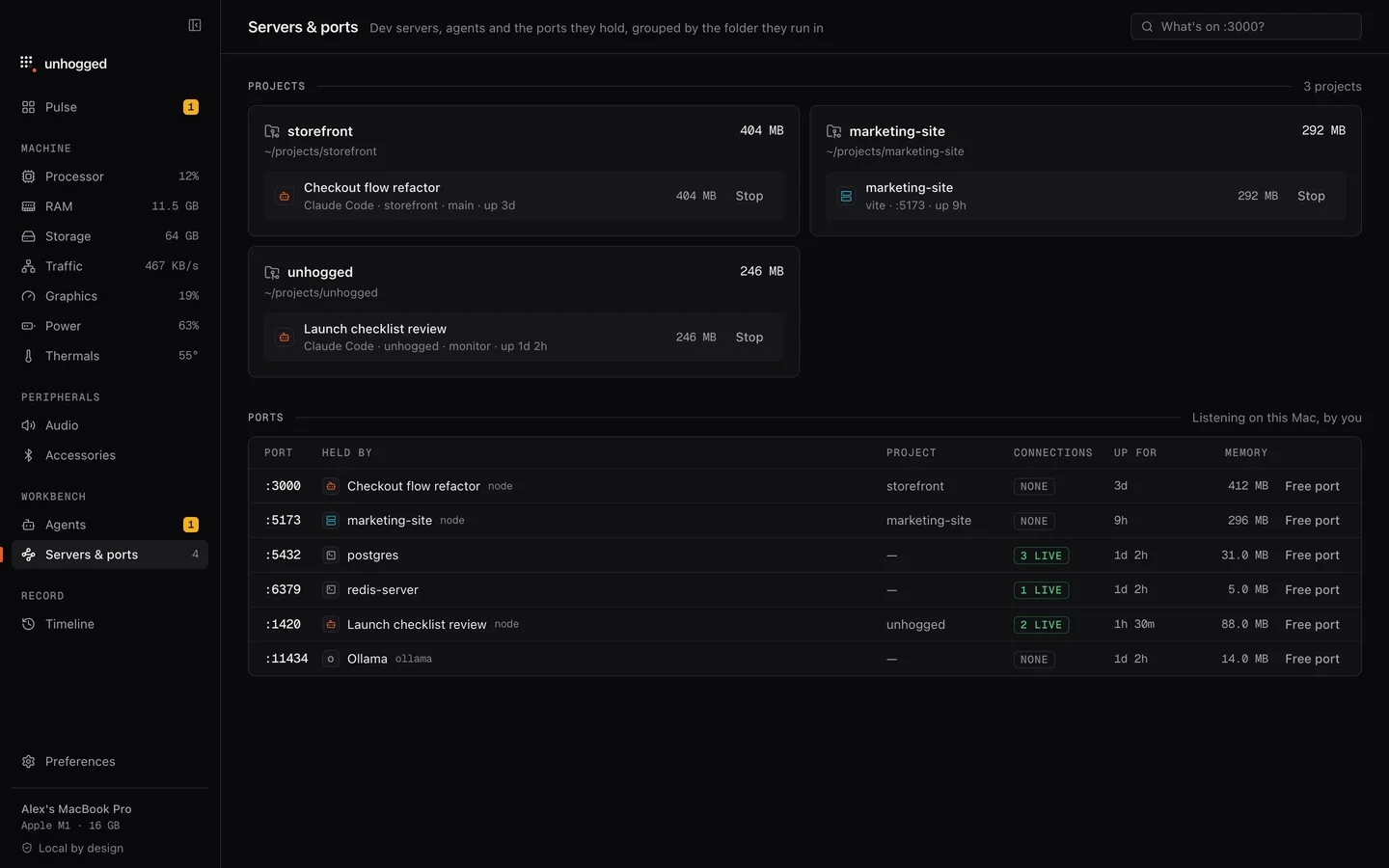
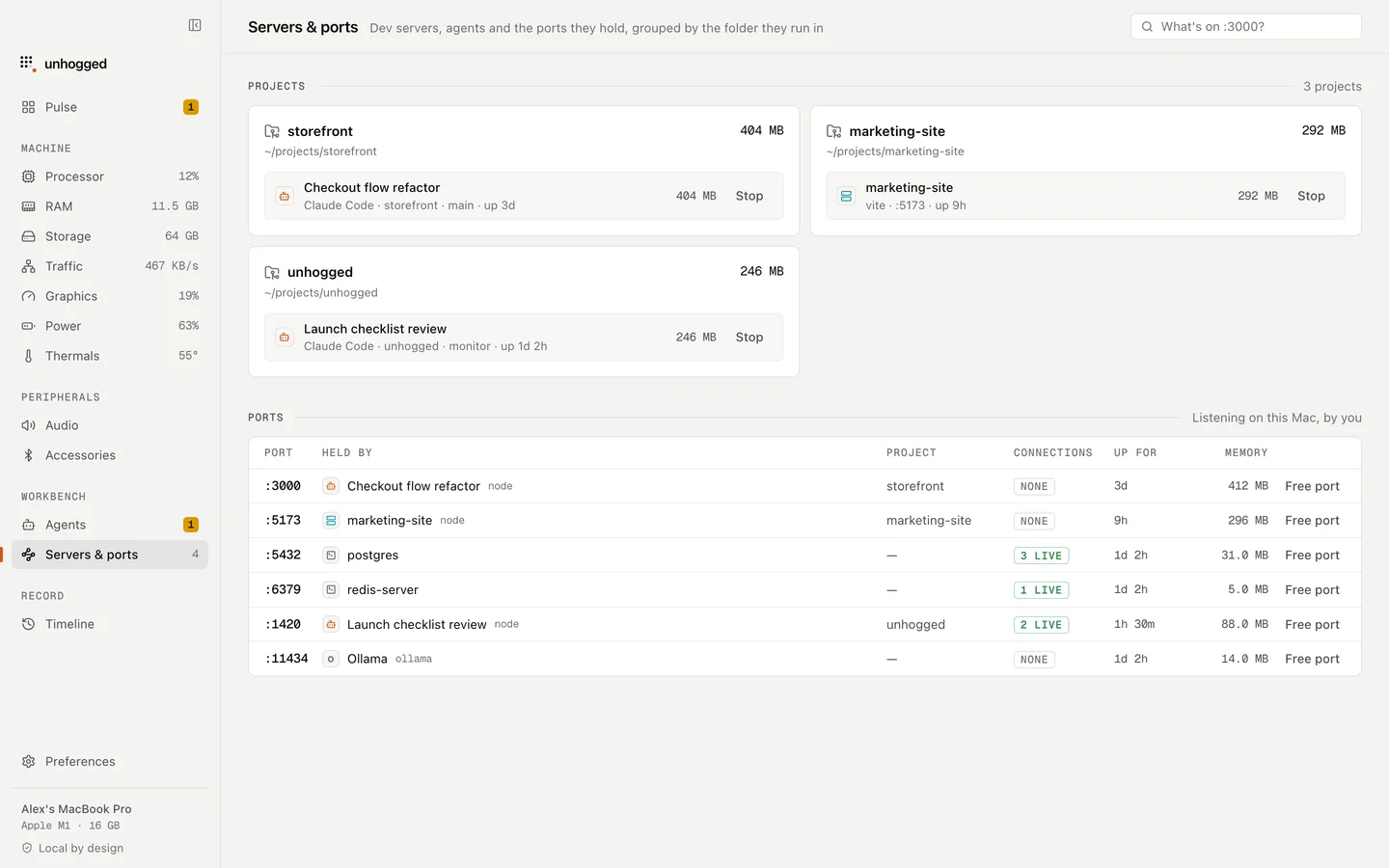
Unhogged names each node process by its project and command instead of just "node", shows what's on every port and whether anything is connected, and flags dev servers that have gone quiet, with a Stop button that frees the port.
One payment, three Macs. macOS 13 Ventura or later on Apple silicon.
Questions
How do I fix 'port 3000 is already in use' on a Mac?
Find what holds it with lsof -i :3000, then stop that process with kill <PID>. It's usually a dev server you started earlier and forgot.
Is it safe to kill node processes?
Yes, if you don't need what they're running; anything unsaved in that program is lost. Check the command first so you don't stop your editor's language server mid-task.