What is ControlCenter, and why is it using port 5000?
Part of macOS · safe to restart
ControlCenter runs Control Center and many of macOS's menu bar items, and it hosts AirPlay Receiver, which listens on ports 5000 and 7000. That's why developers find port 5000 already taken. Turn off AirPlay Receiver if you don't use it, or run your app on another port.
Why ControlCenter gets busy
ControlCenter is involved in:
- AirPlay Receiver, listening on ports 5000 and 7000 for other devices.
- Menu bar items that macOS draws itself (Wi-Fi, Bluetooth, sound, battery, Now Playing).
- Now Playing updates while media plays.
How to check what it's doing
lsof -nP -iTCP:5000 -sTCP:LISTENin Terminal shows ControlCenter if AirPlay Receiver holds the port.
What to do
- Turn off System Settings › General › AirDrop & Handoff › AirPlay Receiver to free ports 5000 and 7000.
- If it uses a lot of CPU,
killall ControlCenterrestarts it; macOS brings it straight back.
With Unhogged
See what's slowing your Mac, in one sentence
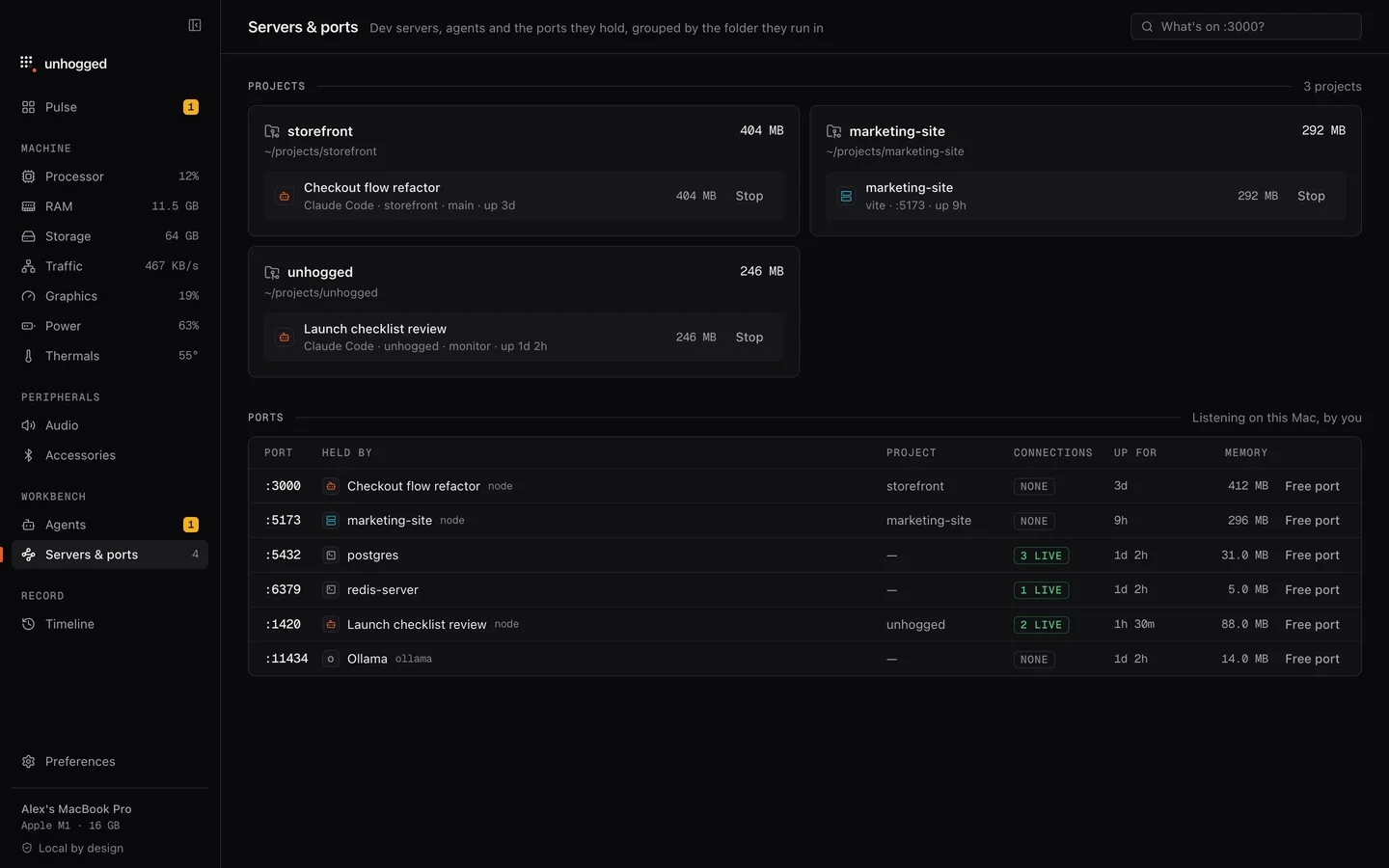
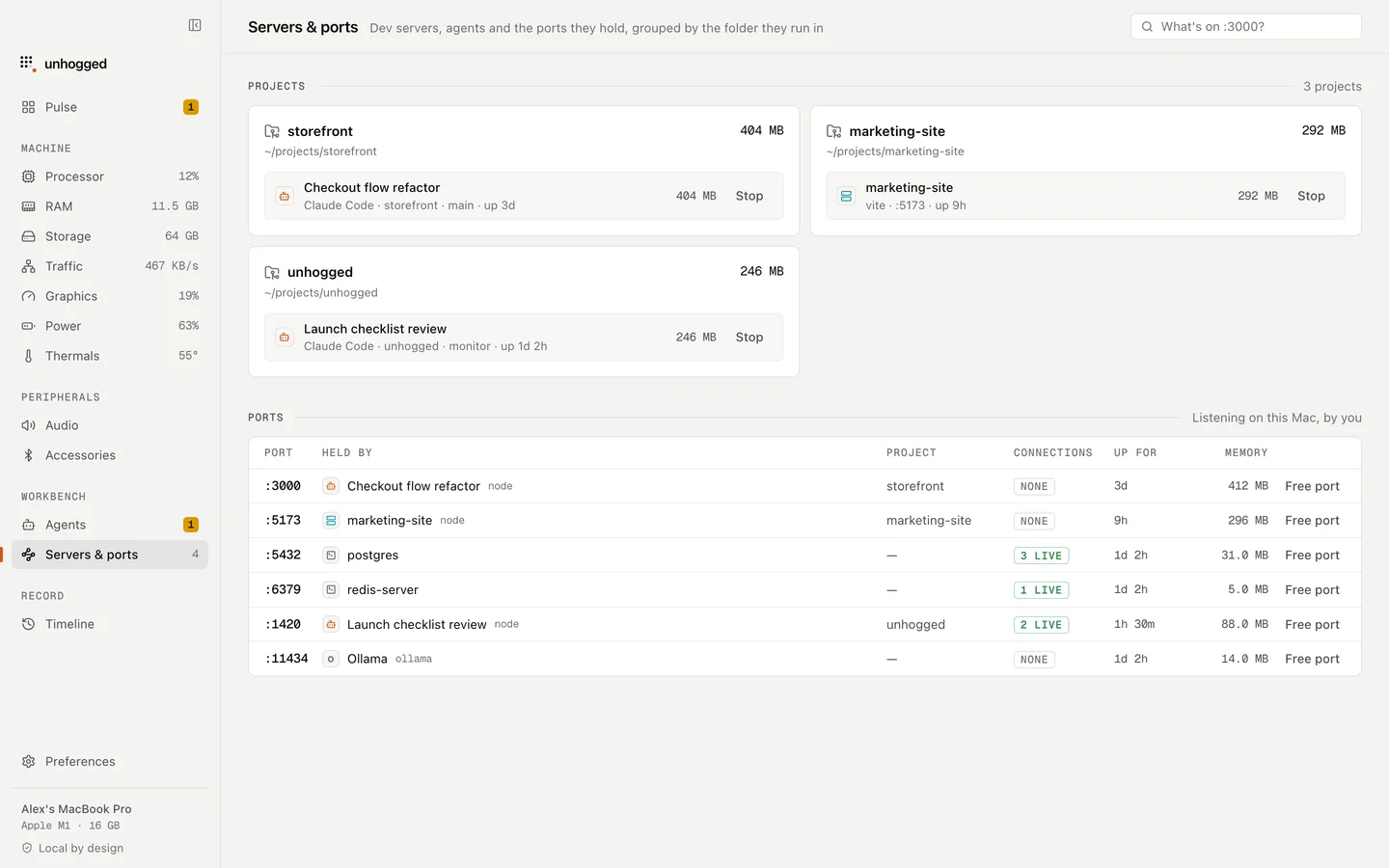
Unhogged's Servers & ports screen labels ports 5000 and 7000 as AirPlay Receiver, so you know what's holding them before you go looking.
One payment, three Macs. macOS 13 Ventura or later on Apple silicon.
Questions
Why is port 5000 in use on my Mac?
AirPlay Receiver, run by ControlCenter, listens on it since macOS Monterey. Turn it off or use another port.