Why is Google Chrome Helper (Renderer) using so much CPU and memory?
Each Google Chrome Helper (Renderer) is one Chrome tab, extension or embedded page. Chrome runs each in its own process so a crash in one doesn't take down the rest, which is why Activity Monitor lists dozens. The busy ones are specific pages or extensions, and Chrome's own Task Manager tells you which.
Why Google Chrome Helper (Renderer) gets busy
A renderer's load is the page or extension inside it:
- Heavy pages: web apps, video, animation, ads and pages left open for days.
- Extensions, which each run in their own process and can be busy on every page.
- Memory that only grows. A page or Chrome itself leaking memory climbs for hours until you close it.
How to check what it's doing
- In Chrome, open ⋮ › More tools › Task manager to see every tab and extension with its CPU and memory.
- Sort by memory or CPU; the top rows are your culprits.
- The same applies to apps built on Chromium: Slack, Visual Studio Code (
Code Helper (Renderer)), Discord and others have their own Helper (Renderer) processes.
What to do
- Close or reload the heavy tab.
- Remove extensions you don't use.
- Turn on Memory Saver in Chrome's Settings › Performance so inactive tabs give their memory back.
- If Chrome's memory only ever climbs, quit and reopen it. Set On startup › Continue where you left off in Chrome's settings first to get your tabs back.
See what's slowing your Mac, in one sentence
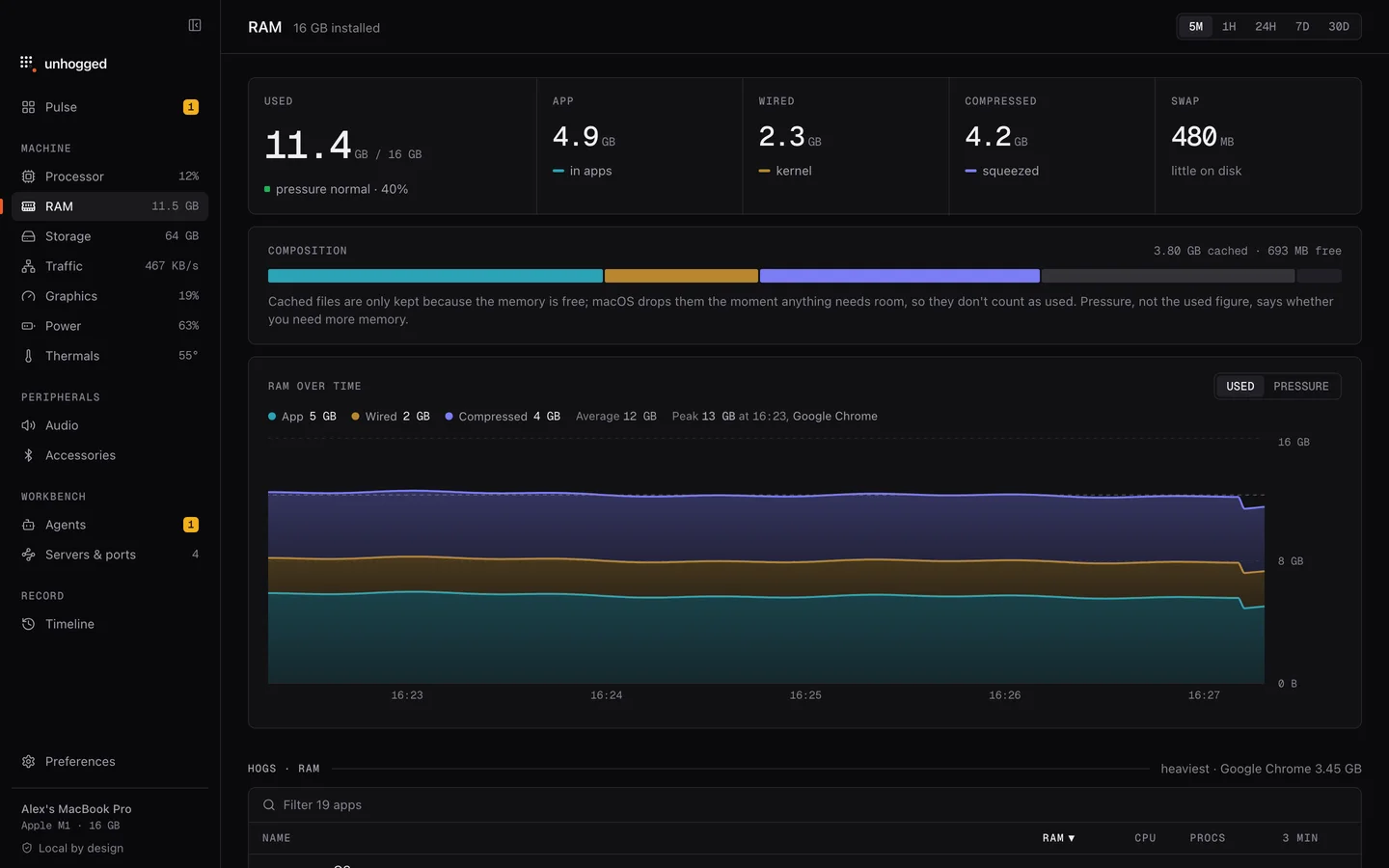
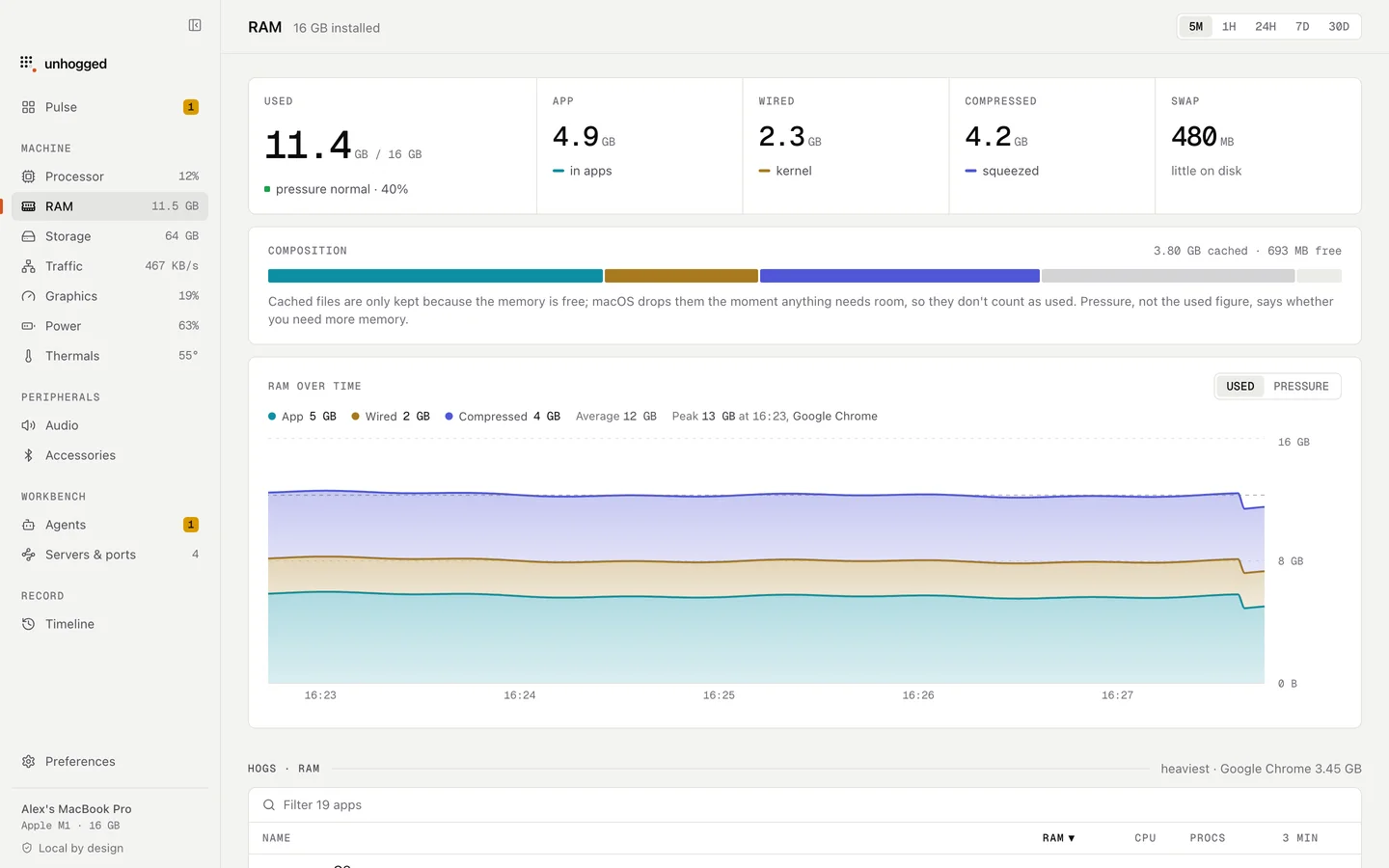
Unhogged folds every Chrome helper into a single Chrome row with its real total, warns when Chrome's memory keeps climbing, with a button to restart it, and says what each helper is when you expand the row.
One payment, three Macs. macOS 13 Ventura or later on Apple silicon.
Questions
Can I force quit Chrome Helper processes?
You can, but that tab or extension crashes ('Aw, Snap!'). Closing the tab in Chrome is cleaner.
Why does Chrome have so many processes?
Each tab, extension and site runs separately for security and stability. Activity Monitor lists each one; their total is Chrome's real use.
Related
- com.apple.WebKit.WebContentA web page, in Safari or an app that shows web content.
- WindowServerDraws everything on your screens. Busier with more displays, windows and animation.
- nodeA Node.js program: often a dev server, build tool or MCP server.
- Code Helper (Renderer)A Visual Studio Code window. Busy with extensions, big files or big projects.