Why is ollama using so much memory on my Mac?
ollama runs AI models on your Mac. A model in use is held in memory, so ollama uses roughly the size of the model: a few gigabytes for a small one, 20 GB or more for a large one. By default Ollama unloads a model after five minutes without requests, and you can unload it straight away.
Why ollama gets busy
ollama's memory is the models it has loaded:
- Model size. Memory use is close to the model's download size, plus room for the conversation.
- Several models at once, each held in memory while in use.
- A long keep-alive. Models stay loaded for five minutes after the last request by default, longer if
OLLAMA_KEEP_ALIVEis set.
How to check what it's doing
- In Terminal,
ollama pslists loaded models, their size, and when each will be unloaded. - In Activity Monitor › Memory, watch memory pressure while a model runs: yellow or red means the model is too big for your Mac's memory alongside your other apps.
What to do
- Unload a model now with
ollama stop <model>. - Shorten how long models stay loaded with the
OLLAMA_KEEP_ALIVEsetting. - Choose a smaller or more compressed (quantised) model. As a rough guide, keep the model under about half of your Mac's memory so your other apps still fit.
See what's slowing your Mac, in one sentence
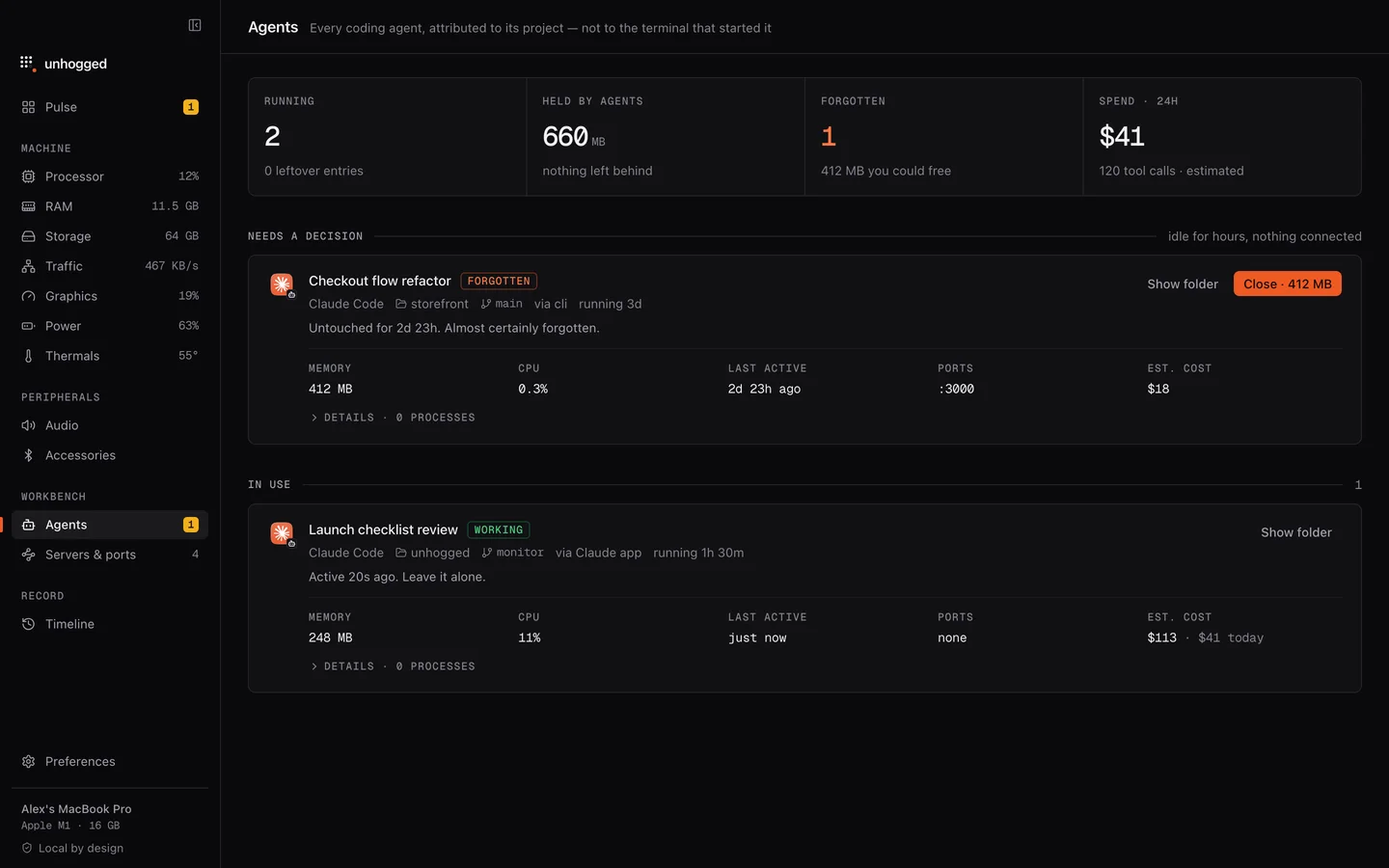
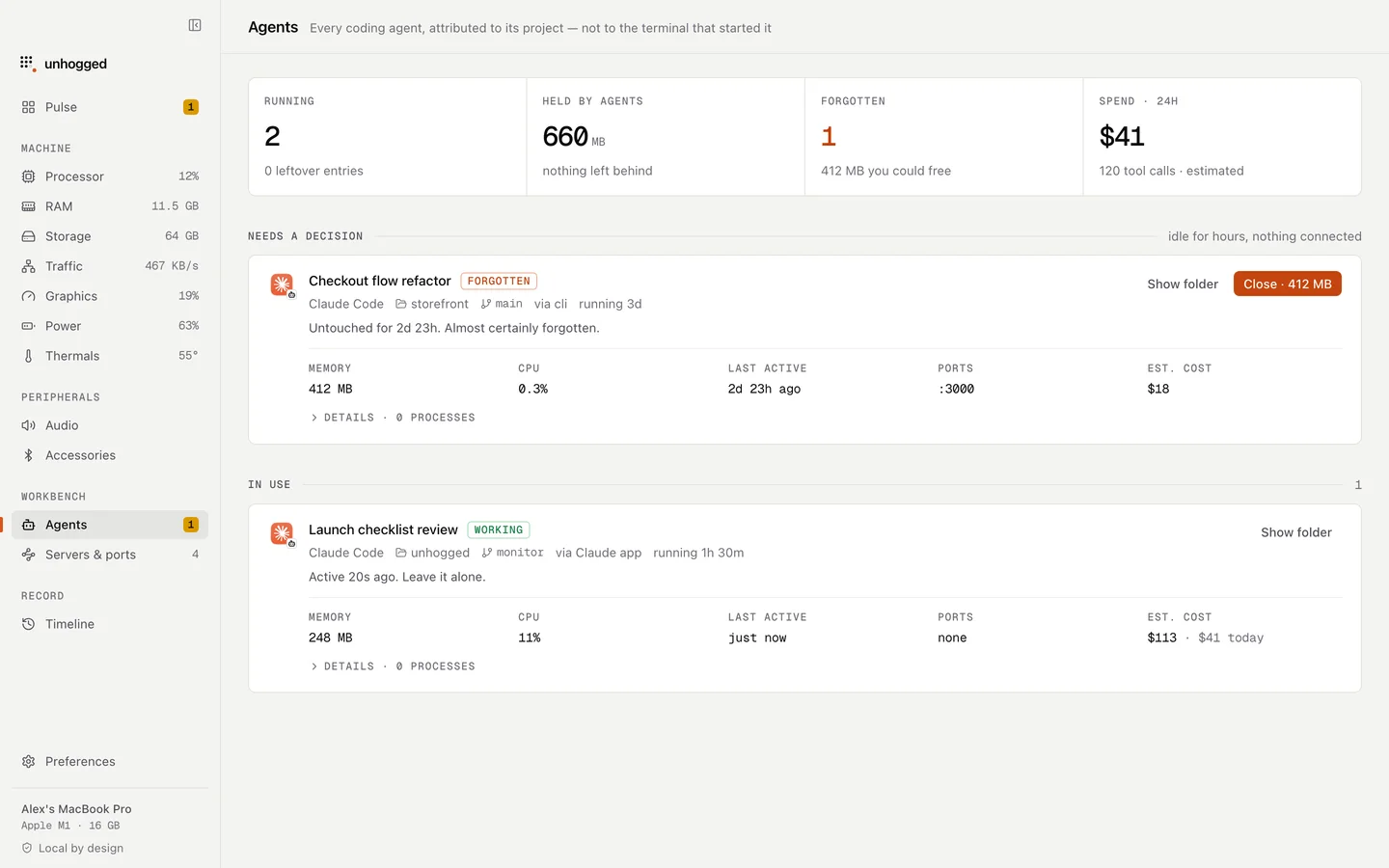
Unhogged lists Ollama with your other AI tools, shows how much memory it holds and whether it's working or idle, and its memory screen says when your Mac is short of memory and which apps hold the most.
One payment, three Macs. macOS 13 Ventura or later on Apple silicon.
Questions
Does Ollama free memory when idle?
Yes, after five minutes without requests by default. ollama stop <model> frees it immediately.
How much RAM do I need for local models?
Roughly the model's size plus room for your other apps. 16 GB comfortably runs small models; larger models want 32 GB or more.