What is kernel_task, and why is it using so much CPU?
kernel_task is the core of macOS, the kernel. When it shows high CPU it usually isn't working hard: macOS is deliberately occupying the processor so that other apps can't, because the Mac is too hot. kernel_task is the symptom, not the cause. The fix is to find what is heating your Mac, not to quit kernel_task, which you can't.
Why kernel_task gets busy
kernel_task does three kinds of work that show up in Activity Monitor:
- Keeping the Mac cool. When the chip gets hot, macOS takes processor time away from the apps heating it by giving that time to kernel_task. The CPU figure climbs while your apps slow down. Anything that heats the Mac can trigger it: a video export, a game, a build, a busy browser tab, a warm room, or a laptop on a blanket with its vents covered.
- Memory the system has set aside. kernel_task's memory includes memory reserved by macOS and its drivers (wired memory). Several gigabytes is normal and isn't a leak.
- Hardware work. Large file copies, heavy network traffic and busy USB or Thunderbolt devices are handled by the kernel, so they raise kernel_task briefly.
How to check what it's doing
- Open Activity Monitor, choose the CPU tab and sort by % CPU.
- Ignore kernel_task and look at the next app down: the one using the most CPU is usually what heated the Mac.
- Feel the Mac, or listen for the fans. If it's warm and kernel_task is high, it's throttling.
- In Terminal,
pmset -g thermreports whether macOS has recorded a thermal or performance warning.
What to do
- Quit or pause the app that's working hardest (an export, a game, a build, a heavy tab).
- Give the Mac air: a hard, flat surface and nothing over the vents.
- Let it cool for a few minutes; kernel_task drops by itself as the temperature falls.
- If kernel_task stays high on a cool Mac with nothing running, restart it. If that doesn't help, update macOS and then contact Apple Support: a faulty temperature sensor can cause it.
See what's slowing your Mac, in one sentence
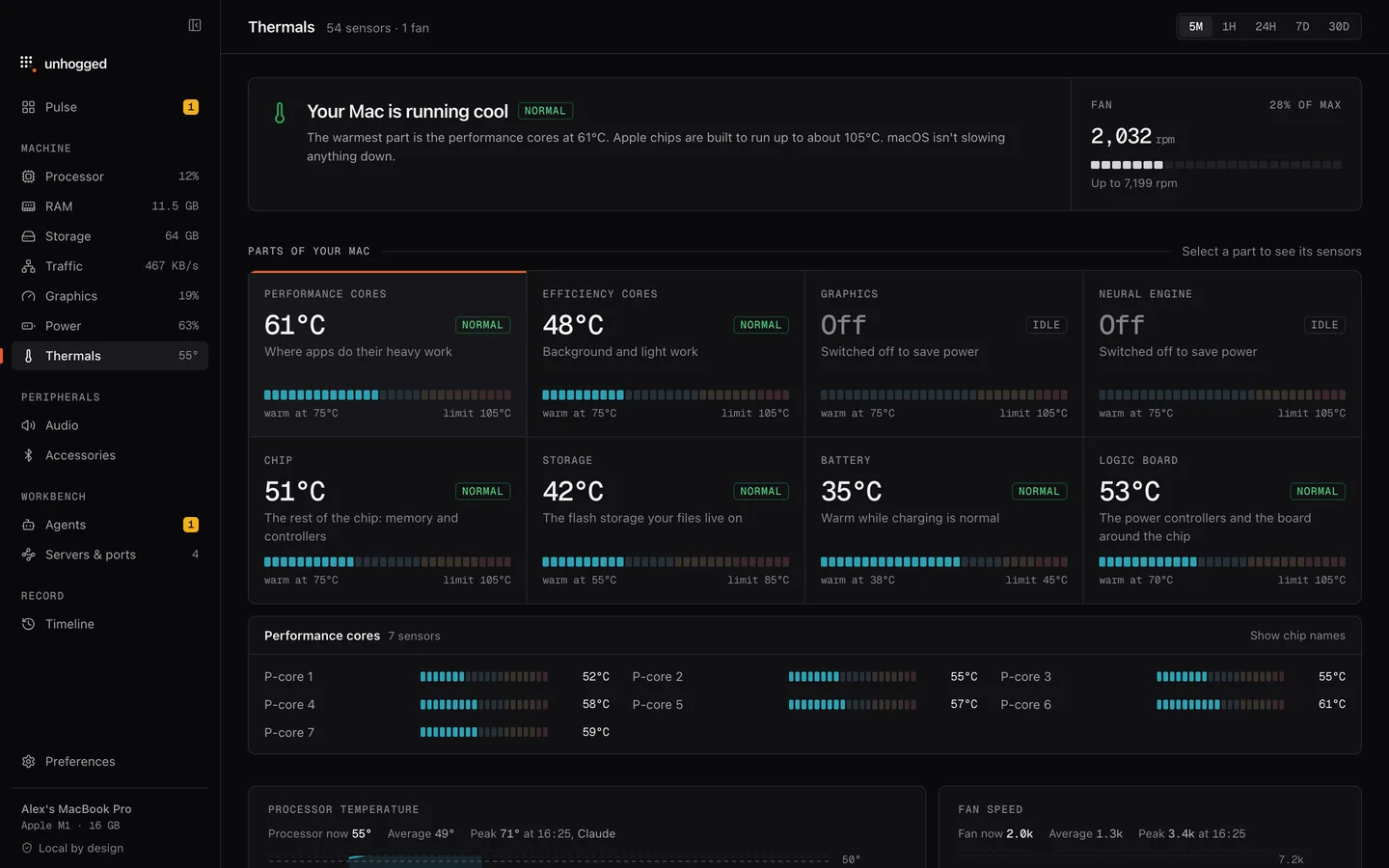
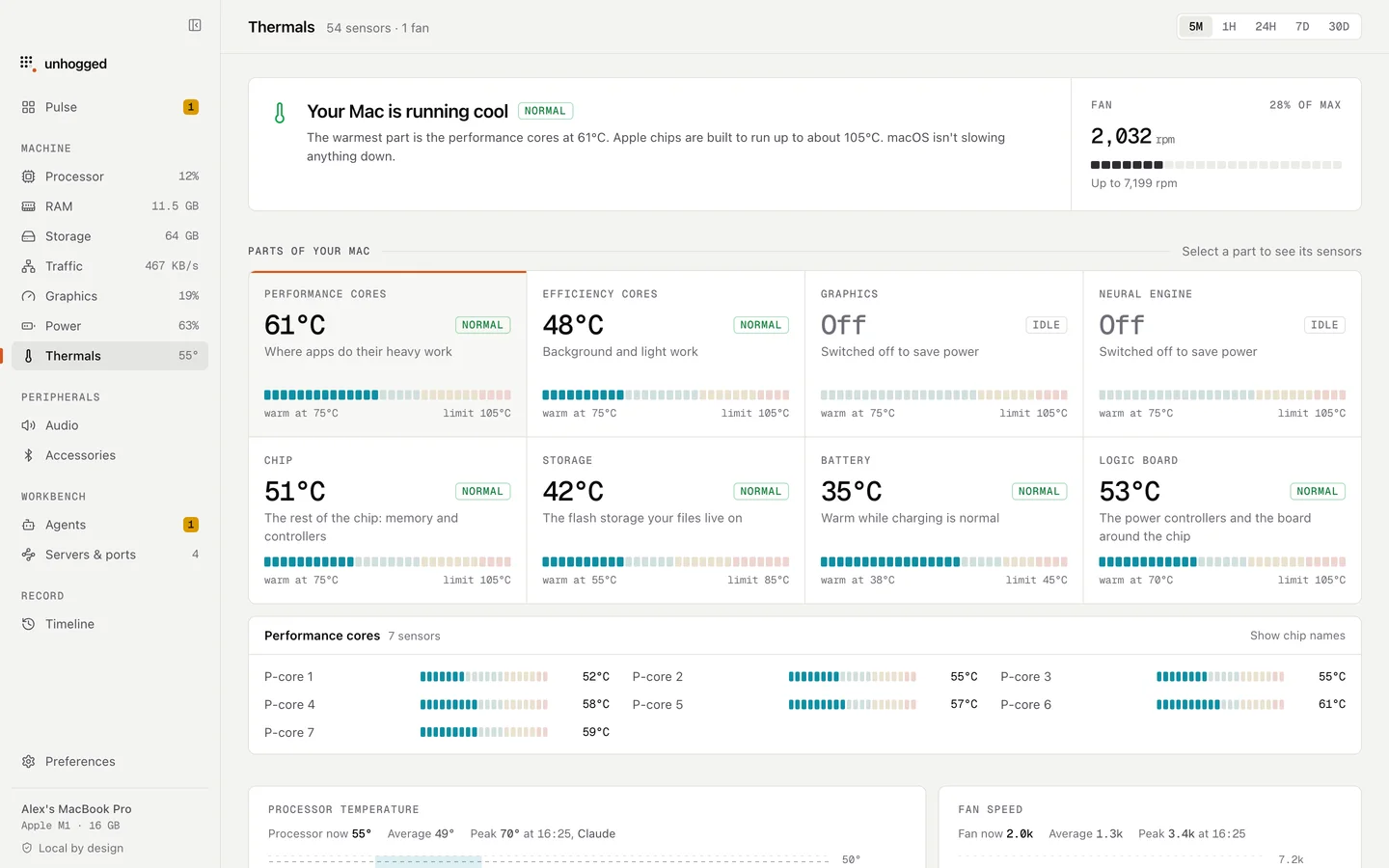
Unhogged's Thermals screen says in a sentence whether macOS is slowing your Mac to cool it, with every part of the Mac (cores, graphics, storage, battery) against its limit. Its Processor chart names the app that was using the most at every moment, so you see the cause rather than kernel_task.
One payment, three Macs. macOS 13 Ventura or later on Apple silicon.
Questions
Can I quit or force quit kernel_task?
No. It is macOS itself; nothing on the Mac runs without it, and Activity Monitor won't let you quit it. Fix what's heating the Mac instead.
Is kernel_task a virus?
No. kernel_task is a standard part of macOS and runs on every Mac. High CPU from it is the system protecting your Mac from heat.
Why does kernel_task use so much memory?
Its memory includes what macOS and its drivers have reserved for themselves (wired memory). Several gigabytes is normal. Look at memory pressure, not kernel_task's figure, to know if your Mac is short of memory.
Related
- WindowServerDraws everything on your screens. Busier with more displays, windows and animation.
- mds_storesSpotlight indexing your files. Busy after big changes; it settles on its own.
- Google Chrome Helper (Renderer)One tab, window or extension of Google Chrome.
- syspolicydGatekeeper: checks that apps are safe to open.