Why is WindowServer using so much CPU?
WindowServer draws everything you see on your Mac: every window, the menu bar, the Dock and every display. It's part of macOS and you can't quit it without logging out. High CPU means it has a lot to draw: several or high-resolution displays, a scaled resolution, many windows, transparency and animation, or an app that keeps redrawing.
Why WindowServer gets busy
WindowServer's work grows with what's on screen:
- Displays. Each extra display adds work, and an external display at a scaled resolution (anything other than its default in System Settings › Displays) makes macOS draw a larger image and shrink it.
- Windows and effects. Many open windows, translucent sidebars and menus, and animations all cost drawing time.
- An app that redraws constantly. A web page with video or animation, a progress bar, a live chart or a menu bar app updating many times a second keeps WindowServer busy even when nothing seems to change.
- Screen recording and sharing. Recording, screen sharing and video calls that share your screen copy every frame.
How to check what it's doing
- Open Activity Monitor, choose CPU and find WindowServer.
- Quit or hide apps one at a time and watch whether WindowServer drops: the app that makes it fall is the one redrawing.
- Disconnect an external display for a minute to see how much of the load it adds.
What to do
- Close windows and tabs you aren't using, especially ones playing video or animation.
- In System Settings › Accessibility › Display, turn on Reduce transparency and Reduce motion.
- On an external display, choose its Default resolution in System Settings › Displays rather than a scaled one.
- Quit menu bar apps that animate or update very often.
- Restart the Mac if WindowServer stays high after all that. Don't force quit WindowServer: it logs you out and closes every app.
See what's slowing your Mac, in one sentence
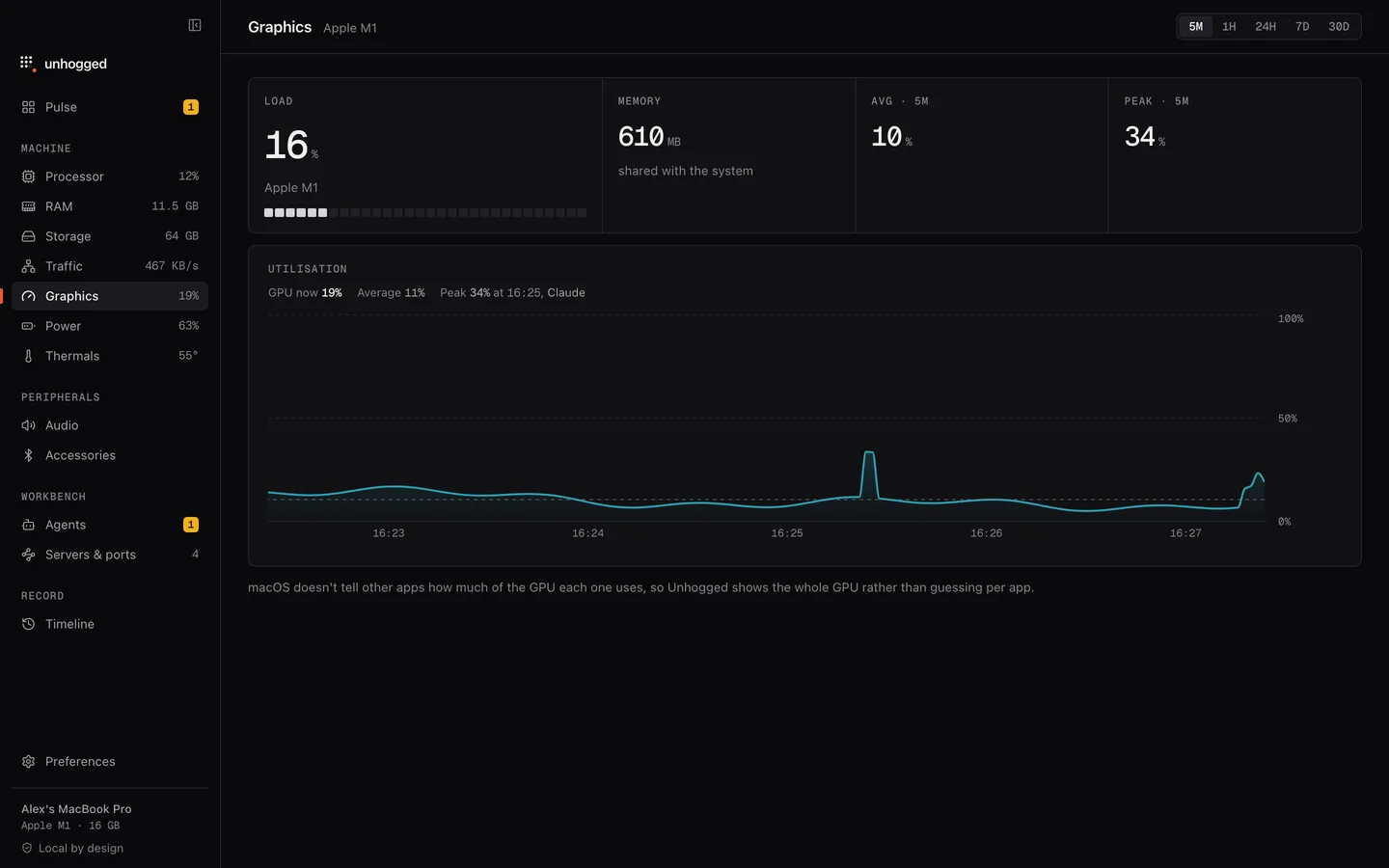
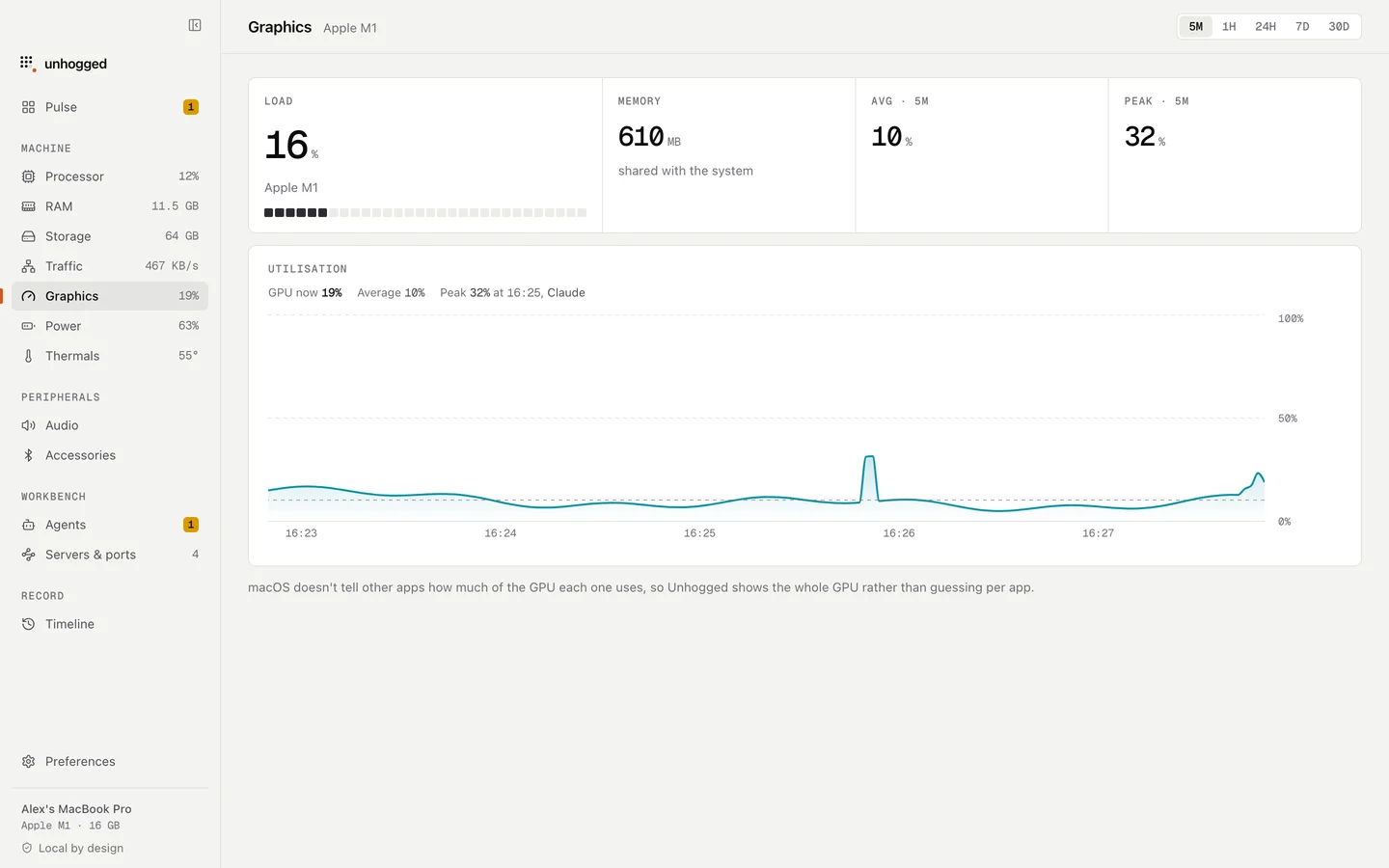
Unhogged groups macOS's own processes together and shows the apps behind the work, so you can see which app was busy at the moment WindowServer was. Its Graphics screen shows graphics load over time, and hovering any moment names the app using the most processor then.
One payment, three Macs. macOS 13 Ventura or later on Apple silicon.
Questions
Is it safe to force quit WindowServer?
It logs you out immediately and closes every open app without saving, then macOS starts it again at the login window. Restarting the Mac is the gentler way to reset it.
Why does WindowServer use more CPU with an external monitor?
Every display adds pixels to draw, and a scaled resolution makes macOS render a larger image and resize it. Using the display's default resolution usually lowers the load noticeably.
Is WindowServer a virus?
No. It is a standard part of macOS on every Mac.