What is syspolicyd, and why is it using CPU?
Part of macOS · don't quit it
syspolicyd is Gatekeeper, the part of macOS that checks apps and programs are safe and signed before they run. It gets busy when you open newly downloaded apps or, for developers, when many freshly built programs run, because each one is checked the first time.
Why syspolicyd gets busy
syspolicyd checks each new program once, so it's busy when:
- You open newly downloaded apps or installers.
- Development builds and test runs start many new executables.
- After a macOS update, checks can be repeated.
How to check what it's doing
- In Activity Monitor, syspolicyd is busy right after you open new apps or run builds, then drops.
What to do
- Usually nothing: it settles once the new programs have been checked.
- For developers: in System Settings › Privacy & Security › Developer Tools, add your terminal app. Programs it runs are then exempt from these checks, which speeds up builds and test runs.
With Unhogged
See what's slowing your Mac, in one sentence
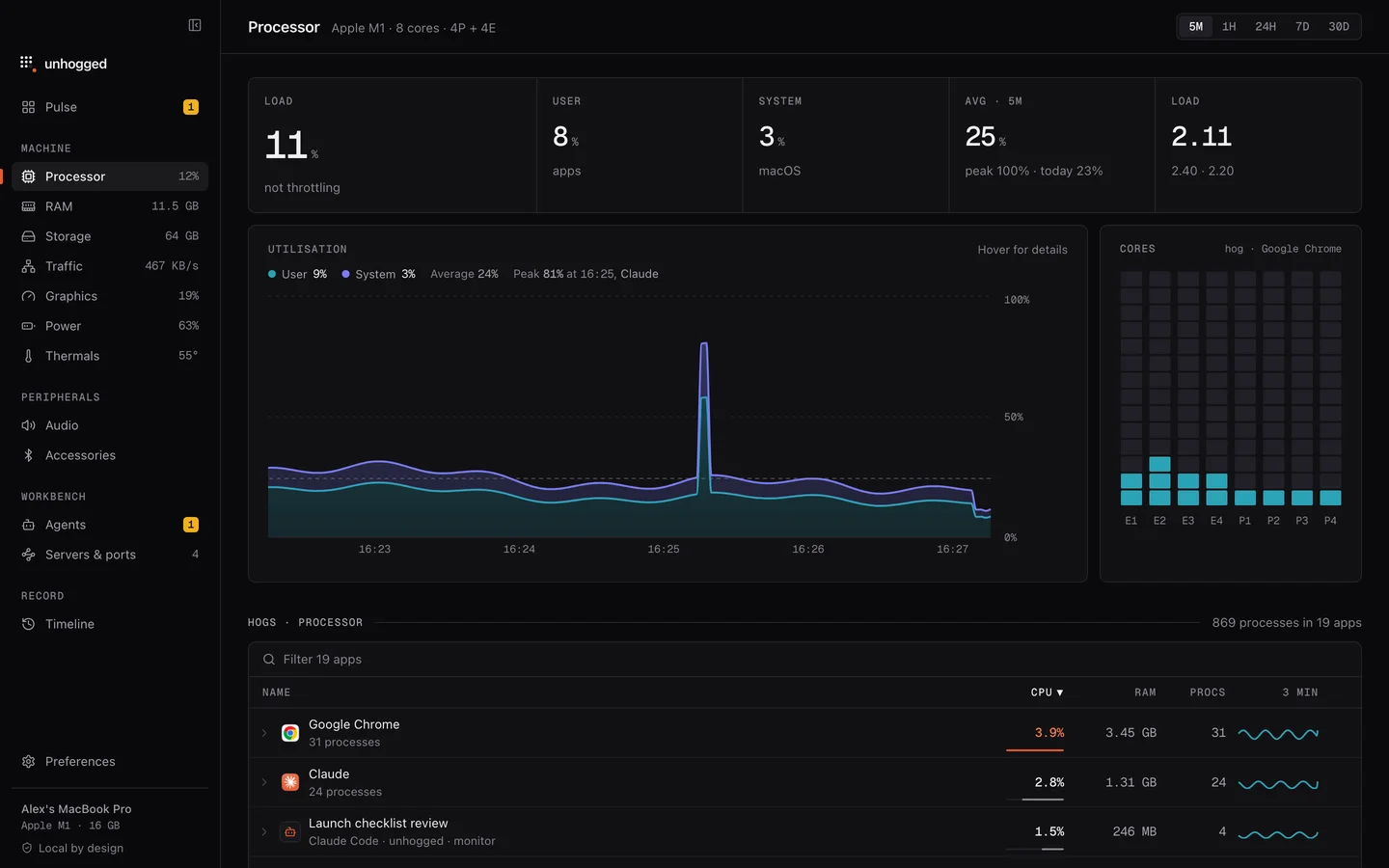
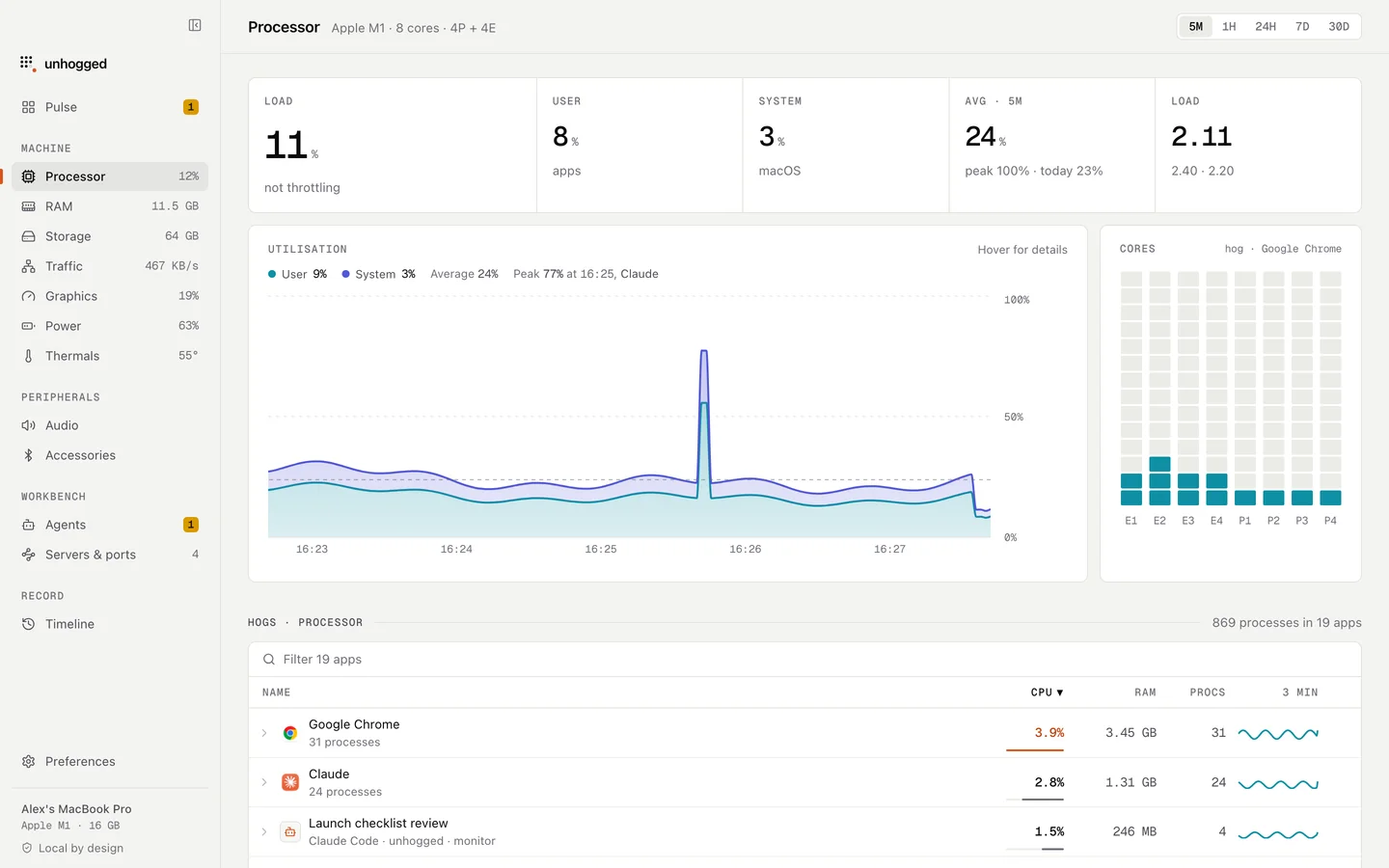
Unhogged shows macOS's own processes separately from your apps and says what each is, so you can tell a security check from a problem.
One payment, three Macs. macOS 13 Ventura or later on Apple silicon.
Questions
Should I turn off Gatekeeper to stop syspolicyd?
No. It protects you from malware. The Developer Tools setting is the safe way to speed up builds.