What is com.apple.WebKit.WebContent, and why is it using so much?
Part of macOS · close the page
com.apple.WebKit.WebContent is one web page, shown by Safari or by an app that displays web content, such as Mail, the App Store or many third-party apps. Safari gives each tab its own, so you'll see several. A busy one is a busy page.
Why com.apple.WebKit.WebContent gets busy
Like any browser tab, it gets heavy with:
- Heavy sites: web apps, video, animation and ads.
- Tabs open for days, which can slowly use more memory.
- Extensions running on every page.
How to check what it's doing
- Close Safari tabs one at a time and watch which WebContent process disappears from Activity Monitor.
- If Safari isn't open, a different app is showing web content; quitting apps one at a time finds it.
What to do
- Close or reload the heavy tab.
- Turn off Safari extensions you don't use in Safari › Settings › Extensions.
- Quit and reopen Safari if memory keeps growing.
With Unhogged
See what's slowing your Mac, in one sentence
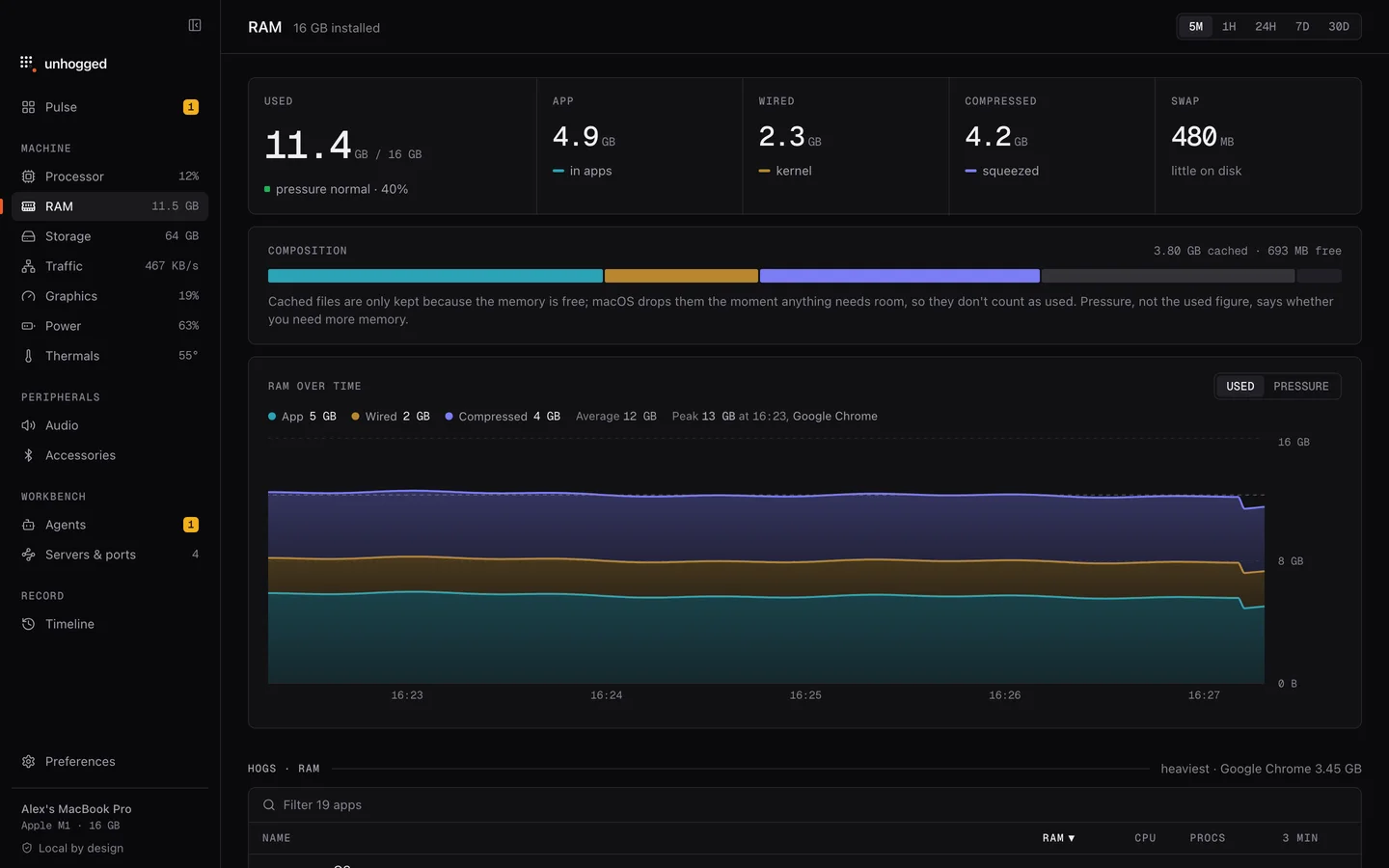
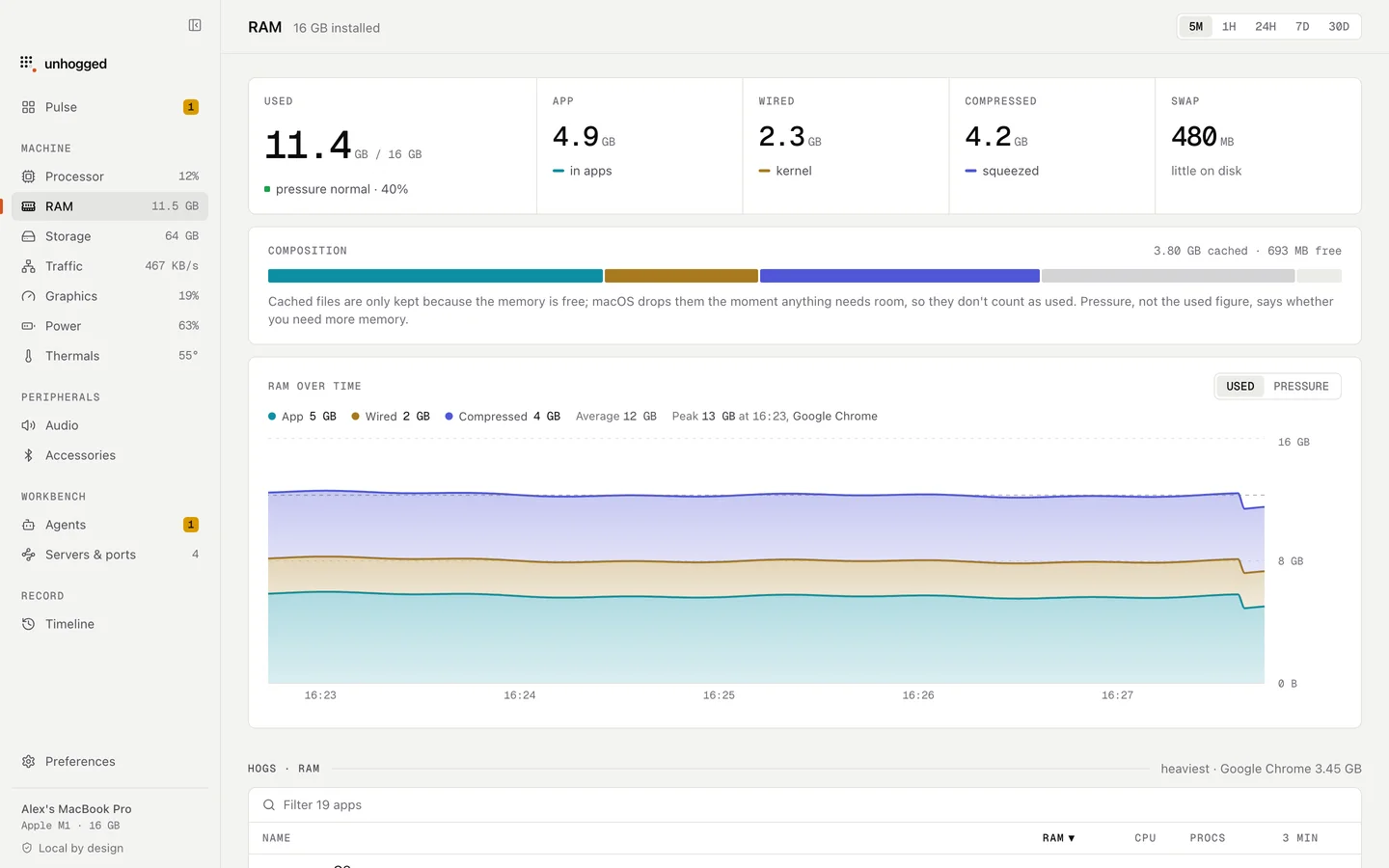
Unhogged counts web content processes towards the app showing them, so you see Safari's or Mail's real total in one row, and says what each process is when you expand it.
One payment, three Macs. macOS 13 Ventura or later on Apple silicon.
Questions
Can I quit com.apple.WebKit.WebContent?
Yes, but the page it was showing goes blank and needs reloading. Closing the tab is cleaner.