Why is Code Helper (Renderer) using so much CPU?
Code Helper (Renderer) is a Visual Studio Code window: the editor you see. Its sibling Code Helper (Plugin) runs your extensions, and Code Helper (GPU) draws. High CPU almost always comes from an extension, a very large file, or a search or language server working through a big project. VS Code's own Process Explorer shows which.
Why Code Helper (Renderer) gets busy
VS Code splits its work into helpers, and each gets busy for its own reasons:
- Extensions (in Code Helper (Plugin)): linters, formatters and language servers working on every change.
- Large files and projects: a huge log or JSON file, or a project with many files being indexed or watched.
- Search and file watching across folders like
node_modulesor build output. - The same pattern applies to editors built on VS Code, such as Cursor, whose helpers are called
Cursor Helper (Renderer)andCursor Helper (Plugin).
How to check what it's doing
- In VS Code, choose Help › Open Process Explorer to see every VS Code process, including each extension host and language server, with its CPU and memory.
- Run Developer: Show Running Extensions from the Command Palette to see how much time each extension takes.
What to do
- Disable the extension at the top of that list, or run Help: Start Extension Bisect to find a misbehaving one.
- Exclude generated folders in settings:
files.watcherExcludeandsearch.excludefornode_modules,distand build output. - Close very large files you don't need open.
- Restart the language server (for TypeScript: TypeScript: Restart TS Server) when its memory keeps growing.
See what's slowing your Mac, in one sentence
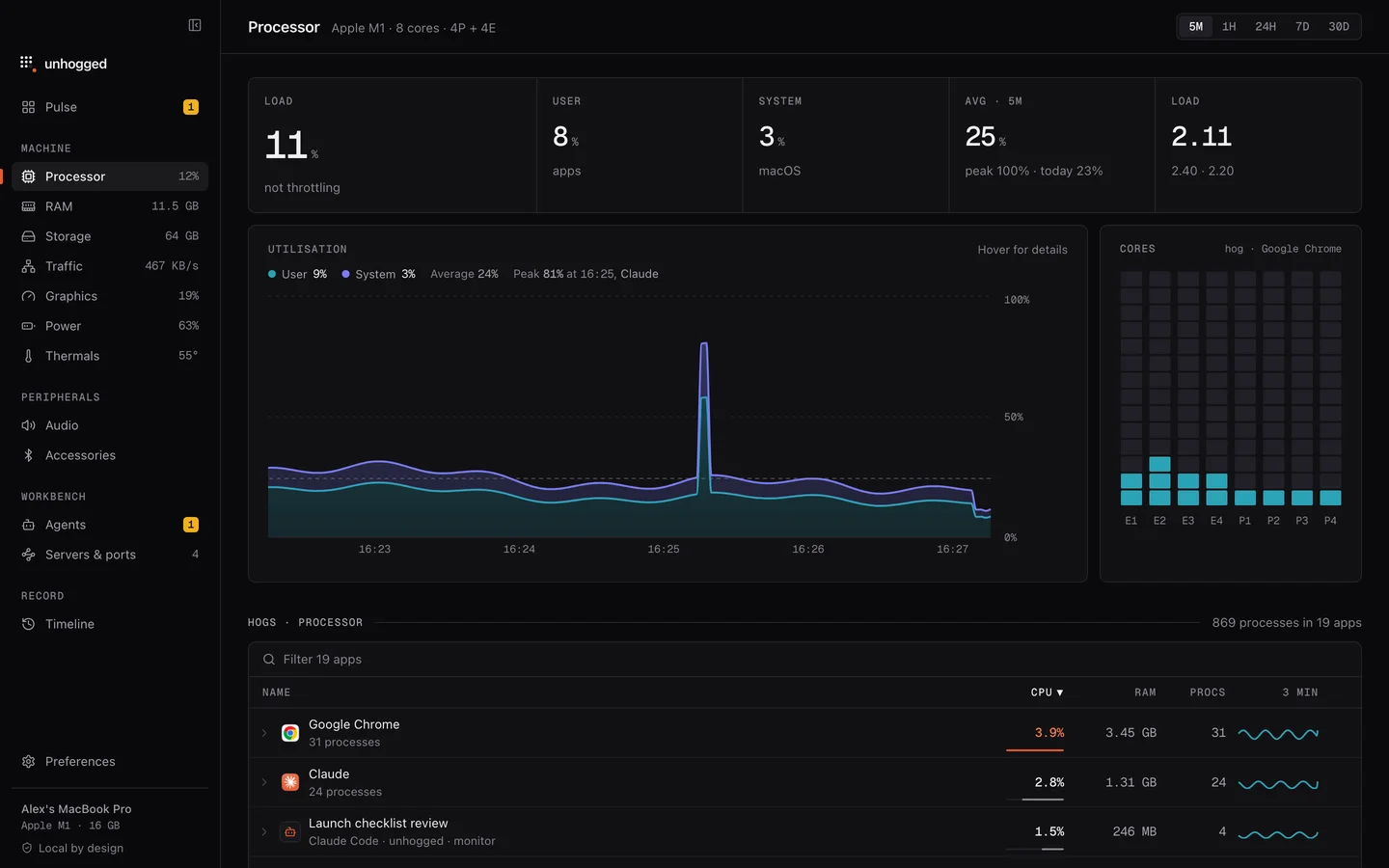
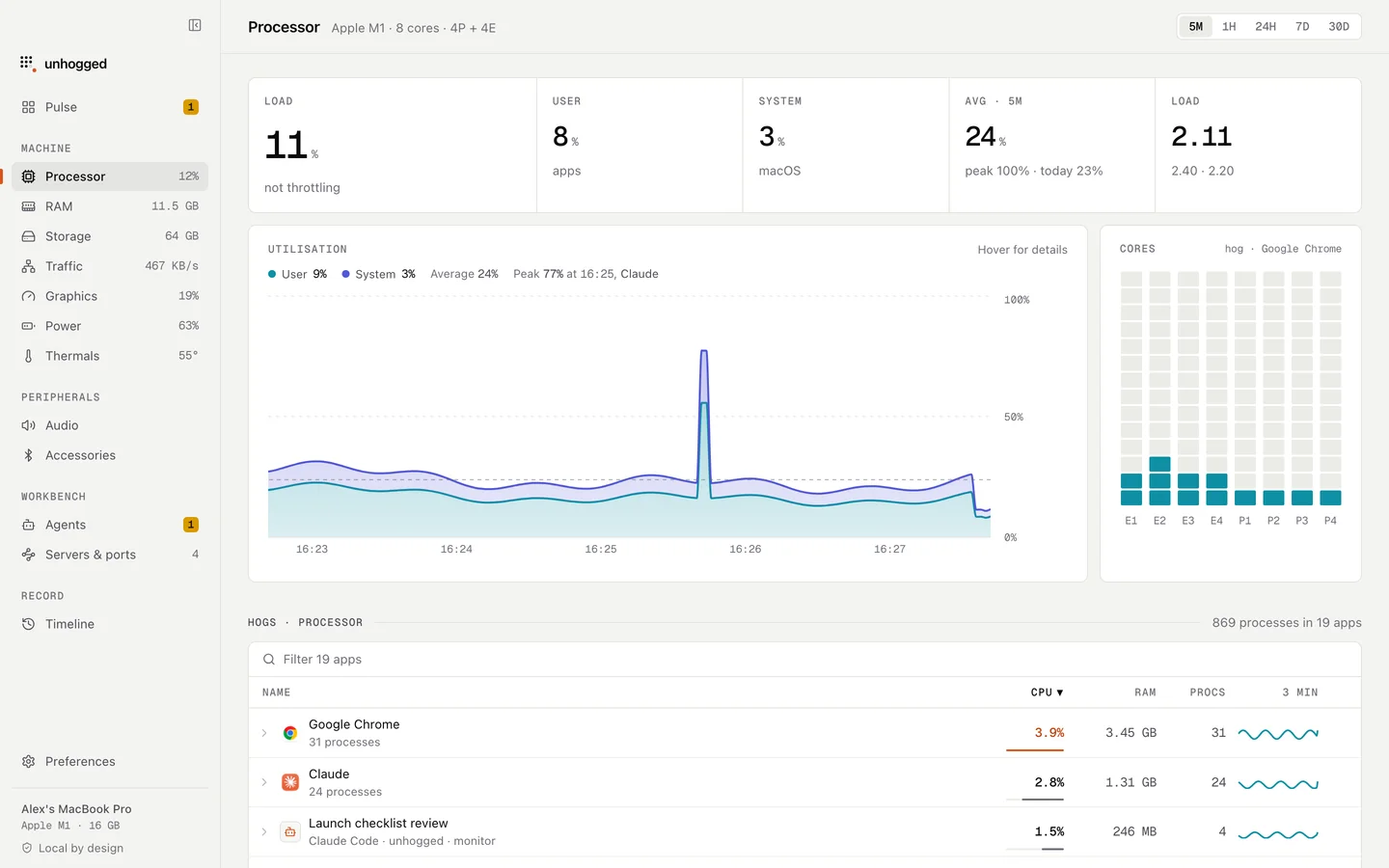
Unhogged folds every VS Code and Cursor helper into one row with the editor's real total, warns when an app's memory keeps climbing, and says what each helper is when you expand the row.
One payment, three Macs. macOS 13 Ventura or later on Apple silicon.
Questions
What is Code Helper (Plugin)?
VS Code's extension host: the process your extensions run in. If it's busy, an extension is.
Is Code Helper a virus?
No. It is part of Visual Studio Code, which runs its work in separate helper processes.