What is fileproviderd, and why is it using so much CPU?
Part of macOS · find the app
fileproviderd connects cloud storage apps to Finder. iCloud Drive, Dropbox, OneDrive, Google Drive and Box show their files through it. When it uses a lot of CPU, one of those apps is syncing many files, or keeps re-syncing a folder that changes constantly.
Why fileproviderd gets busy
The load comes from whichever cloud app is syncing:
- A first sync or a large upload in Dropbox, OneDrive, Google Drive or iCloud Drive.
- Files on demand: opening many cloud-only files downloads each one.
- Constantly changing folders inside a synced folder, such as code projects and build output.
How to check what it's doing
- Look at each cloud app's menu bar icon for one that's syncing.
- In Activity Monitor, the Disk and Network tabs show the cloud app working alongside fileproviderd.
What to do
- Pause syncing in the busy app until a better time.
- Move constantly changing folders out of synced folders.
- Quit and reopen the cloud app if it seems stuck, then let it finish.
With Unhogged
See what's slowing your Mac, in one sentence
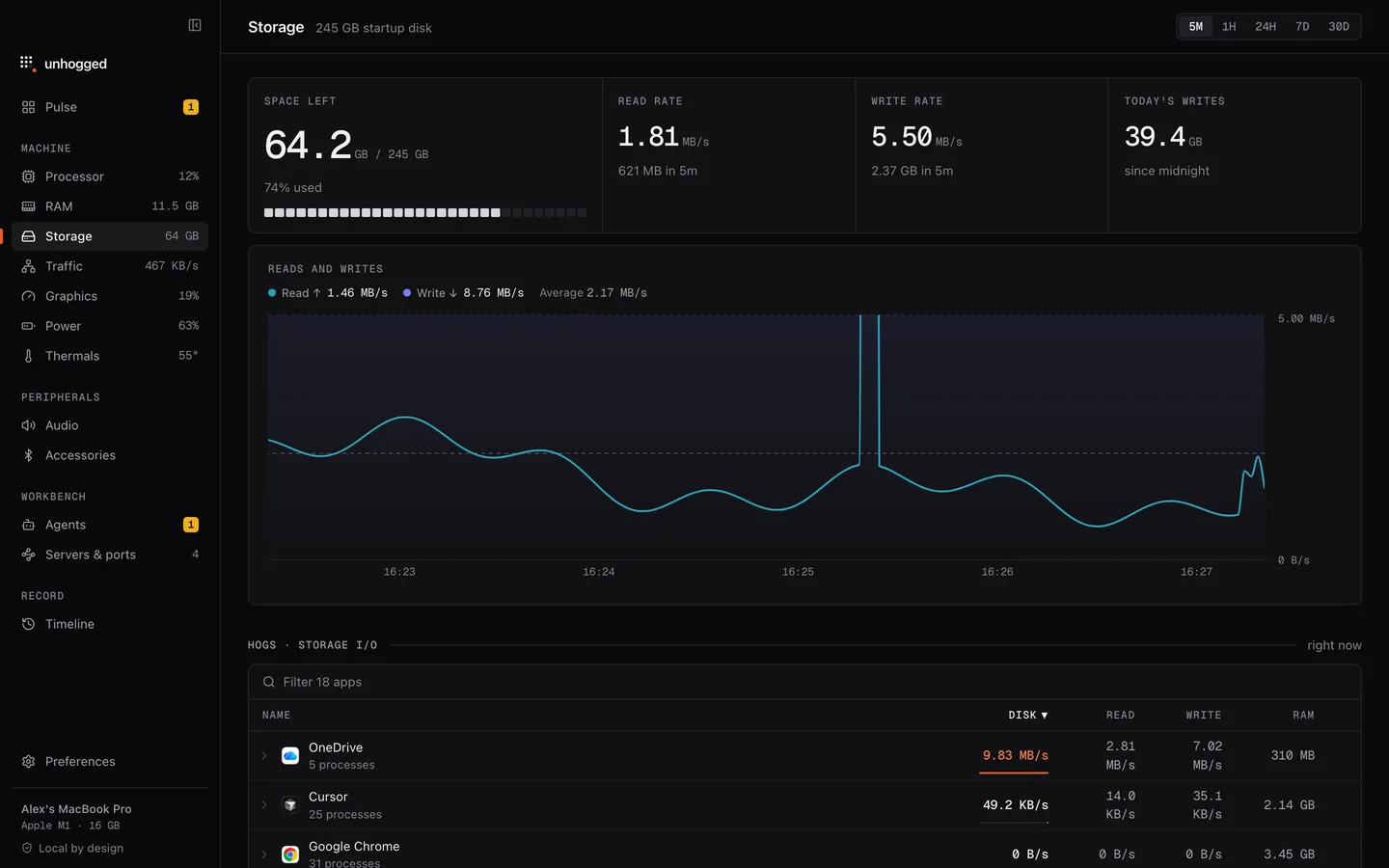
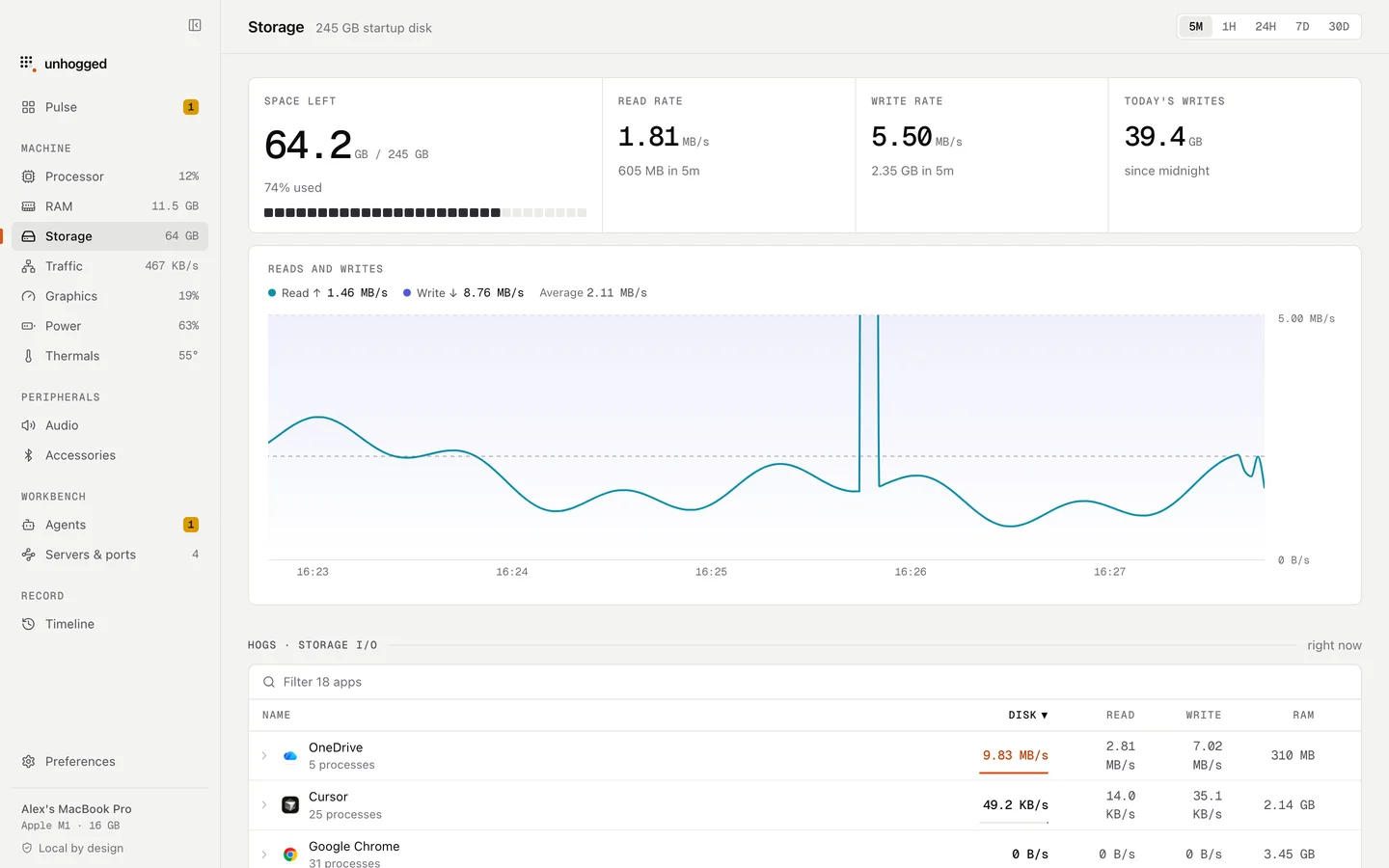
Unhogged names the app behind heavy disk writes (for example "OneDrive is flooding storage with writes") and shows its writes over time, so you know which cloud app to pause.
One payment, three Macs. macOS 13 Ventura or later on Apple silicon.
Questions
Can I quit fileproviderd?
macOS restarts it when a cloud app needs it. Pausing or quitting the cloud app is what stops the work.