What is cloudd, and why is it so busy?
Part of macOS · let it sync
cloudd is the part of macOS that syncs apps' data with iCloud: Notes, Reminders, Safari bookmarks and tabs, Messages in iCloud, and third-party apps that use iCloud. It gets busy when a lot needs syncing, like turning on Messages in iCloud or setting up a new Mac, and quietens when it's done. iCloud Drive files are handled by bird.
Why cloudd gets busy
cloudd works hardest when:
- You turn on an iCloud feature with a lot of history, like Messages in iCloud.
- You sign in on a new Mac, and everything syncs down at once.
- An app keeps syncing changes, or retries a sync that keeps failing.
How to check what it's doing
- In Activity Monitor, cloudd shows network and processor use while syncing.
- System Settings › [your name] › iCloud shows which apps use iCloud.
What to do
- Let it finish with the Mac awake and online.
- If it stays busy for days, restart. If one app seems responsible, turn its iCloud sync off and on again.
With Unhogged
See what's slowing your Mac, in one sentence
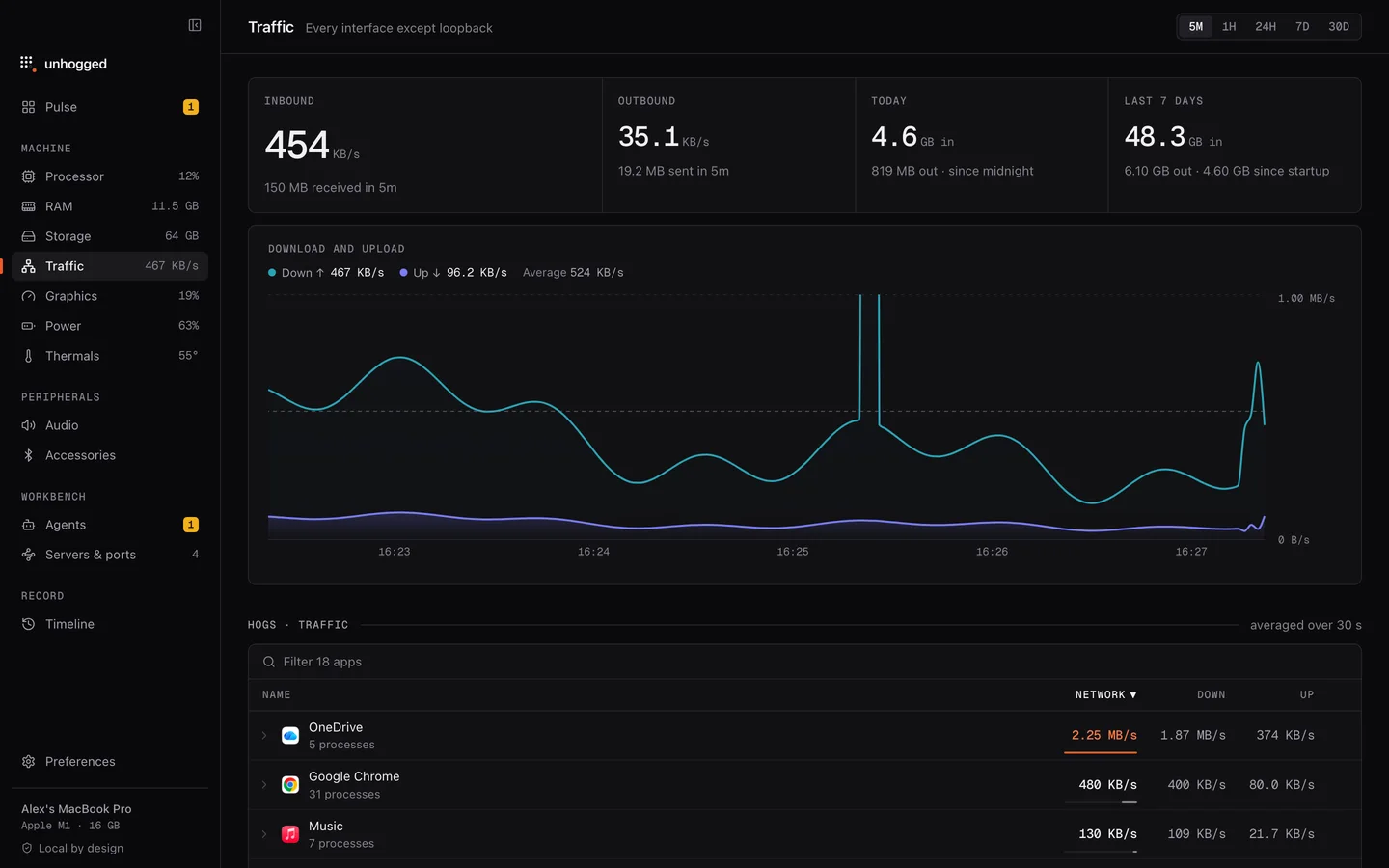
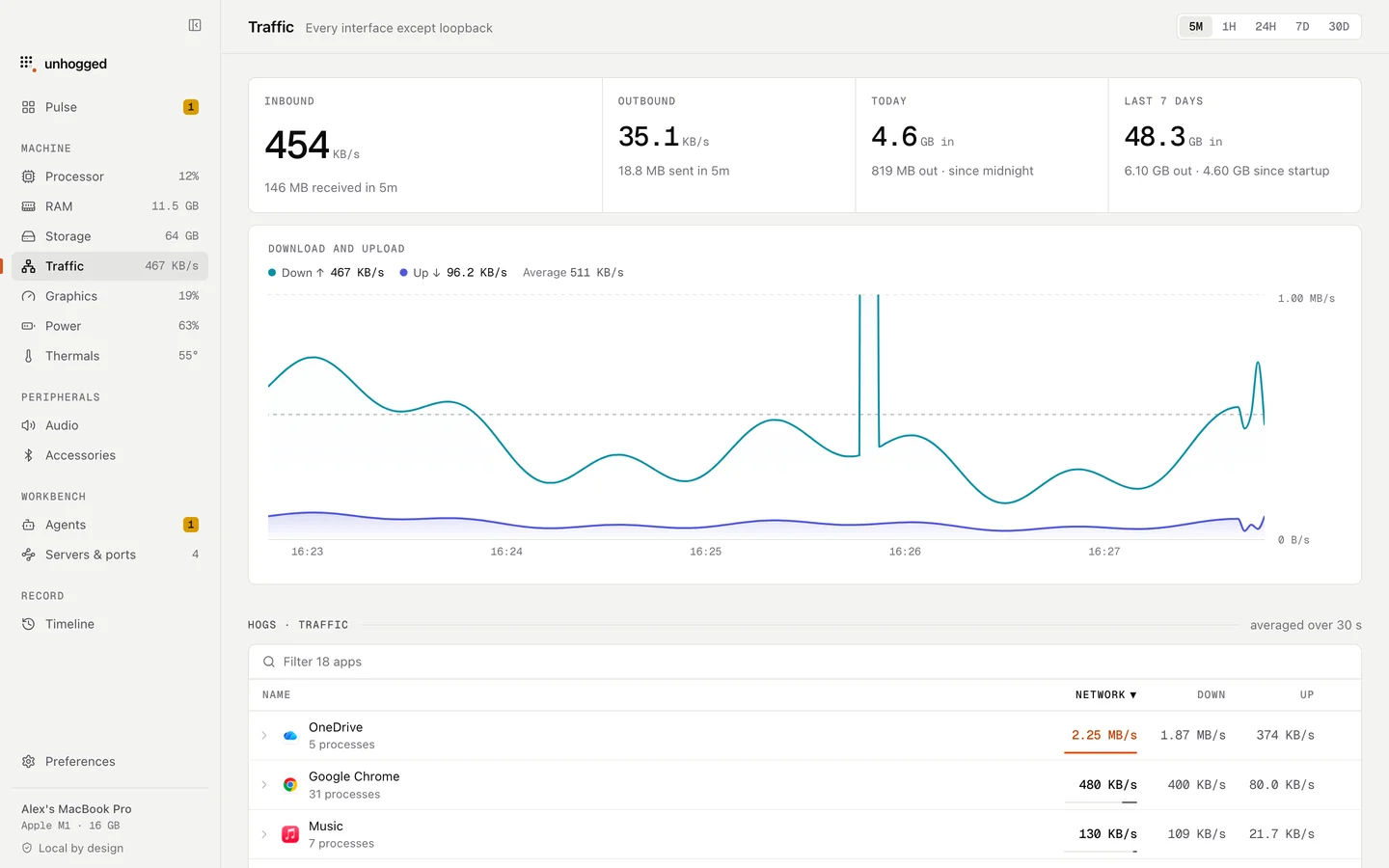
Unhogged's Traffic screen shows download and upload over time with the app using the most at each moment, and each macOS process says what it is when you expand it.
One payment, three Macs. macOS 13 Ventura or later on Apple silicon.
Questions
What's the difference between cloudd and bird?
bird syncs iCloud Drive files; cloudd syncs apps' iCloud data, like Notes and Messages. Both are macOS.