Why is my MacBook's battery draining so fast?
Updated 7 October 2026
Usually one or two apps: a browser with busy tabs, a video call, an app that keeps the processor or graphics awake, or background syncing. Activity Monitor's Energy tab shows which, including over the last 12 hours. Screen brightness and external displays matter too. If it drains fast with nothing running, check battery health.
Find the app
- Open Activity Monitor › Energy.
- Energy Impact is what each app uses now; 12 hr Power is what it used over the last 12 hours, which is what matters for a drained battery.
- Apps marked Preventing Sleep: Yes keep your Mac awake.
- System Settings › Battery shows charge and screen use over the last day.
The usual causes
- Browsers with video, animation or many tabs.
- Video calls and screen sharing, which use camera, network, processor and graphics at once.
- Background syncing: iCloud (bird), Photos, Dropbox, OneDrive (fileproviderd).
- An app stuck using the processor in the background (find it).
- Bright screens and external displays.
Make it last longer
- Quit the apps at the top of 12 hr Power when you're not using them.
- Turn on Low Power Mode in System Settings › Battery.
- Lower brightness and disconnect displays you're not using.
Or is it the battery?
System Settings › Battery › Battery Health shows whether the battery is Normal or needs service; System Information › Power shows its cycle count. Batteries lose capacity with age, so an old battery drains faster no matter what you run.
Energy per app, and what drained it
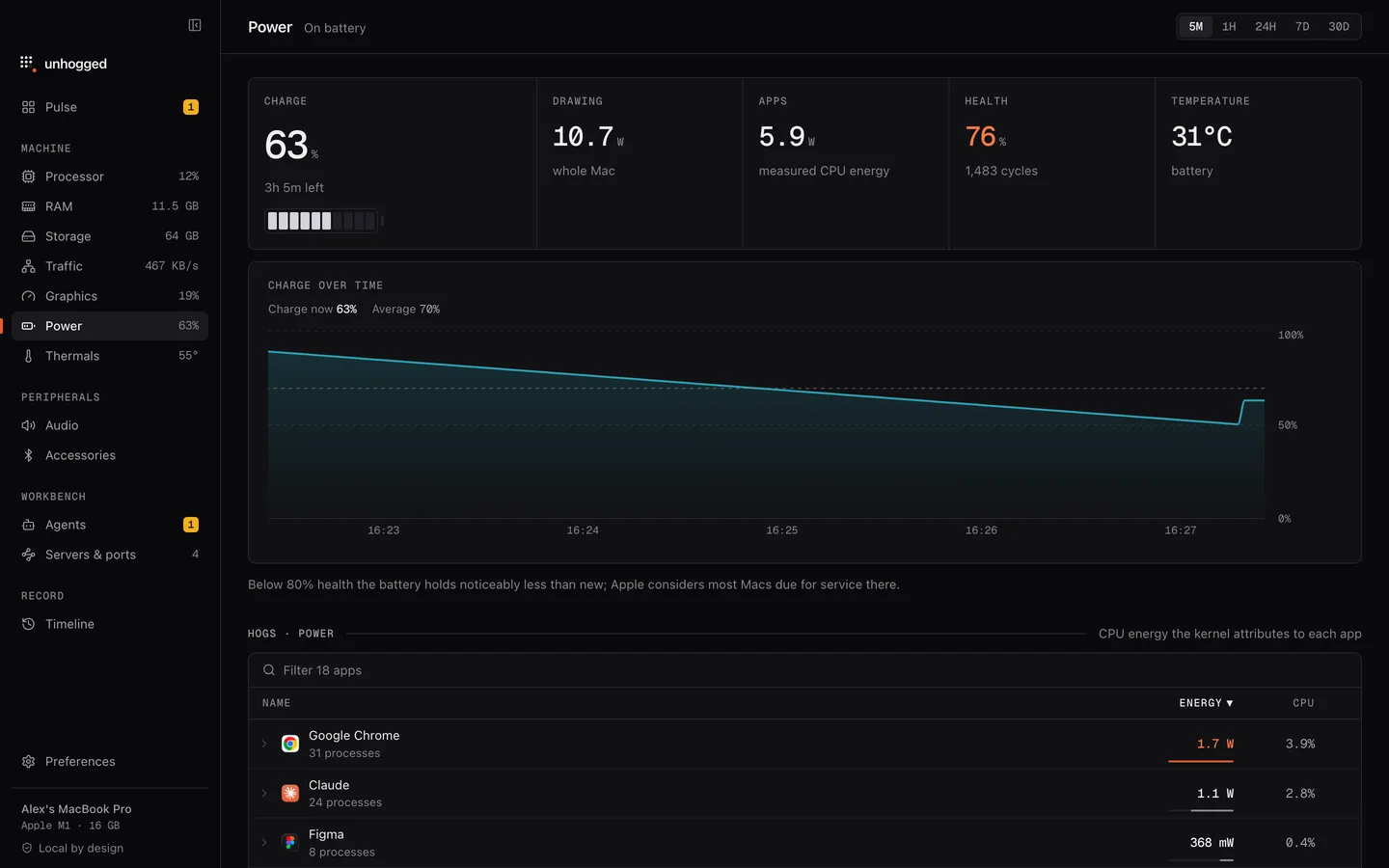
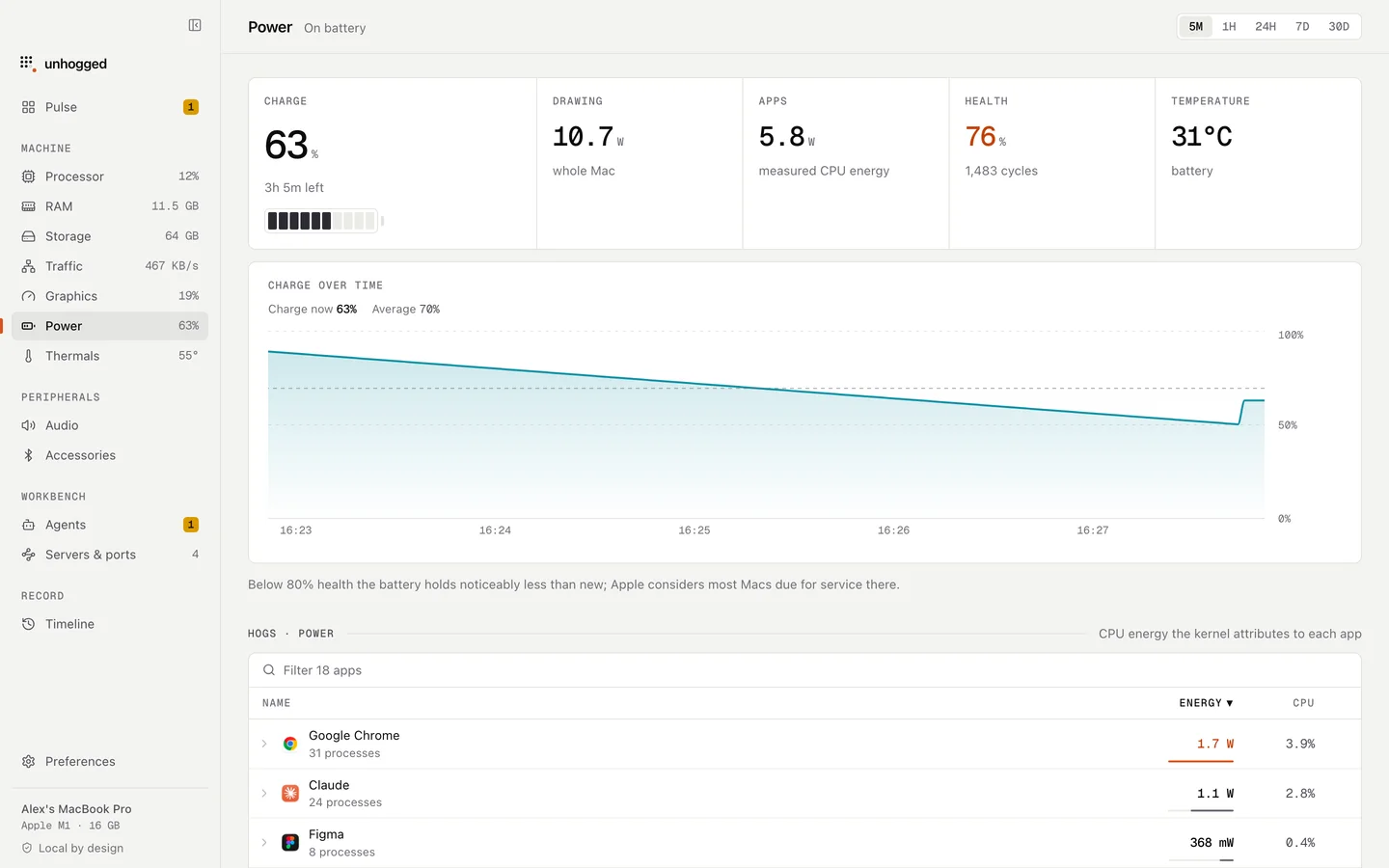
Unhogged's Power screen shows charge over time, battery health and cycle count, watts in and out, and energy per app as measured by macOS, so you can see what drained the battery, not just that it drained. It warns when an app is draining it.
One payment, 3 Macs. macOS 13 Ventura or later on Apple silicon.
Questions
How long should a MacBook battery last?
Apple quotes up to about 18–24 hours of light use depending on the model; heavy apps, bright screens and video calls bring it down sharply.
When should I replace my MacBook battery?
When Battery Health says Service Recommended, or capacity has dropped enough that it no longer gets you through your day.
Related
- Why is my Mac slow?A Mac slows down for five reasons: memory, one busy app, heat, a full disk or background work. How to tell…
- Google Chrome Helper (Renderer)One tab, window or extension of Google Chrome.
- birdiCloud Drive syncing.
- Mac fan loud or running hotA hot Mac or a loud fan means something is working the chip hard. How to find the app responsible, what's…