Why is my Mac's fan so loud, and why is it running hot?
Updated 7 October 2026
Your Mac is hot because something is working the chip hard: an app, a browser tab, a build, a video call, or macOS catching up after an update. The fan spins up to cool it. Find what's busy in Activity Monitor's CPU tab, stop or pause it, and give the Mac a hard surface and clear vents.
Find what's heating it
- Open Activity Monitor › CPU and sort by % CPU. Anything near or above 100% for minutes is heating the Mac.
- If kernel_task is at the top, that's macOS throttling because of the heat; look at the next app down. Why.
- For graphics work (games, video, external displays), Window › GPU History shows the graphics load.
- In Terminal,
pmset -g thermreports whether macOS has recorded a thermal warning.
What's normal
- Chips run warm under load by design; the hottest parts of the chip can reach the 90s °C during heavy work.
- Fans spinning up during exports, builds, games and video calls is expected.
- A MacBook Air has no fan: instead of getting loud, it slows itself down when hot.
- After a macOS update, background indexing and photo analysis can keep a Mac warm for a day.
Cool it down
- Quit or pause the app working hardest.
- Close browser tabs with video, animation or heavy web apps.
- Put the Mac on a hard, flat surface, not a bed or your lap, and keep the vents clear.
- Avoid heavy work in direct sun or a hot room.
- If it's hot and loud with nothing running, restart, update macOS, and contact Apple Support if it continues.
Heat, in plain words
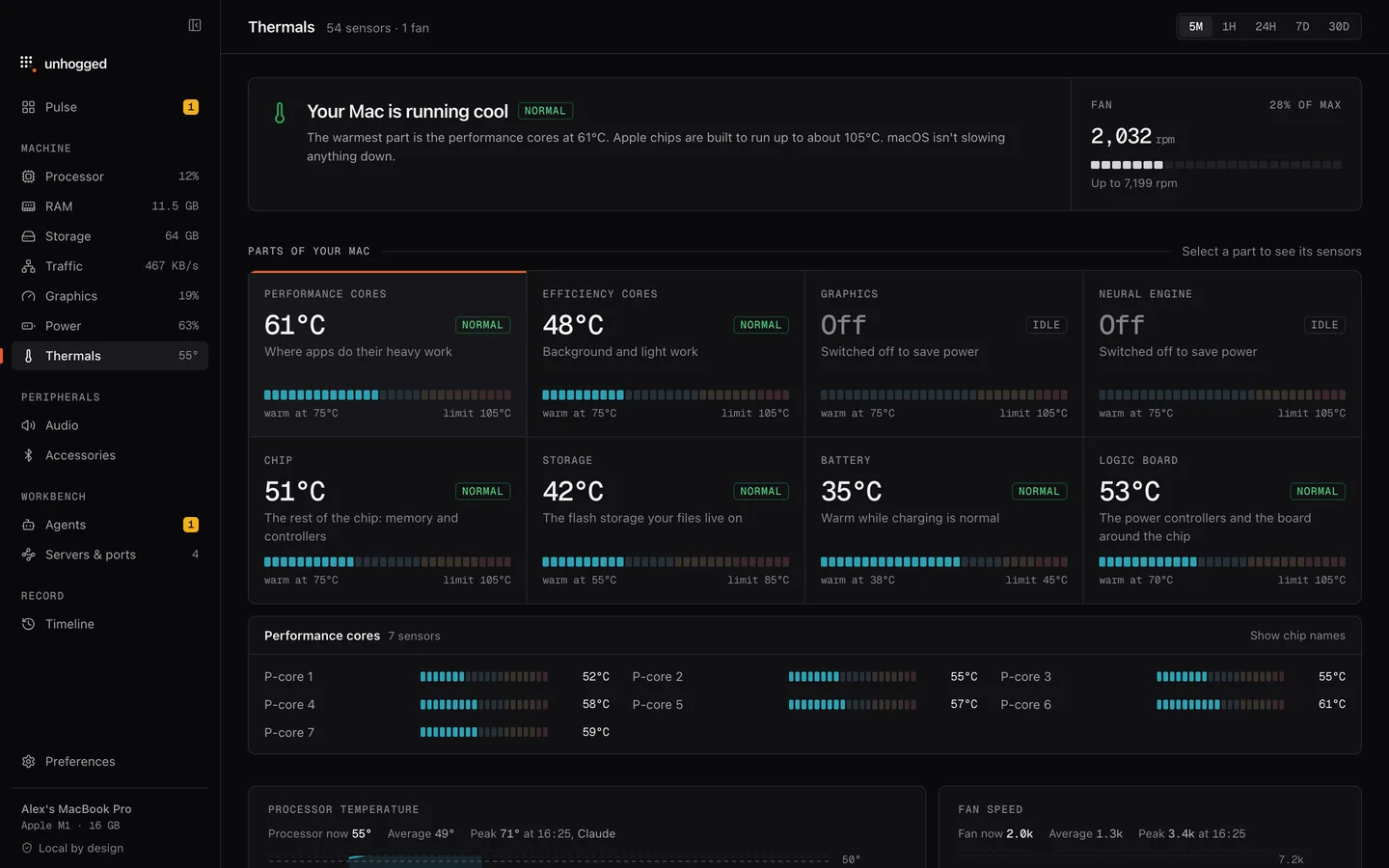
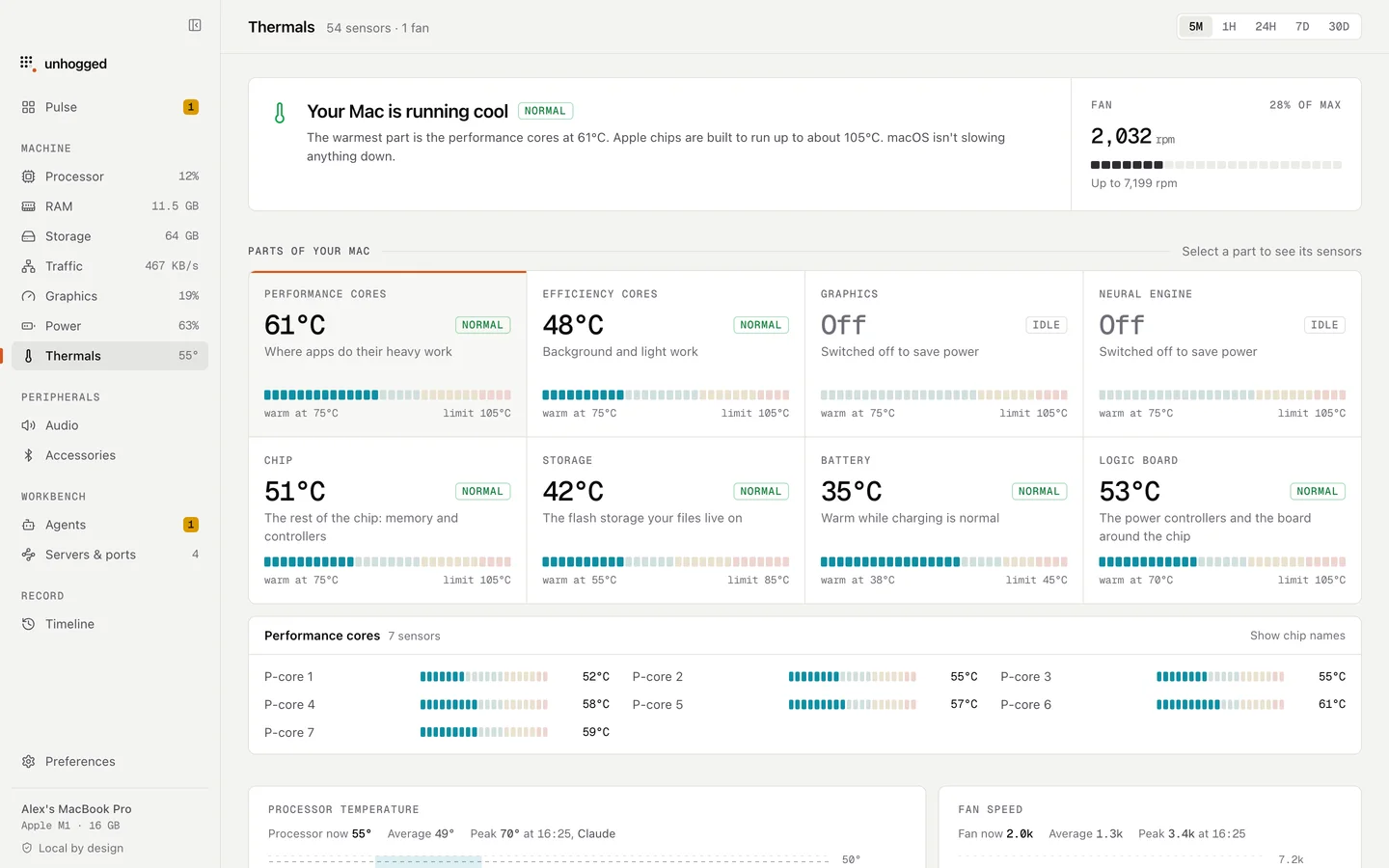
Unhogged's Thermals screen shows every part of your Mac (performance and efficiency cores, graphics, storage, battery) with its temperature, a Normal, Warm or Hot state, and how close it is to its limit, and says in a sentence whether macOS is slowing your Mac down to cool it. Its charts name the app that was using the most at every moment.
One payment, 3 Macs. macOS 13 Ventura or later on Apple silicon.
Questions
What temperature is too hot for a Mac?
There isn't one number: each part has its own limit. The chip can run in the 90s °C under load; batteries prefer to stay under the mid-30s. Unhogged shows each part against its own limit.
Can I control my Mac's fan speed?
macOS manages fans itself. Some apps can override it, but fixing what's producing the heat works better and is safer.
Is it bad to use a MacBook on my lap or a bed?
It blocks airflow, so the Mac runs hotter and slows down sooner. A hard surface helps.
Related
- kernel_taskmacOS itself. High CPU usually means it's holding the chip back to cool it.
- ThermalsSee every part of your Mac (cores, graphics, storage, battery) with its temperature, its limit and a plain…
- WindowServerDraws everything on your screens. Busier with more displays, windows and animation.
- Why is my Mac slow?A Mac slows down for five reasons: memory, one busy app, heat, a full disk or background work. How to tell…