What is XProtect, and why is it using CPU?
Part of macOS · keep it
XProtect is Apple's built-in malware protection. It checks apps and files against Apple's list of known malware when they're opened or changed, and runs background scans. You'll see it as XProtect, XprotectService or similar. It's busy after downloads, when apps first run, and during its periodic scans, then quiet.
Why XProtect gets busy
XProtect scans when:
- You download or open new apps and files.
- Its rules update from Apple, which can trigger rescans.
- Periodic background scans run.
How to check what it's doing
- In Activity Monitor, XProtect processes appear busy for a while and then go quiet.
What to do
- Let it finish; it's protecting your Mac.
- Keep macOS updated so XProtect has Apple's latest rules.
With Unhogged
See what's slowing your Mac, in one sentence
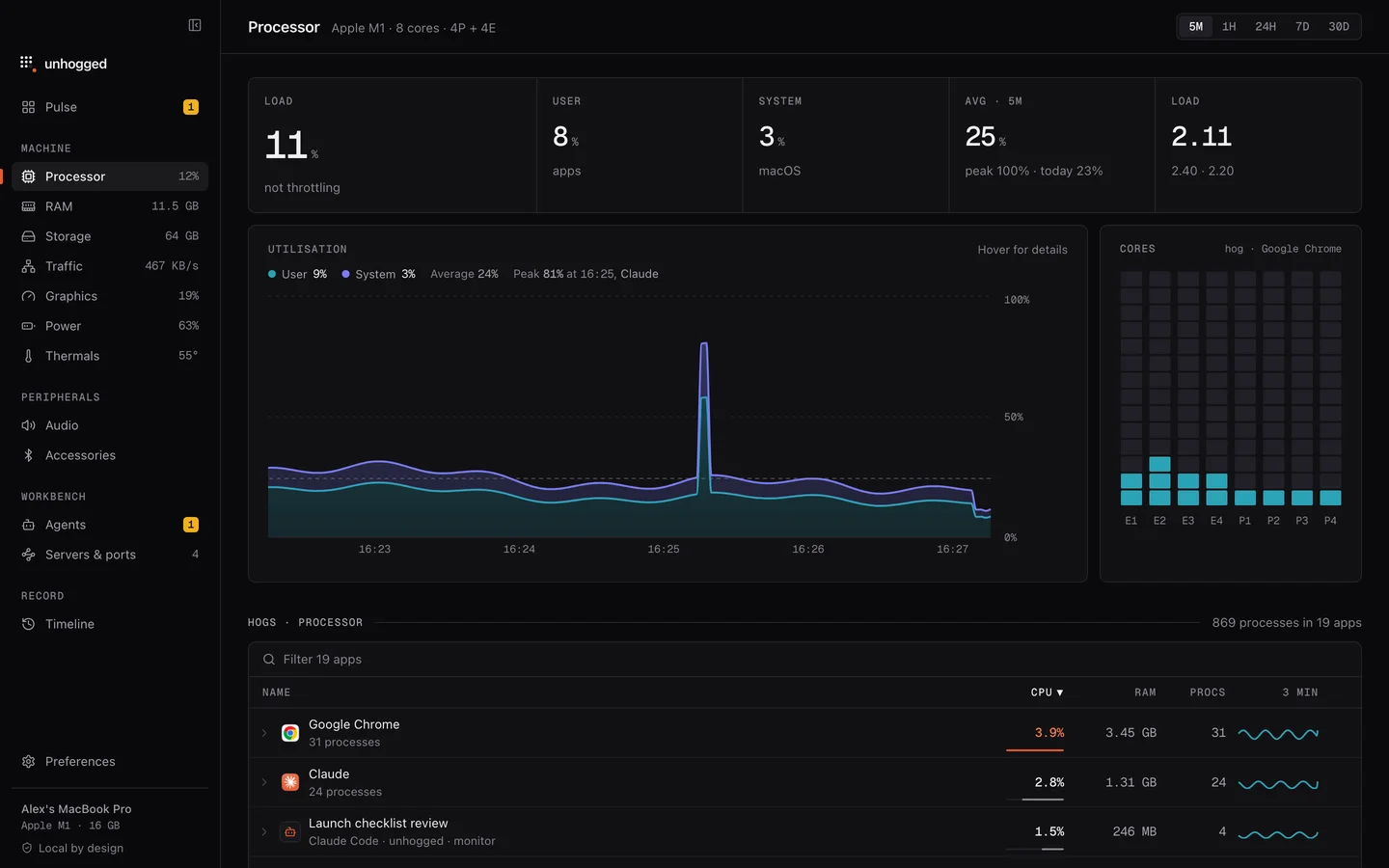
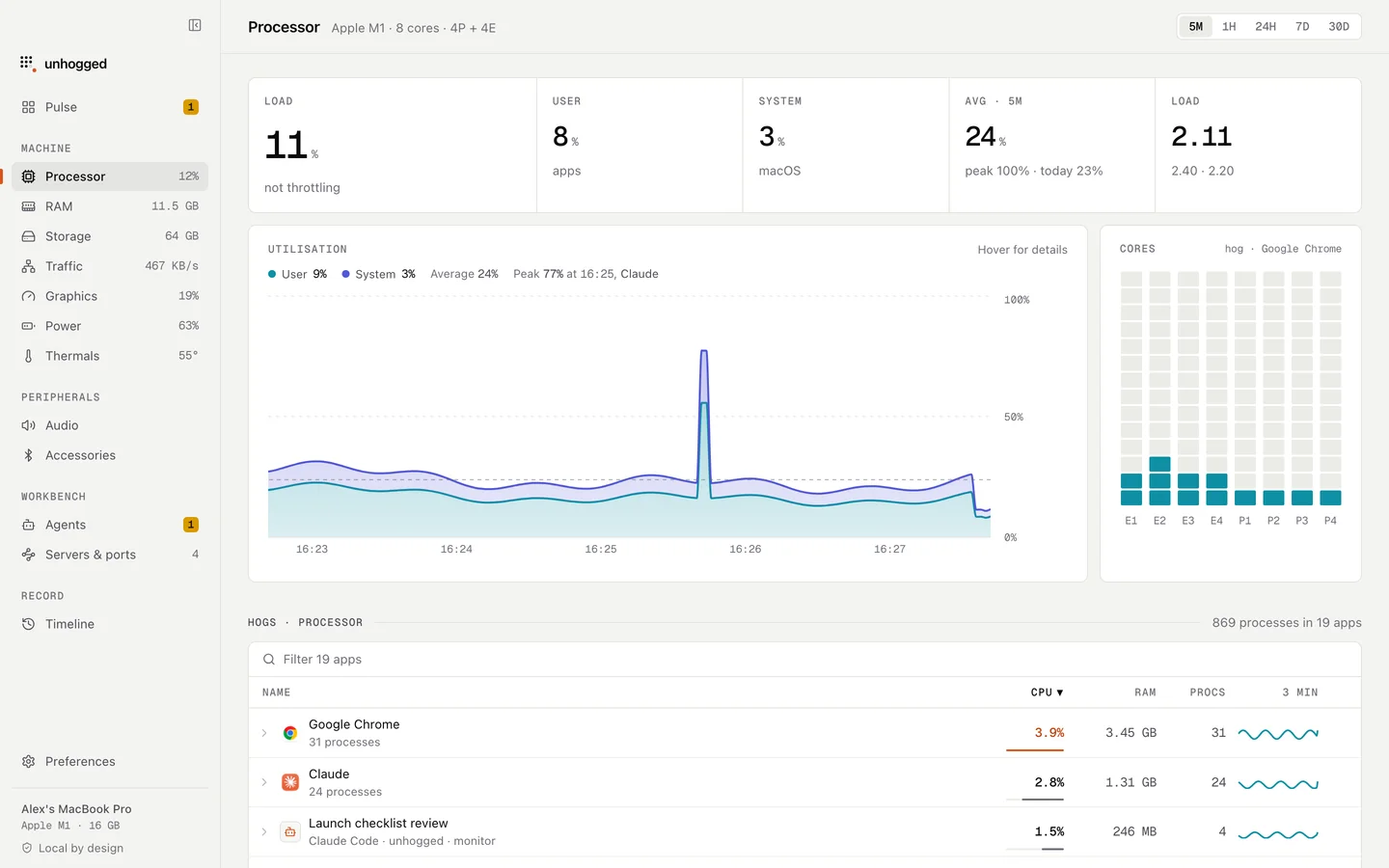
Unhogged shows macOS's own processes separately from your apps and says what each is, so a security scan isn't mistaken for a problem.
One payment, three Macs. macOS 13 Ventura or later on Apple silicon.
Questions
Can I turn off XProtect?
Not in normal use, and you shouldn't: it's macOS's malware protection.