What is trustd, and why is it using CPU?
Part of macOS · don't quit it
trustd checks certificates: for secure (HTTPS) connections, and for apps and code signatures. Every secure connection an app makes may involve a check, so trustd gets busy when apps open many connections, when you install apps, and after updates. It's normally brief.
Why trustd gets busy
trustd is busier when:
- Apps open many secure connections, like browsers, sync apps and developer tools downloading packages.
- You install or update apps, which are checked.
- A connection keeps failing a check and retrying.
How to check what it's doing
- In Activity Monitor, see which apps are busy on the Network tab at the same time.
What to do
- Usually nothing; it settles.
- If it stays busy, find the app making many connections and restart or update it.
With Unhogged
See what's slowing your Mac, in one sentence
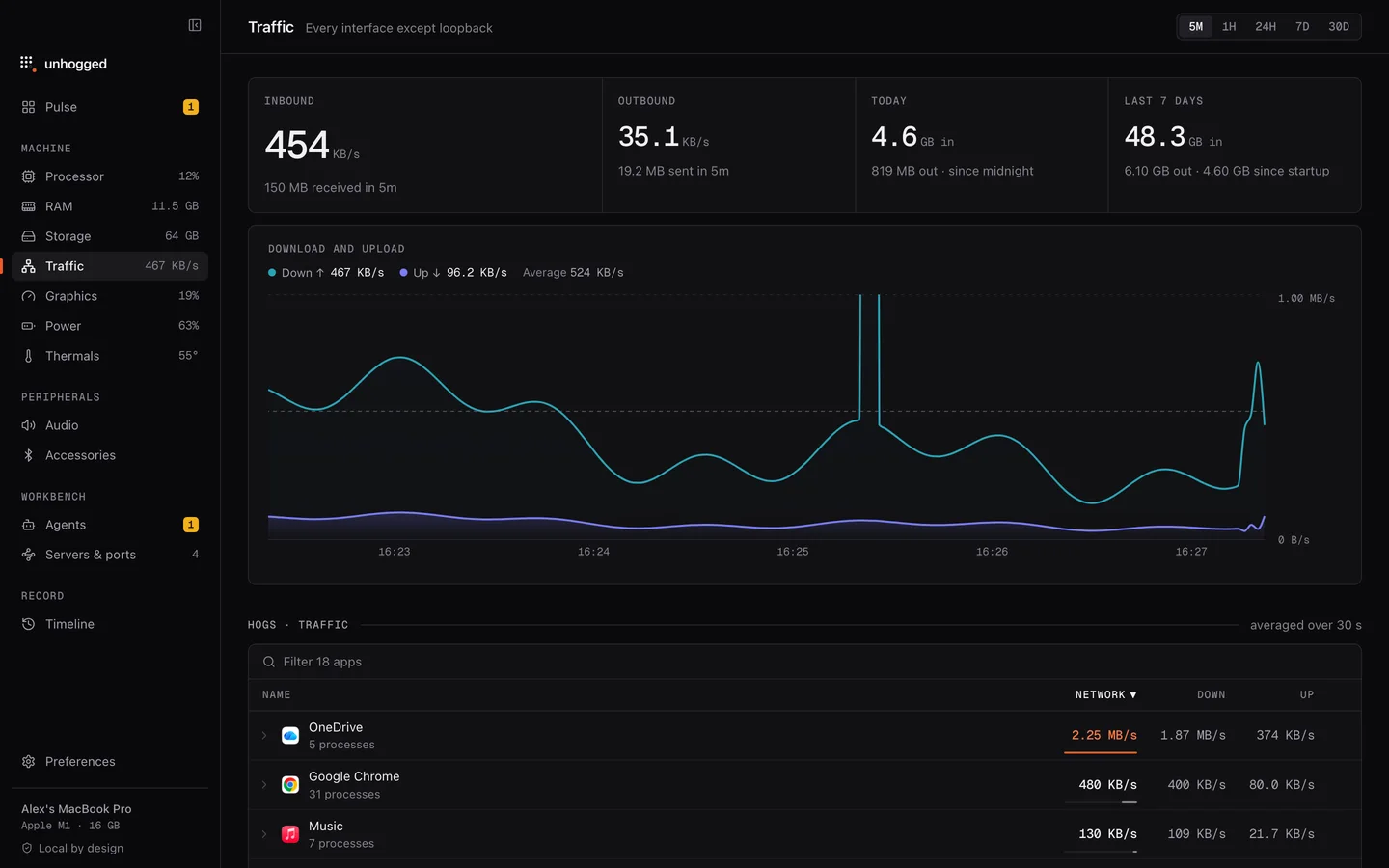
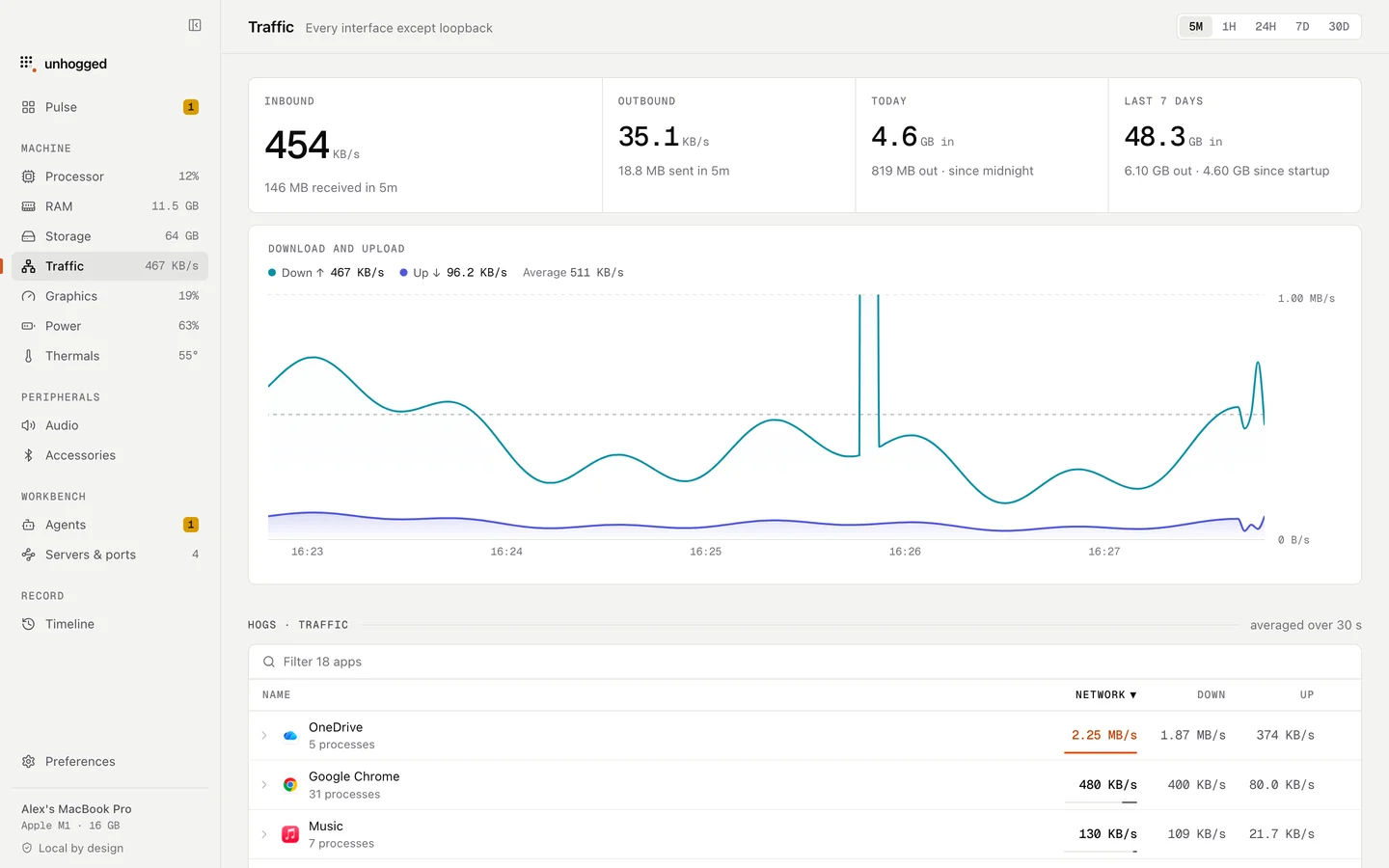
Unhogged's Traffic screen shows which app is using the network at each moment, so you can see who is behind trustd's work.
One payment, three Macs. macOS 13 Ventura or later on Apple silicon.
Questions
Is trustd a virus?
No. It's part of macOS's security.