What is logd, and why is it using so much CPU?
Part of macOS · find the noisy app
logd collects the log messages macOS and your apps write. It's normally light. When it uses a lot of CPU, some app or system process is writing an enormous number of messages, often because it's stuck in a loop retrying something. Find that app and restart or update it.
Why logd gets busy
logd only works as hard as others log:
- An app stuck retrying something, logging each failure.
- Debug logging left on in a developer tool.
- A misbehaving system component after an update.
How to check what it's doing
- In Terminal,
log stream --style compactshows messages as they arrive; the name that fills the screen is the noisy one. Press Control-C to stop. - Activity Monitor's CPU tab often shows the same app busy alongside logd.
What to do
- Quit or restart the noisy app.
- Update it; endless logging is usually a bug that's been fixed.
- Restart the Mac if it's a macOS process.
With Unhogged
See what's slowing your Mac, in one sentence
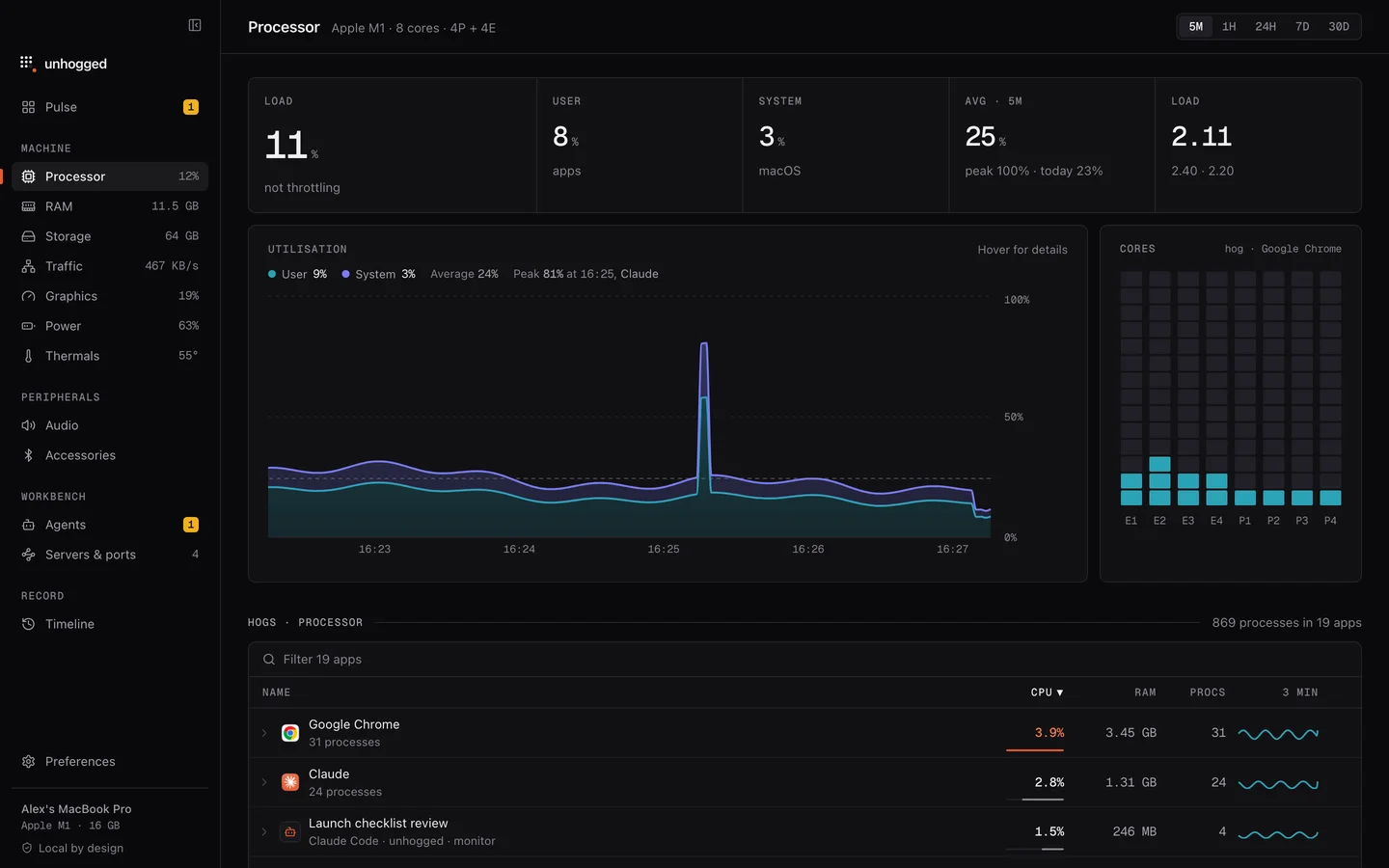
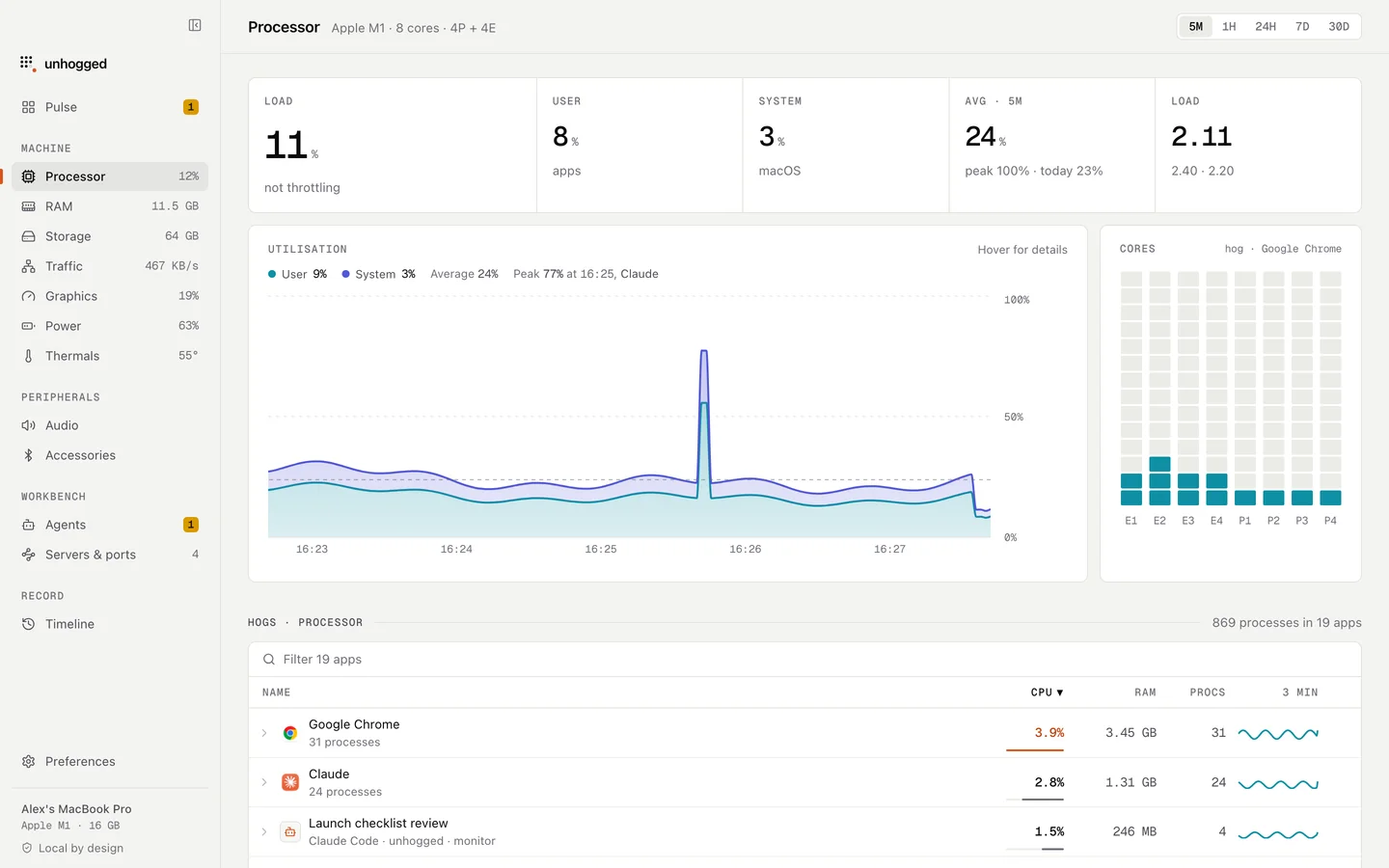
Unhogged flags apps using processor time for a sustained period and names them, so the noisy app shows up next to logd.
One payment, three Macs. macOS 13 Ventura or later on Apple silicon.
Questions
Can I delete Mac logs to fix logd?
That doesn't stop the app writing them. Find the noisy app instead.