What is spindump, and why is it using CPU?
Part of macOS · find the frozen app
spindump records what an app was doing when it stopped responding, so the problem can be reported. When spindump is busy, an app on your Mac is hanging (the spinning wheel) or has just been force quit. It finishes in seconds to a minute. The real question is which app froze.
Why spindump gets busy
spindump runs when:
- An app stops responding for several seconds.
- You force quit an app.
- A system component hangs.
How to check what it's doing
- Look for an app with the spinning wheel, or listed as (Not Responding) in red in Activity Monitor or Force Quit (⌥⌘Esc).
What to do
- Wait a few seconds; the app may recover.
- Force quit the frozen app if it doesn't.
- Update the app if it keeps happening.
With Unhogged
See what's slowing your Mac, in one sentence
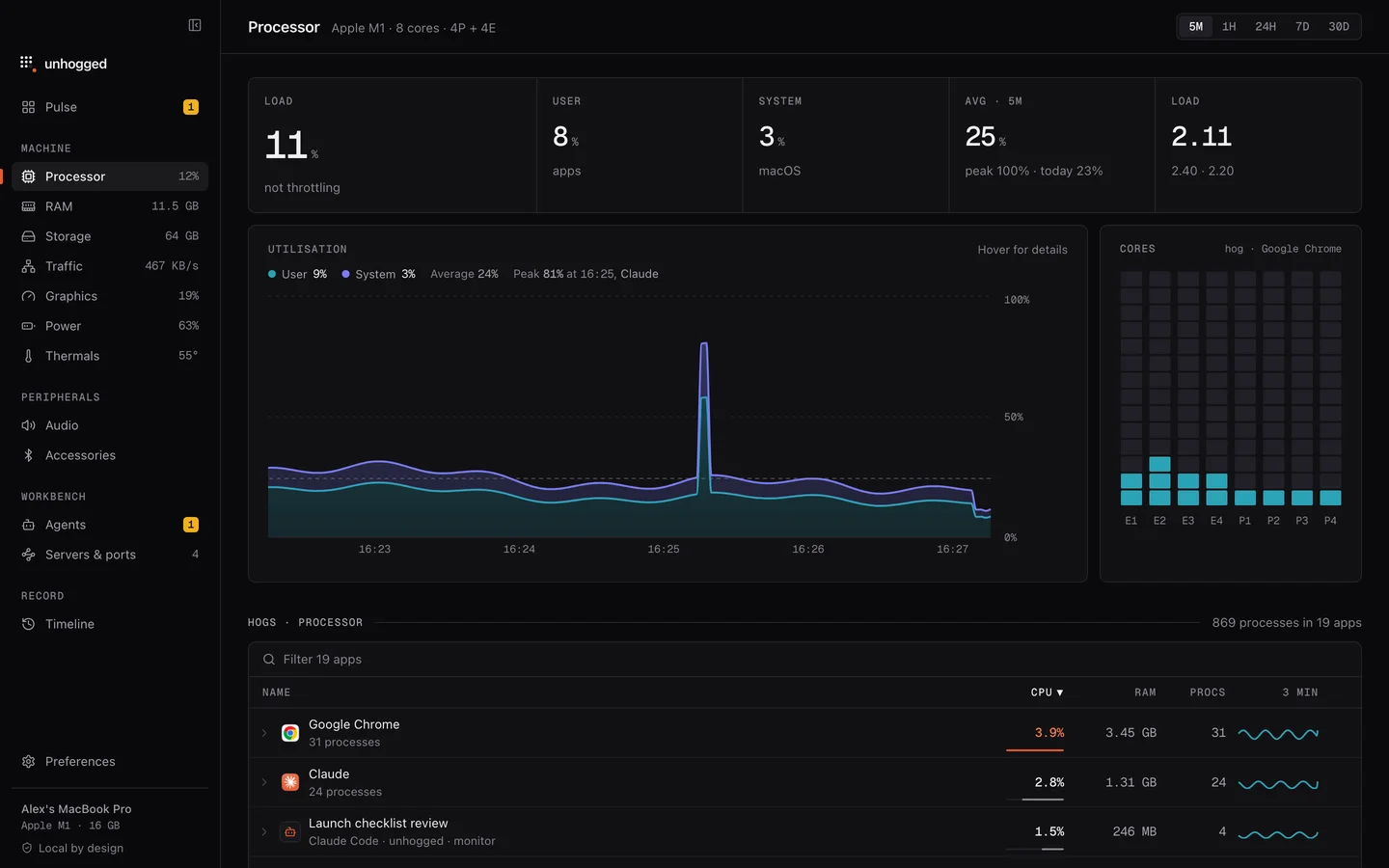
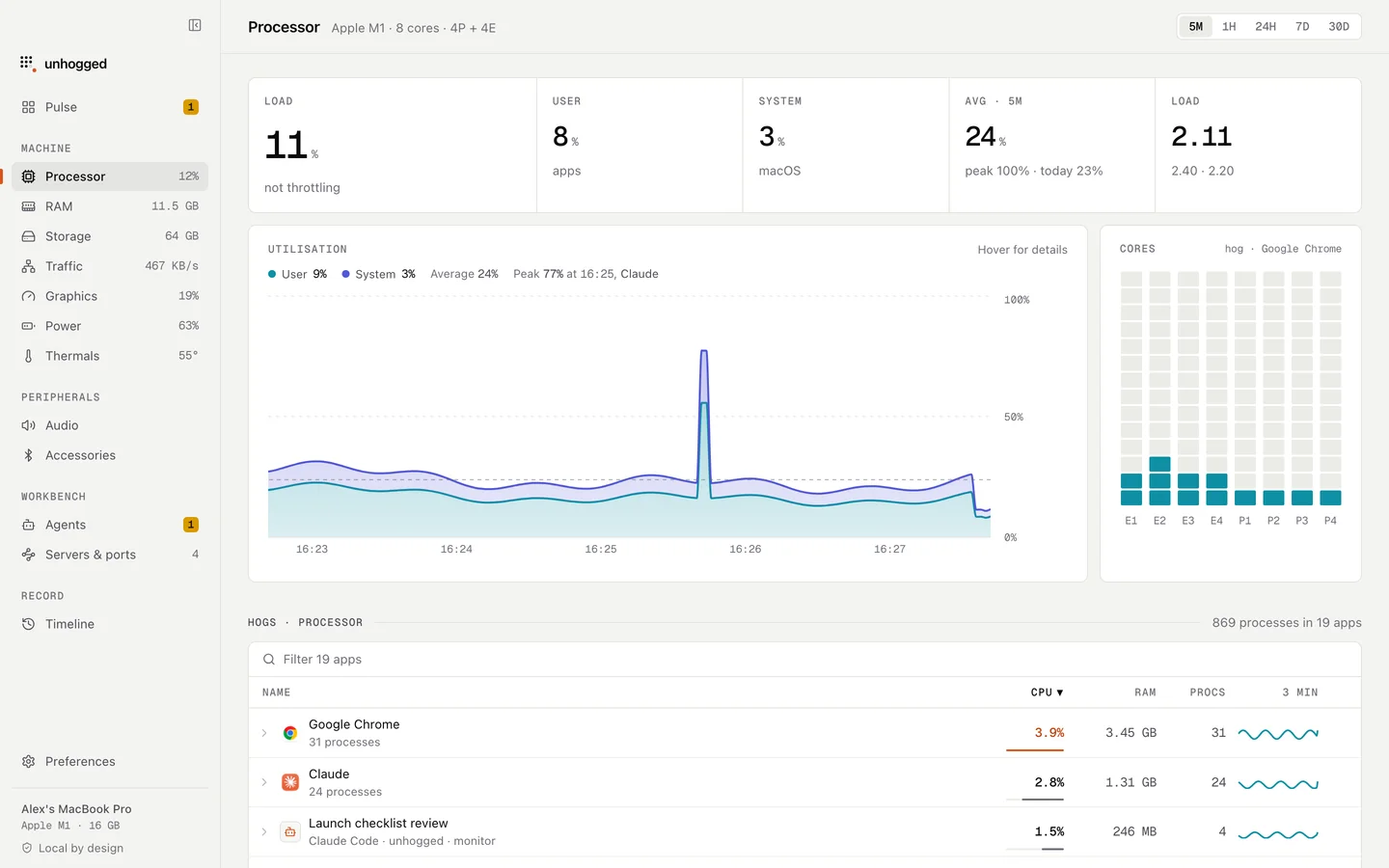
Unhogged names the app behind sustained processor use and keeps history per app, so you can see which app keeps freezing.
One payment, three Macs. macOS 13 Ventura or later on Apple silicon.
Questions
Can I delete spindump reports?
They're small and cleaned up by macOS. Fixing the app that freezes is what matters.