What is softwareupdated, and why is it so busy?
Part of macOS · let it finish
softwareupdated checks for macOS updates, downloads them and prepares them to install. Downloading uses the network; preparing an update uses the processor and disk for a while. It's busy around updates and quiet otherwise.
Why softwareupdated gets busy
It's working when:
- An update is downloading in the background.
- An update is being prepared to install.
- Automatic updates are on and a new version came out.
How to check what it's doing
- System Settings › General › Software Update shows what's downloading or ready.
What to do
- Let it finish, or install the update so it's done.
- To control when it happens, adjust Automatic Updates in Software Update settings.
With Unhogged
See what's slowing your Mac, in one sentence
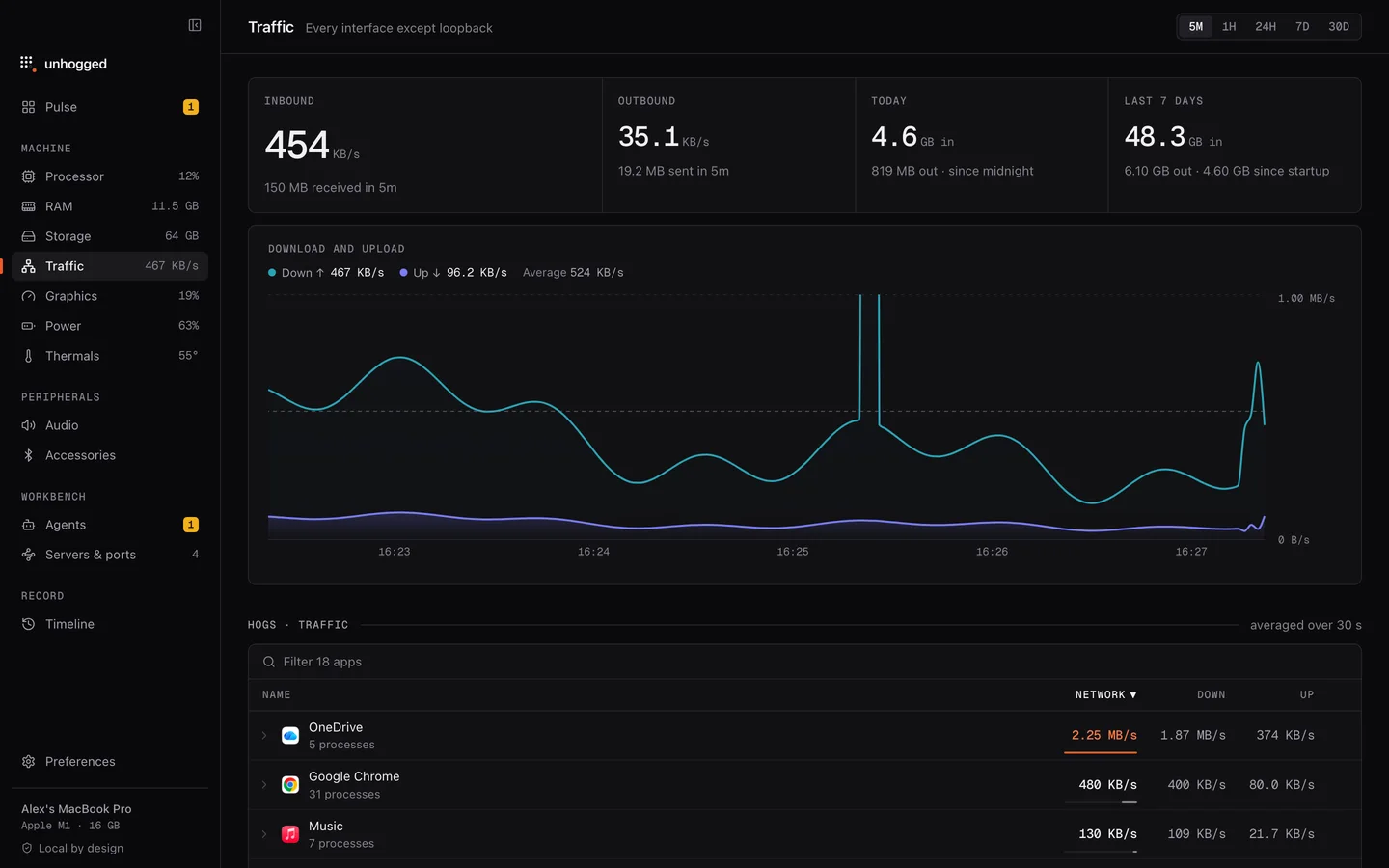
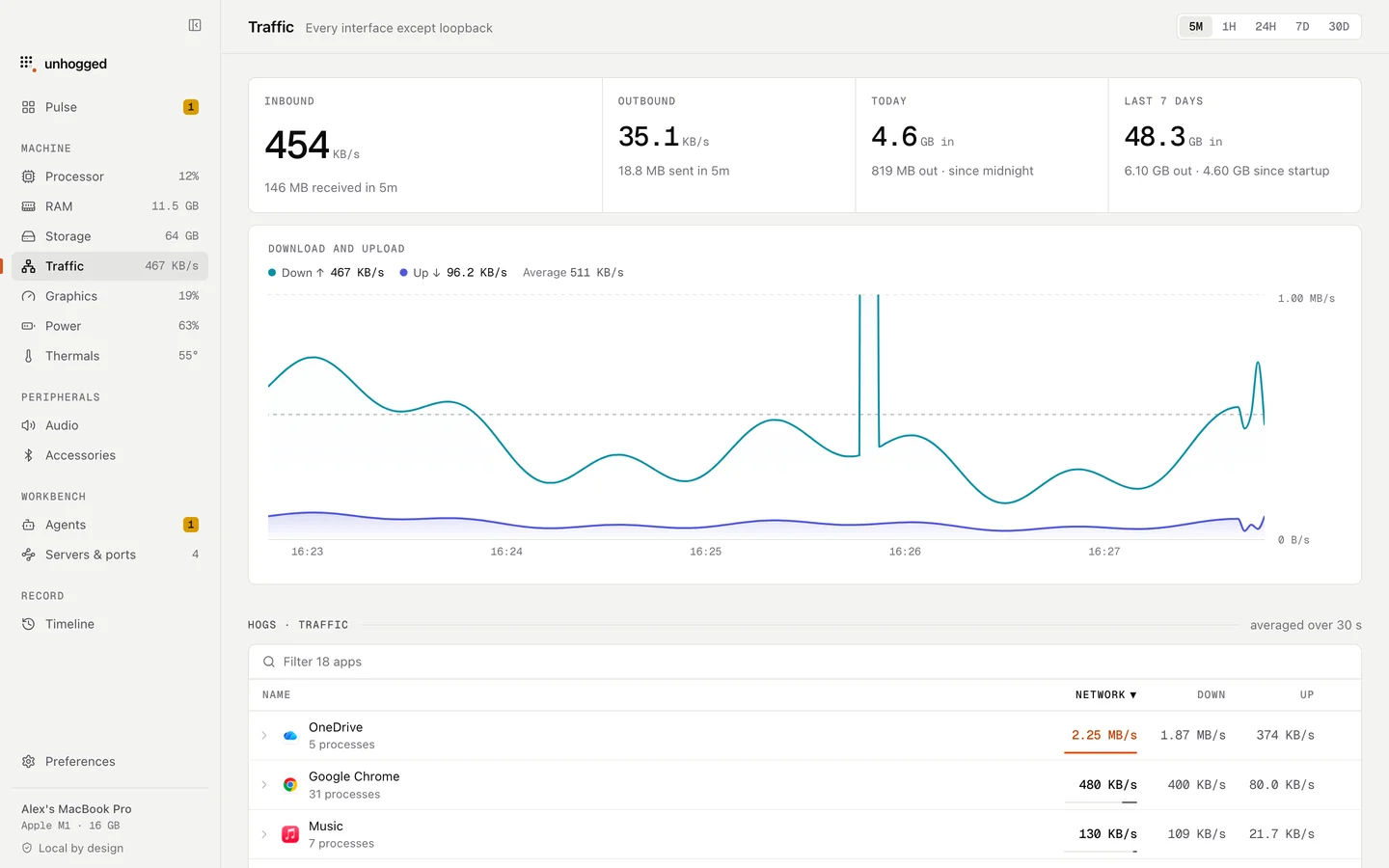
Unhogged's Traffic screen shows what's using your network and when, alongside your apps.
One payment, three Macs. macOS 13 Ventura or later on Apple silicon.
Questions
Can I stop softwareupdated?
You can turn off automatic downloads in Software Update settings. Updates carry security fixes, so install them when you can.