What is mediaanalysisd, and why is it using so much CPU?
Part of macOS · let it finish
mediaanalysisd analyses images and videos for features like Visual Look Up, Live Text and searching your Photos. It works with photoanalysisd, mostly while your Mac is idle, and works hardest after you import a lot of photos or video, or after a macOS update adds new analysis. It finishes on its own.
Why mediaanalysisd gets busy
The work depends on what's new:
- Large imports of photos and video.
- A macOS update with new recognition features.
- iCloud Photos on a new Mac.
How to check what it's doing
- In Activity Monitor, mediaanalysisd and photoanalysisd are busy mostly while you're away from the Mac.
What to do
- Leave the Mac on, plugged in and idle overnight.
- Keep enough free disk space.
- If it runs for days, restart and update macOS.
With Unhogged
See what's slowing your Mac, in one sentence
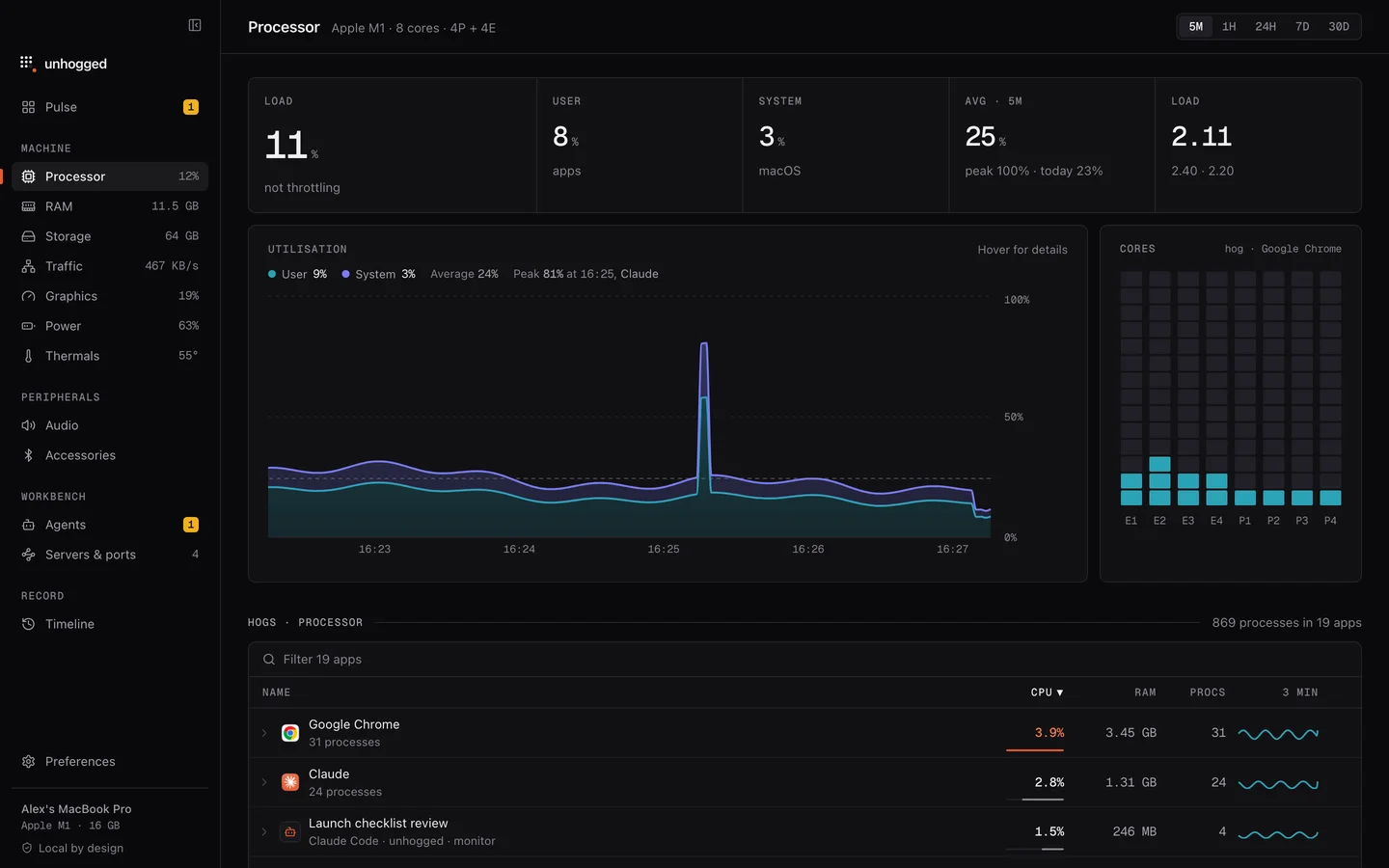
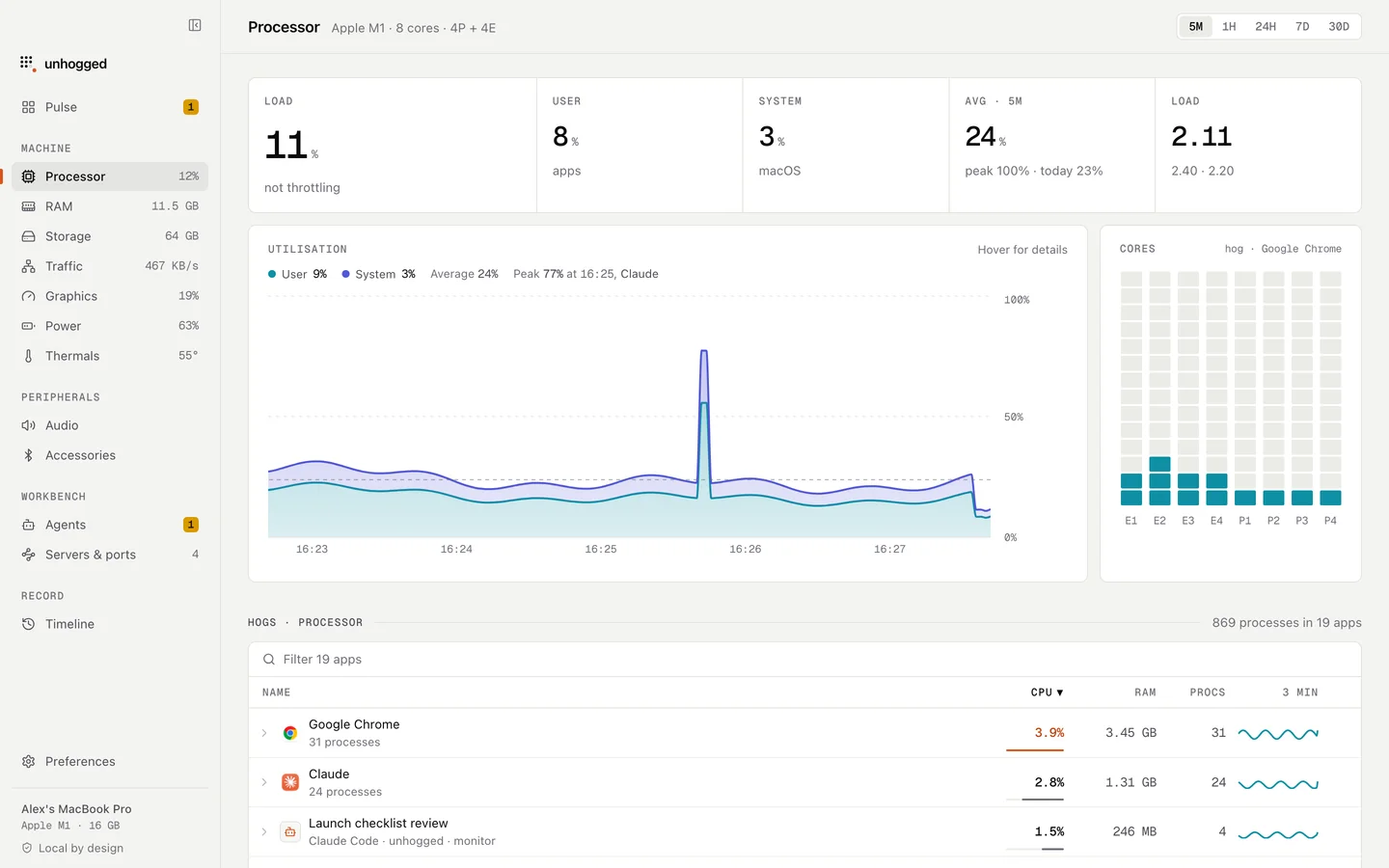
Unhogged keeps 30 days of history per app and says what each macOS process is, so you can tell one-off analysis from something that never stops.
One payment, three Macs. macOS 13 Ventura or later on Apple silicon.
Questions
Does mediaanalysisd upload my photos?
Apple says this analysis runs on your Mac.