What is backupd, and why is it using so much?
Part of macOS · let it finish
backupd is Time Machine. It reads your files and copies what changed to your backup disk, by default every hour. It works hardest during the first backup, which copies everything and can take hours, and after big changes like a large download or a macOS update. Between backups it's idle.
Why backupd gets busy
Each backup is as big as what changed:
- The first backup copies everything.
- Big changes: large downloads, virtual machines, photo imports, or a macOS update.
- Folders that always change, like build output, caches and VM disk images, are copied again each time.
How to check what it's doing
- The Time Machine icon in the menu bar, or System Settings › General › Time Machine, shows whether a backup is running and how far it has got.
- In Terminal,
tmutil statusshows the current backup's progress.
What to do
- Let the first backup finish with the Mac plugged in.
- Exclude folders that don't need backing up (build output, caches, VM images,
node_modules) in System Settings › General › Time Machine › Options. - Skip one backup from the Time Machine menu if you need the Mac's full speed right now.
With Unhogged
See what's slowing your Mac, in one sentence
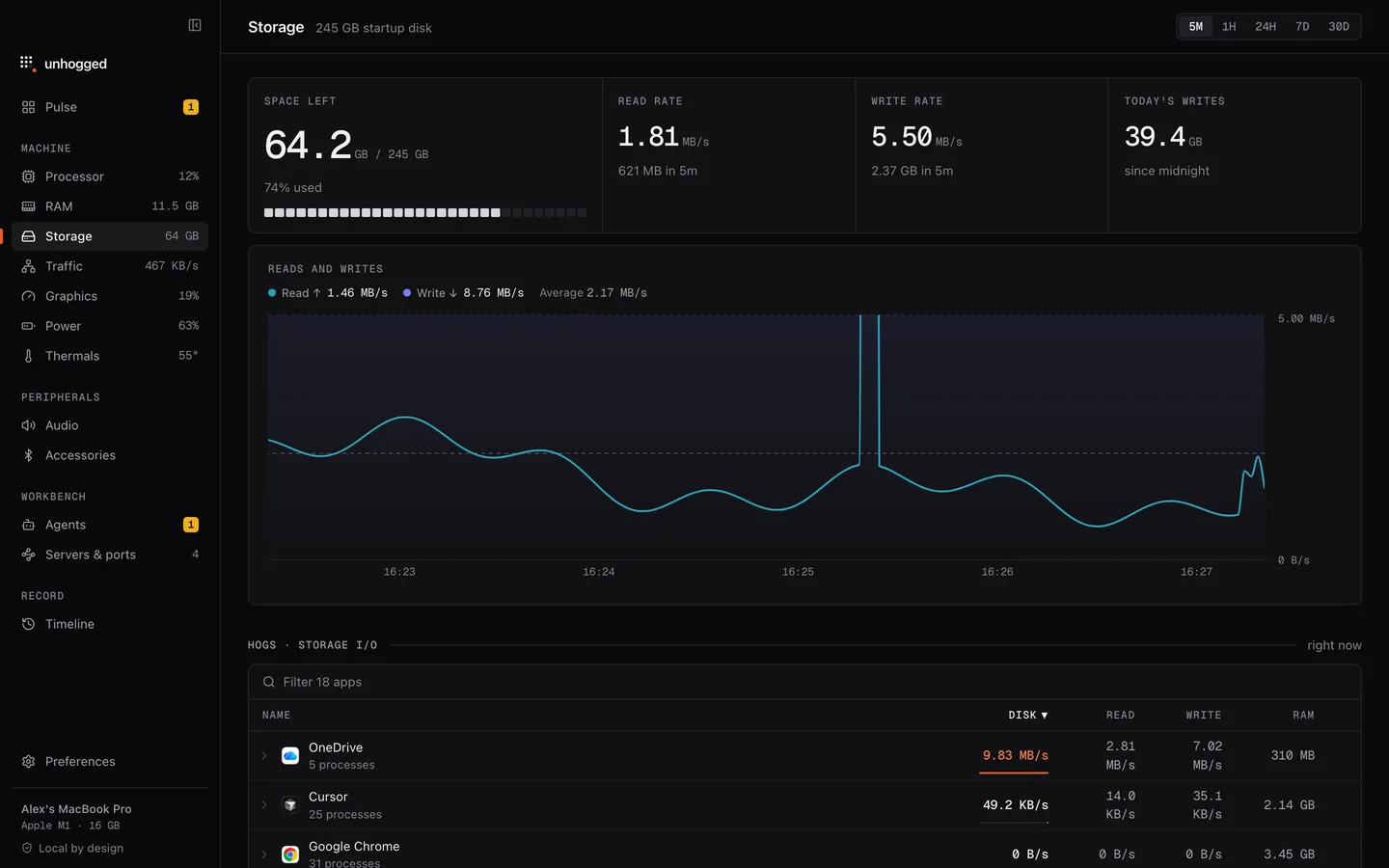
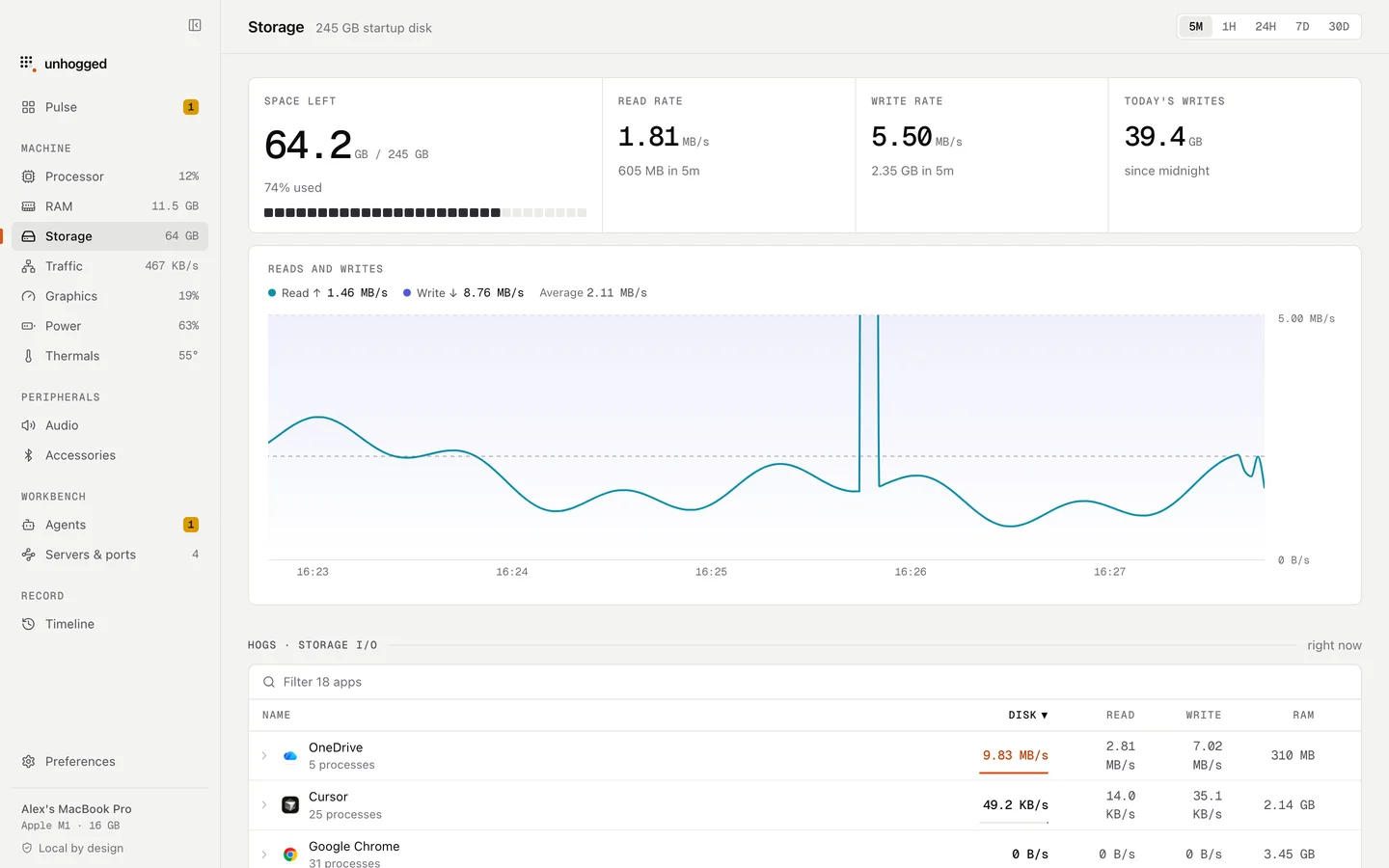
Unhogged's Storage screen shows reads and writes over time and which app is doing them, so you can see a backup at work, and each macOS process says what it is when you expand it.
One payment, three Macs. macOS 13 Ventura or later on Apple silicon.
Questions
Can I use my Mac while Time Machine backs up?
Yes. Backups run in the background; the first one takes longest.