What is accountsd, and why is it using so much CPU?
Part of macOS · check your accounts
accountsd manages the accounts in System Settings › Internet Accounts (iCloud, Google, Microsoft Exchange and others) that Mail, Calendar, Contacts and Notes use. It's normally idle. Sustained high CPU usually means an account keeps trying and failing to sign in or sync, often after a password change.
Why accountsd gets busy
accountsd gets stuck when:
- An account's password changed elsewhere and the Mac keeps retrying the old one.
- An account needs you to sign in again.
- After a macOS update, accounts are refreshed.
How to check what it's doing
- Open System Settings › Internet Accounts and look for an account asking for attention or a password.
What to do
- Sign in to any account that asks, or remove an account you no longer use.
- Restart the Mac.
- If it continues, remove the misbehaving account and add it again.
With Unhogged
See what's slowing your Mac, in one sentence
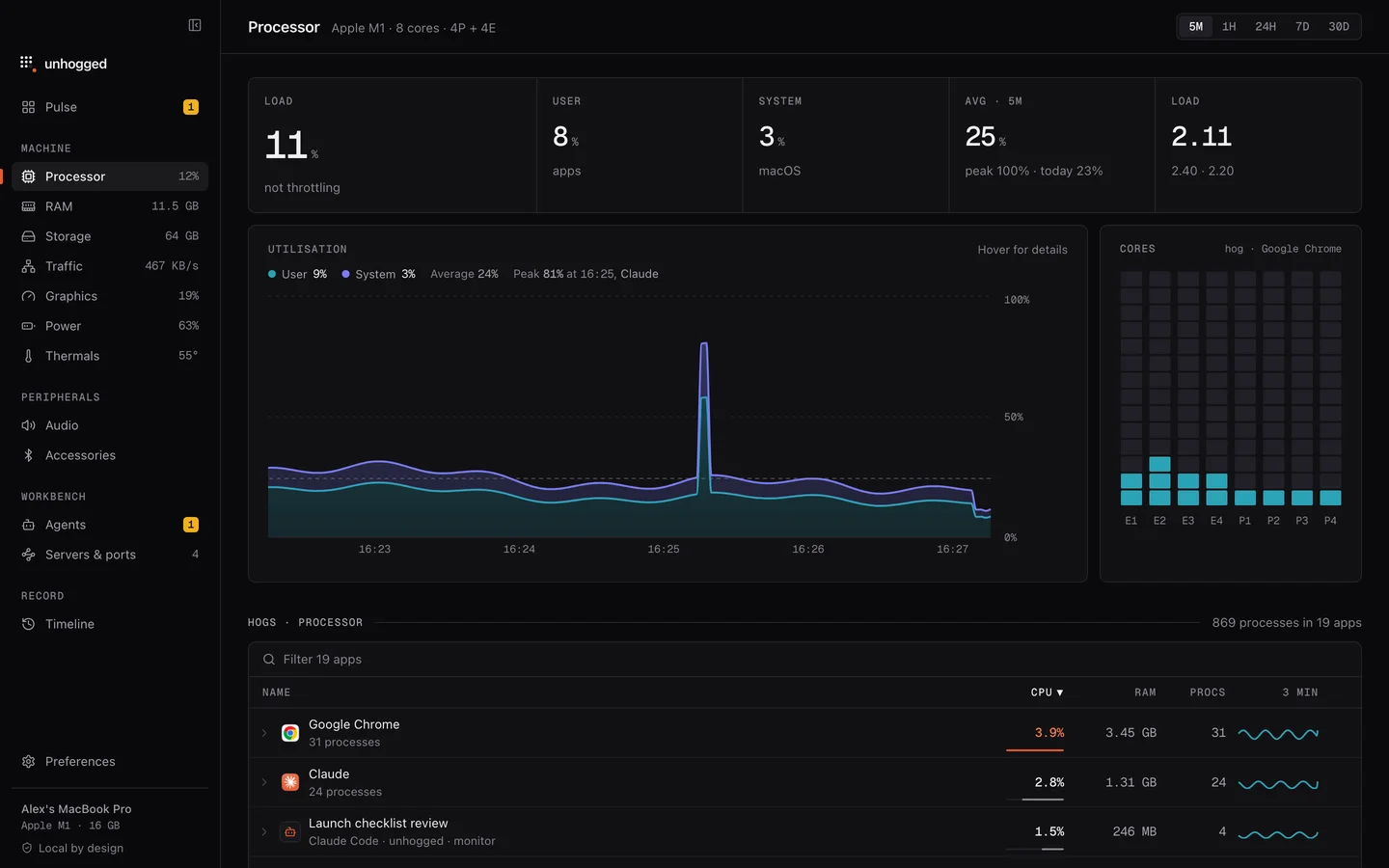
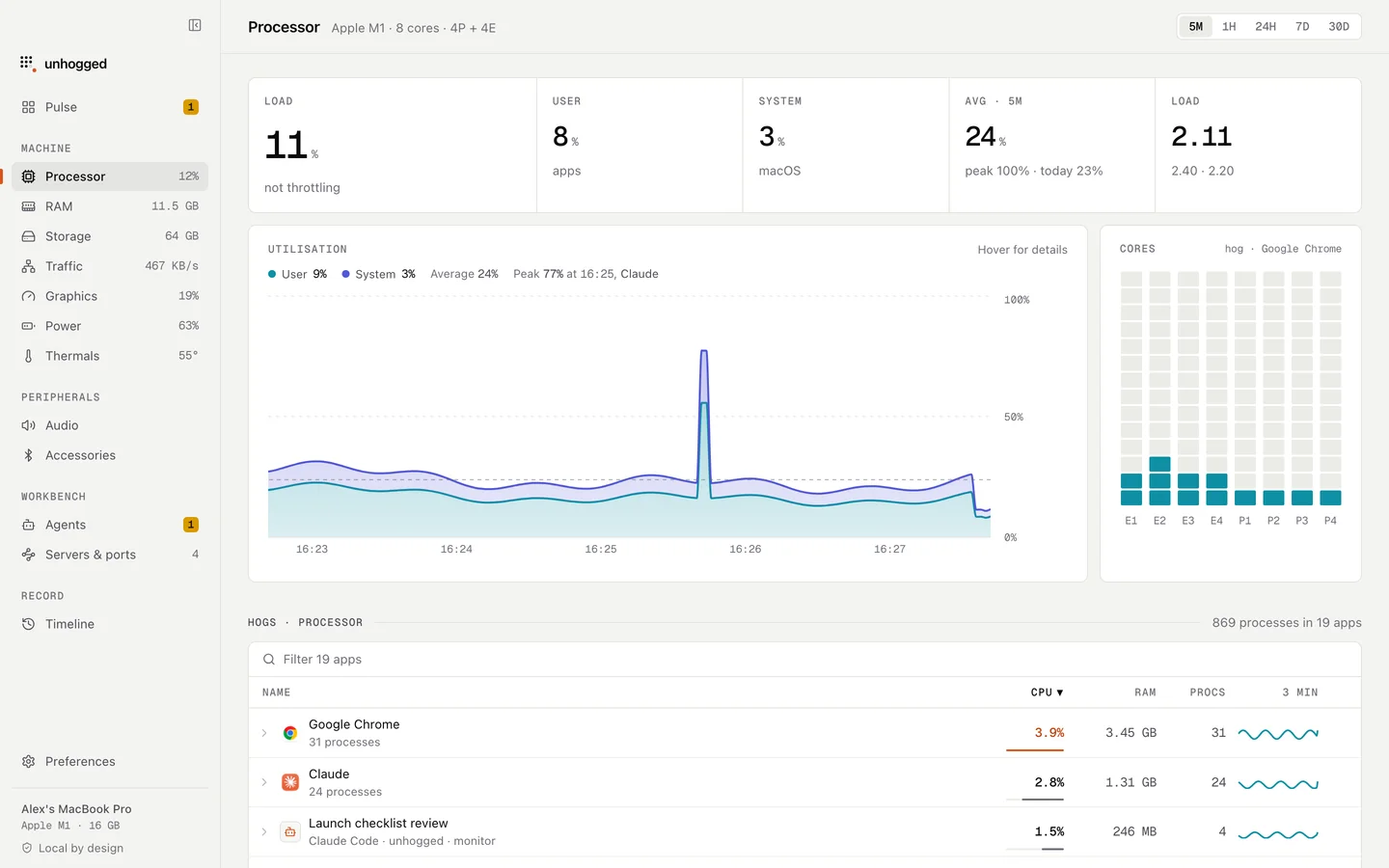
Unhogged flags processes using processor time for a sustained period and says what each macOS process is, so you know to look at your accounts.
One payment, three Macs. macOS 13 Ventura or later on Apple silicon.
Questions
Can I quit accountsd?
macOS restarts it. Fixing the account it's struggling with is what stops it.