See what's really using your Mac's memory
Updated 7 October 2026
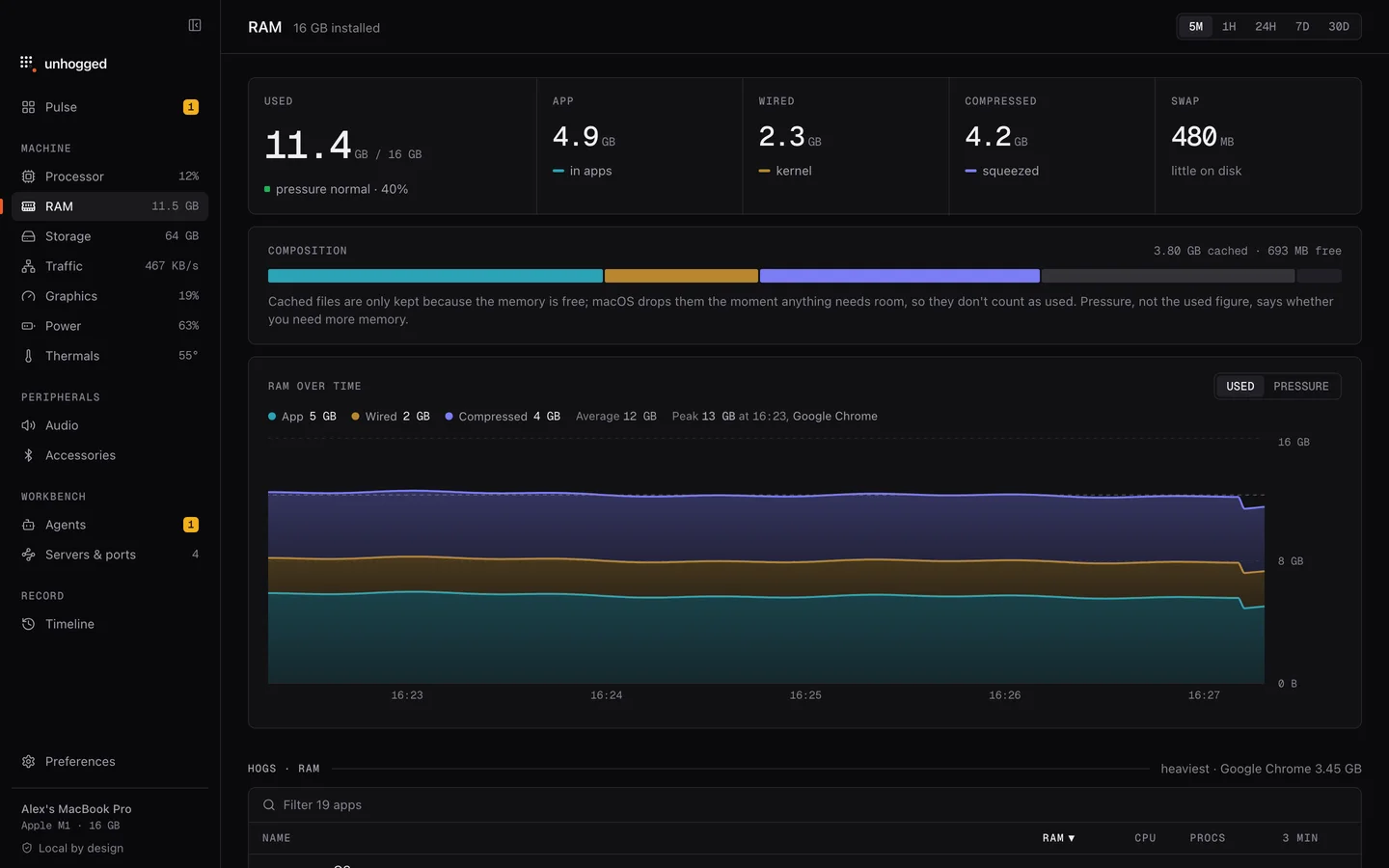
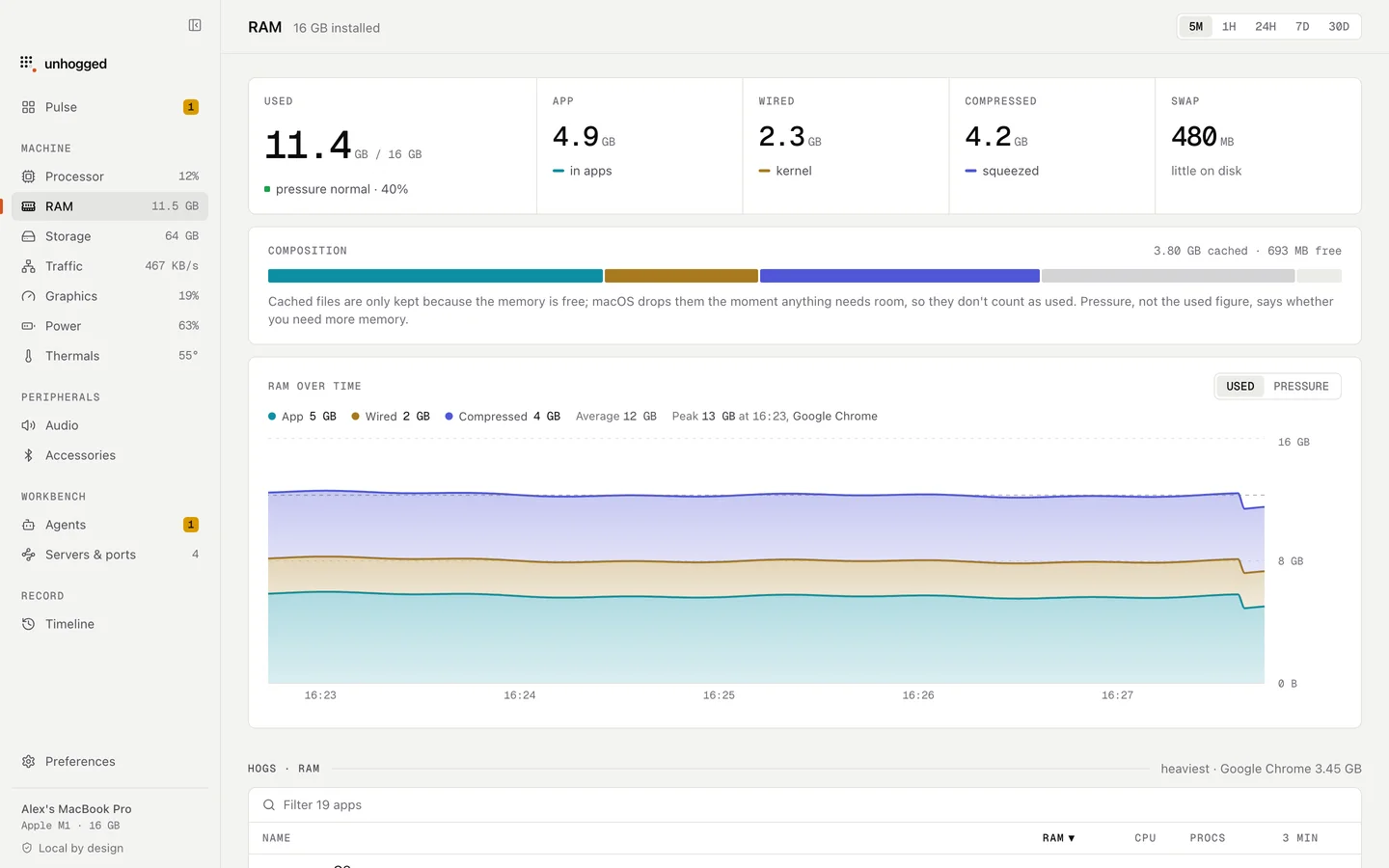
Unhogged shows memory pressure in words, what your memory is made of over time (app, wired, compressed, swap), and the apps holding the most, with every helper counted so Chrome is one honest figure, not forty rows. It warns when an app's memory keeps climbing, and frees memory from things you're not using, showing what came back.
What you see
- Pressure, the measure that matters, with what it means.
- Composition over time: app memory, wired, compressed and swap.
- Apps by memory, with their processes inside and what each one is.
- Leaks: an app whose memory only grows, with a button to restart it.
- 30 days of history, so you can see what used memory yesterday.
With Unhogged
Know when you're short
$3.99 once for 3 Macs. What memory pressure means
One payment, 3 Macs. macOS 13 Ventura or later on Apple silicon.
Questions
Does Unhogged free memory by purging caches?
No. It closes or restarts what holds the memory, like a forgotten session or a leaking app, after showing you what it will do.
Related
- Memory pressure explainedMemory pressure, not Memory Used, says whether your Mac is short of memory. What green, yellow and red…
- Google Chrome Helper (Renderer)One tab, window or extension of Google Chrome.
- Why is my Mac slow?A Mac slows down for five reasons: memory, one busy app, heat, a full disk or background work. How to tell…
- ThermalsSee every part of your Mac (cores, graphics, storage, battery) with its temperature, its limit and a plain…